

Import Words

★ 21
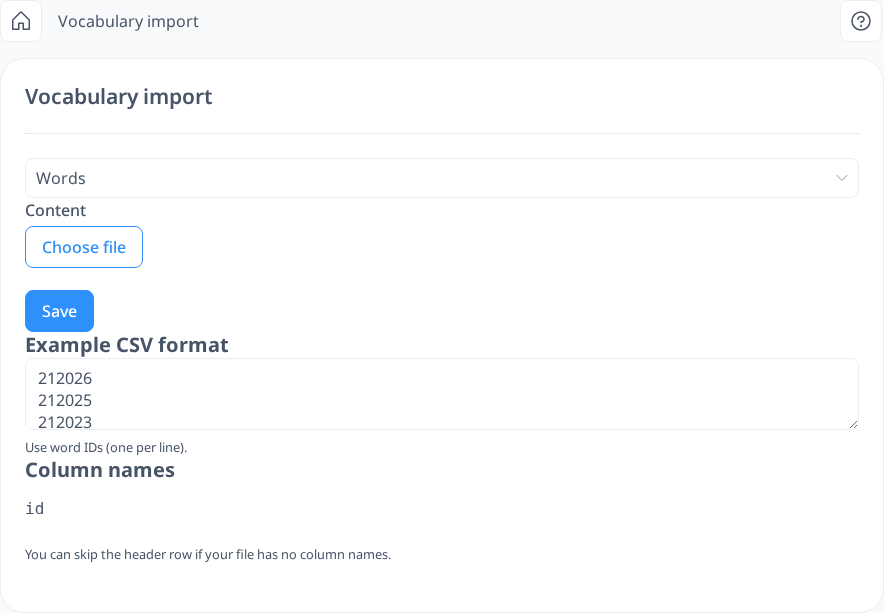
If you have access to the word IDs in the database, this feature provides a convenient way to add multiple words to your vocabulary from the built-in dictionary. Instead of manually searching for words one by one through the Word Info section, you can simply enter the word IDs to import several words at once, saving time and effort.
 [mobile]
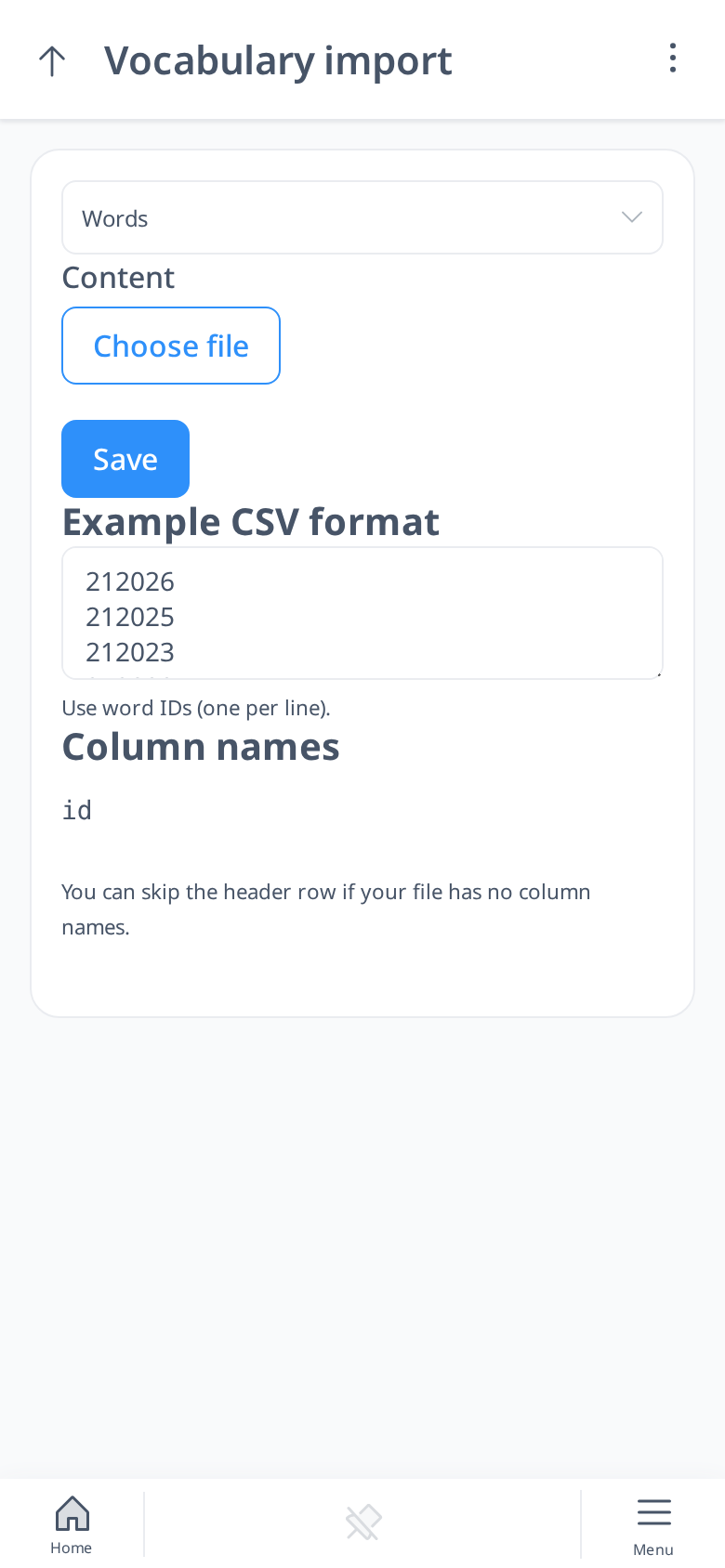
To add words to your vocabulary, you need to create a file in CSV format. In this file, list the word IDs in a single column—no additional information is required. A header row (for example "id") is optional: the import skips it.
Once your file is ready, simply upload it by selecting the file and clicking Save. The words corresponding to the provided IDs will be instantly added to your vocabulary.