

Words Patterns

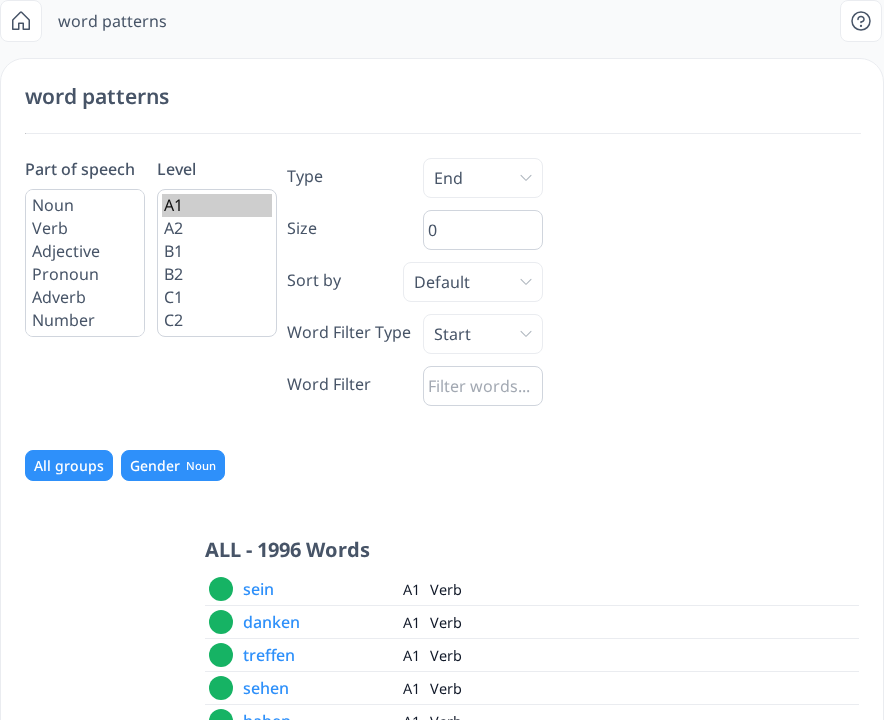
Word Patterns allows you to find words that share a similar structure or pattern.
 [mobile]
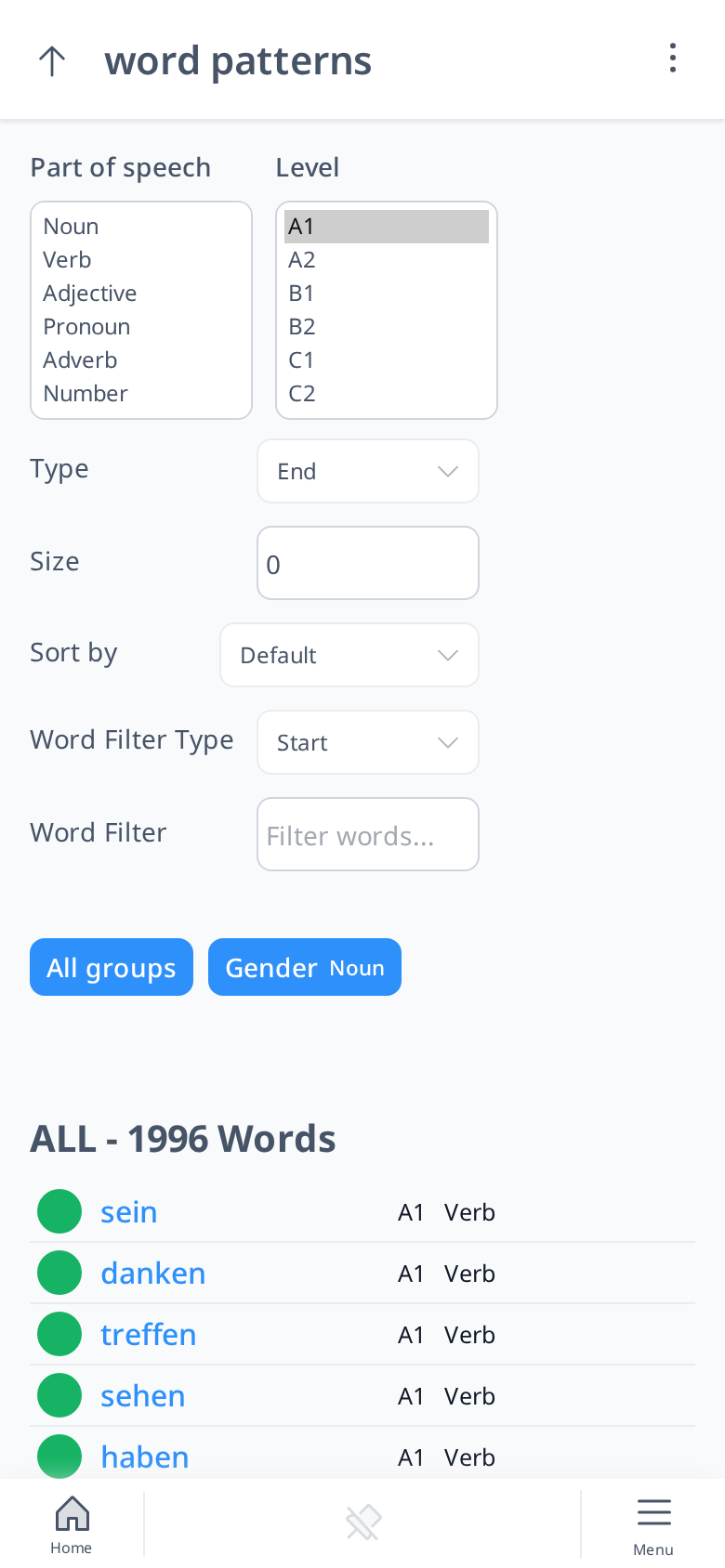
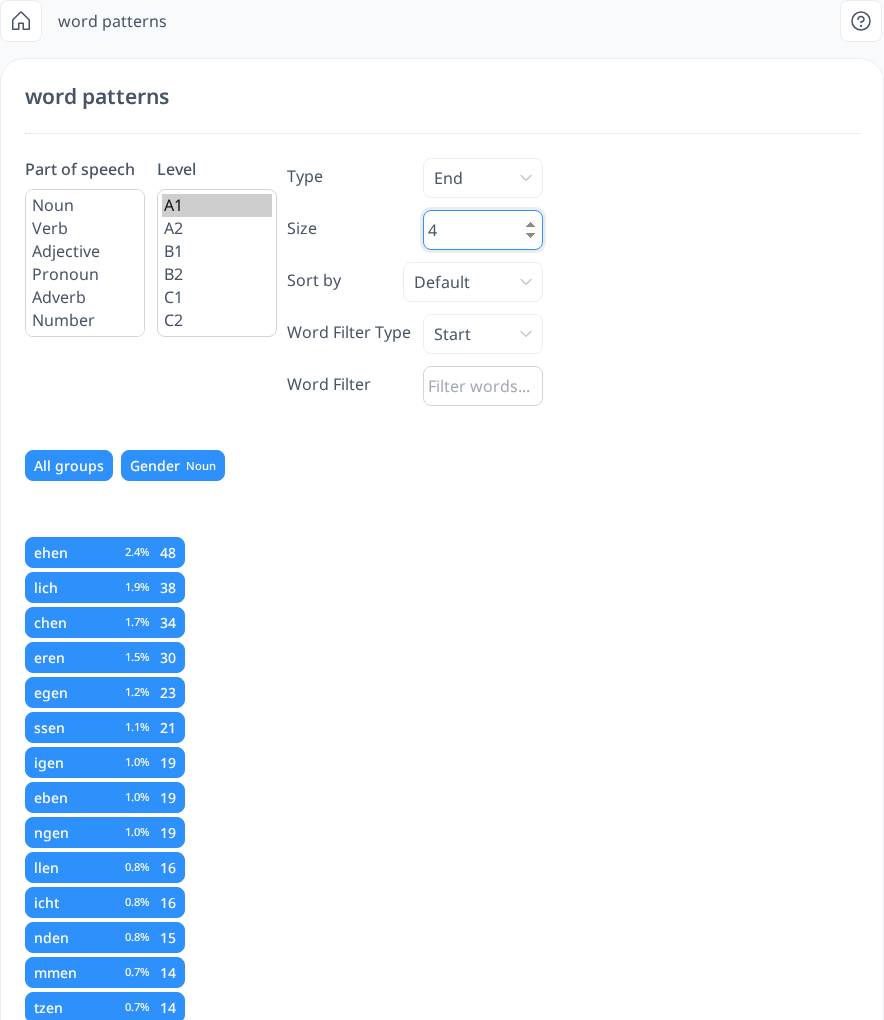
You can set the "End" character size to a specific number, and the system will display variations of word endings based on the selected length. It will then group words that share the same ending.
 [mobile]
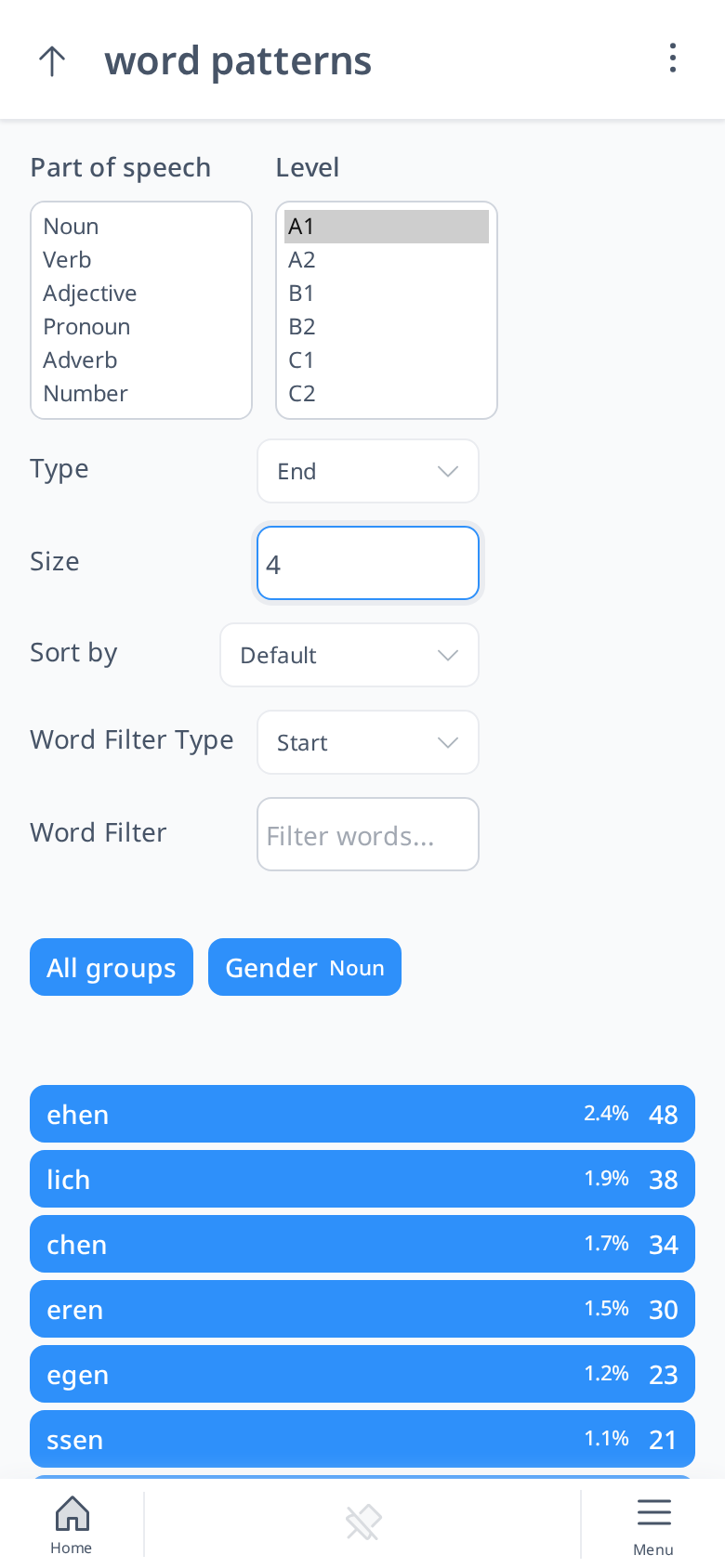
In this example, we set the "End" size to 4 characters. The system then identifies and displays word groups based on their endings—for instance, 29 words ending in "ehen" and 27 words ending in "lich." When we select "lich," the system provides a list of those 27 words along with their level and part of speech.
 [mobile]
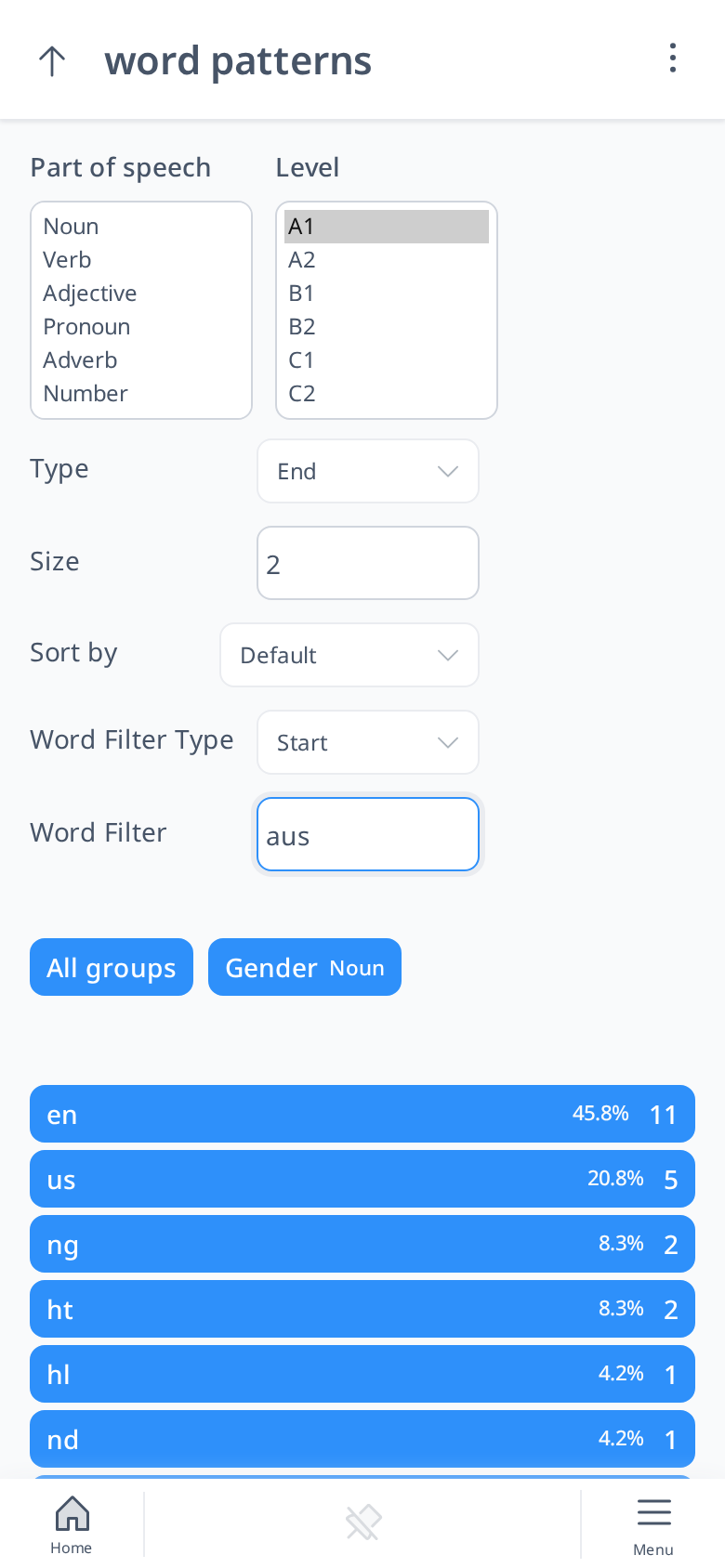
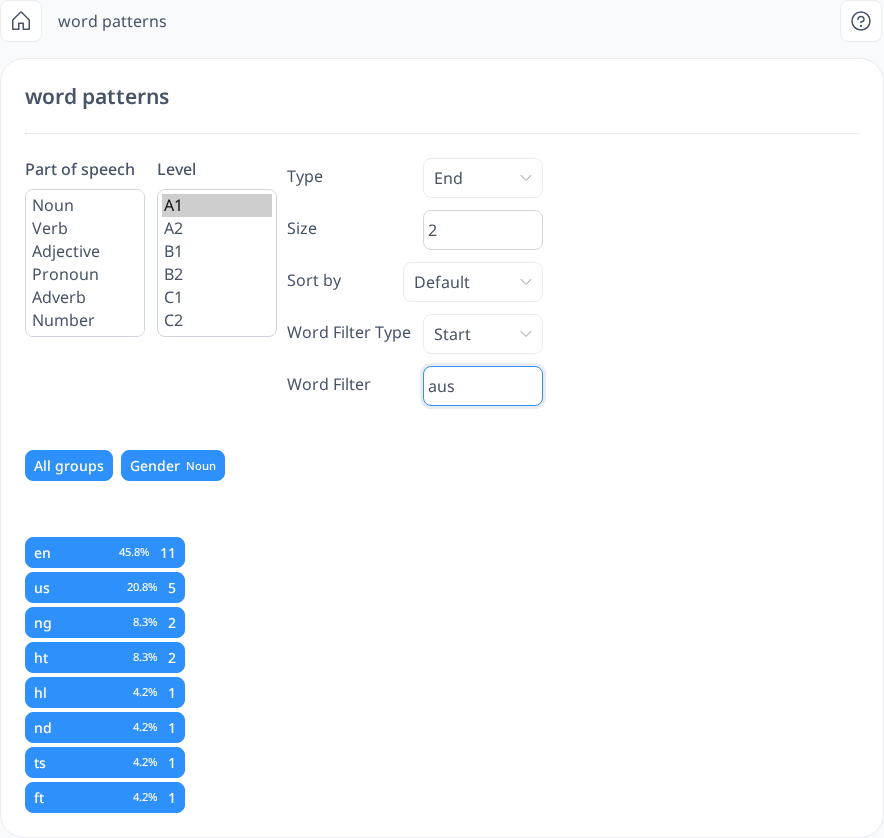
You can also apply a "Start" filter. For example, if we set the "End" character size to 2 and specify "aus" as the starting word, the system will display word groups based on these criteria. It might show that 7 words start with "aus" and end in "en," 5 words end in "us," and so on. By selecting the "en" group, we can see the specific words that match. Each word in the list is clickable, allowing you to open the Word Info sidebar for more details.
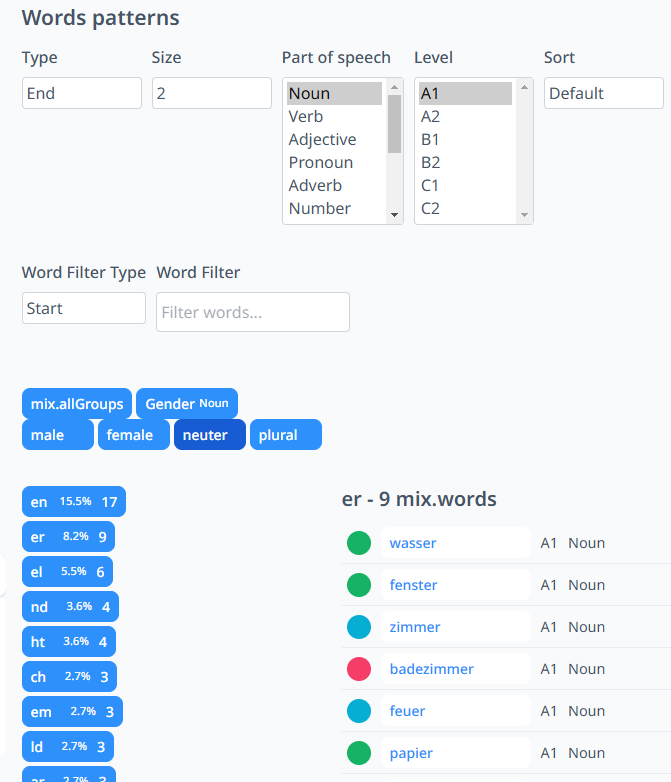
You can further refine your search by filtering words based on their part of speech and proficiency level. If you're searching within noun groups, you can also select a specific grammatical gender.
For example, if we set the "End" character size to 2, choose nouns as the part of speech, set the level to A1, and select neuter gender, the system will display relevant word groups. We might see that 17 words end in "en," 9 words end in "er", and so on. Selecting the "er" group will then reveal the words that belong to that category. Additionally, you can sort the words alphabetically if needed.
You may also notice colored circles next to words in the list. These circles indicate how familiar you are with each word based on your vocabulary progress. If a word has no colored circle beside it, it means that it hasn’t been added to your vocabulary yet.
The Word Patterns feature can be especially helpful in various ways, whether you're trying to expand your vocabulary, recognize patterns in word formation, or deepen your understanding of grammar. Here are some key benefits:
- Identifying common suffixes and prefixes – By spotting recurring patterns in words, you can better understand how words are formed and how their meanings relate to each other.
- Expanding vocabulary systematically – Grouping words by patterns allows you to discover new words more easily and reinforce them in a structured way.
- Recognizing spelling and pronunciation patterns – Some word endings influence pronunciation, so seeing them grouped together can help improve both your spelling and speaking skills.
- Improving grammar understanding – Certain endings are tied to verb conjugations, noun cases, or adjective forms, making it easier to see how grammar rules apply in different contexts.
- Finding words with similar structures – If you're focusing on a particular pattern, this tool helps you quickly find other words that follow the same structure.
- Analyzing word endings with specific rules – Some languages have grammar rules that apply only to words with particular endings, so this feature is great for recognizing and learning those patterns.
- Memorizing noun gender groups – By filtering nouns based on their grammatical gender, you can see which words belong to a specific gender category. This can help reinforce patterns and make it easier to remember the gender of new words.
By using Word Patterns, you’ll not only expand your vocabulary but also gain valuable insights into how words are structured in your target language. Whether you're a beginner trying to recognize common endings or an advanced learner analyzing linguistic patterns, this tool can make your learning process more engaging and effective.