

Personal Information

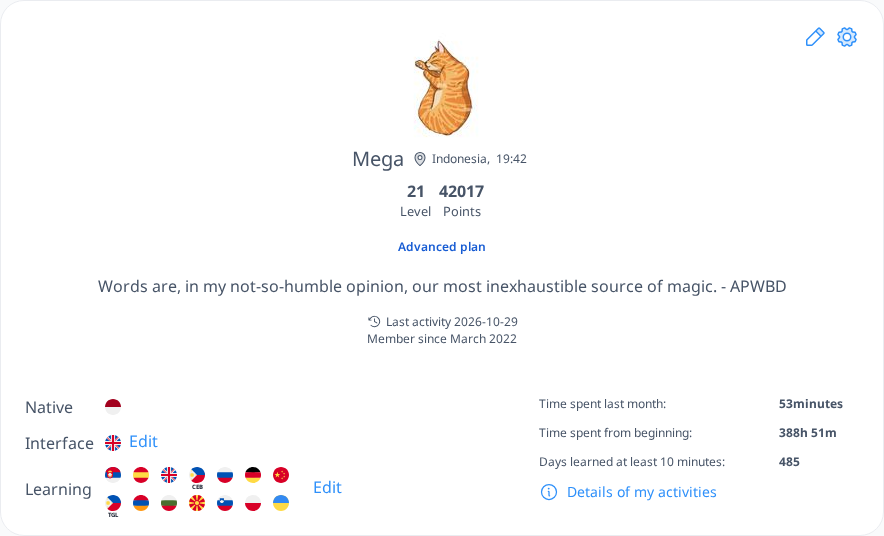
The Personal Information section is located at the top of your profile page. Here, you will find key details such as your name, age, country, and local time. Your level and points are also displayed, along with information about your last activity and the date you first registered on Langoid.
 [mobile]
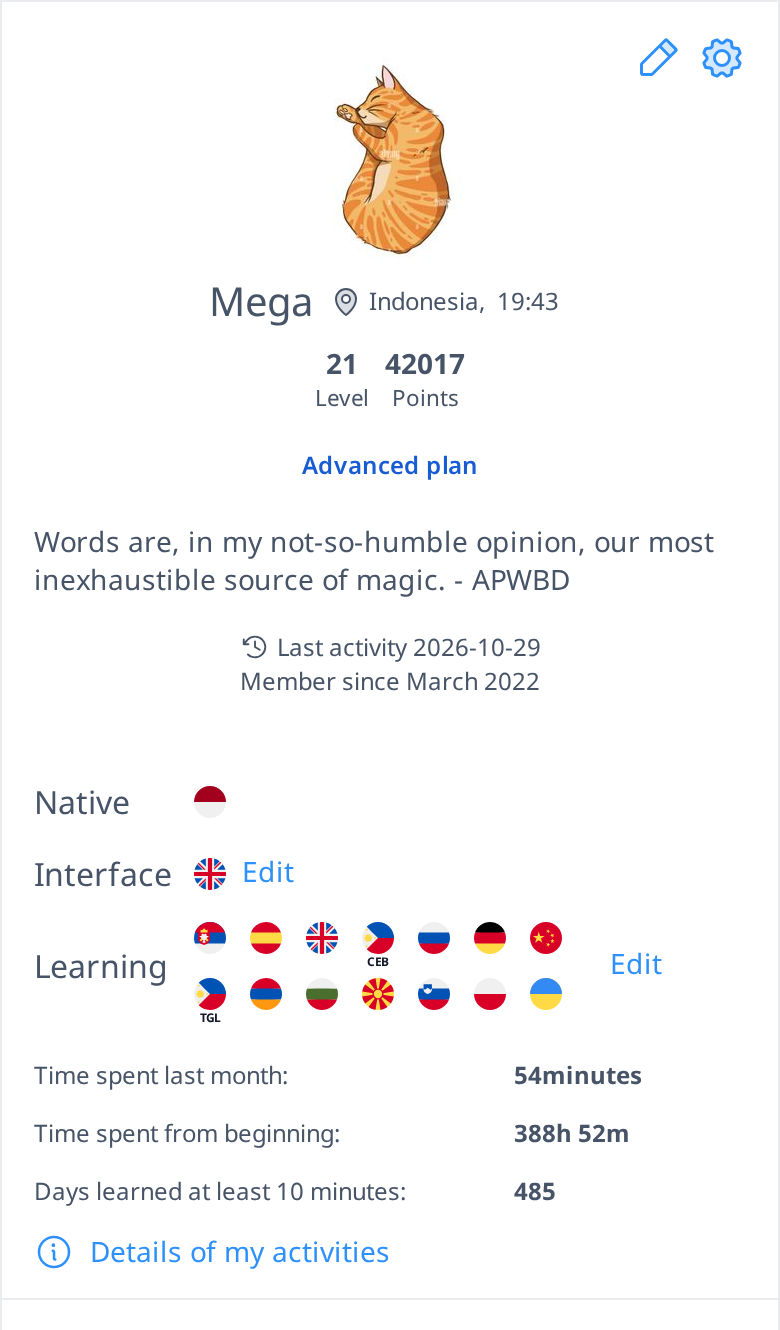
Additionally, this section includes details about your native and interface language, which you can update using the Edit button, as well as the languages you are learning. You will also see a summary of your total time spent on Langoid, helping you track your overall engagement with the platform.
 [mobile]
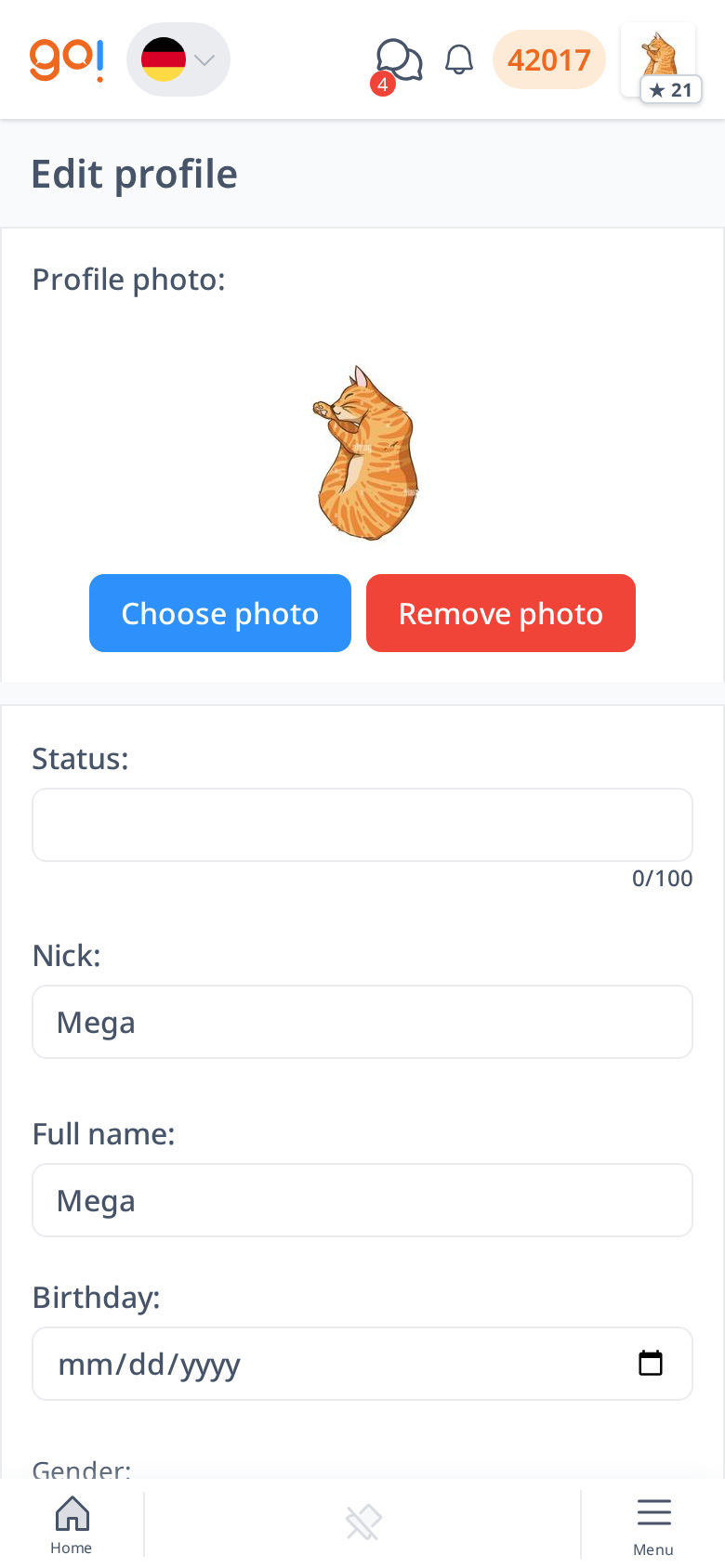
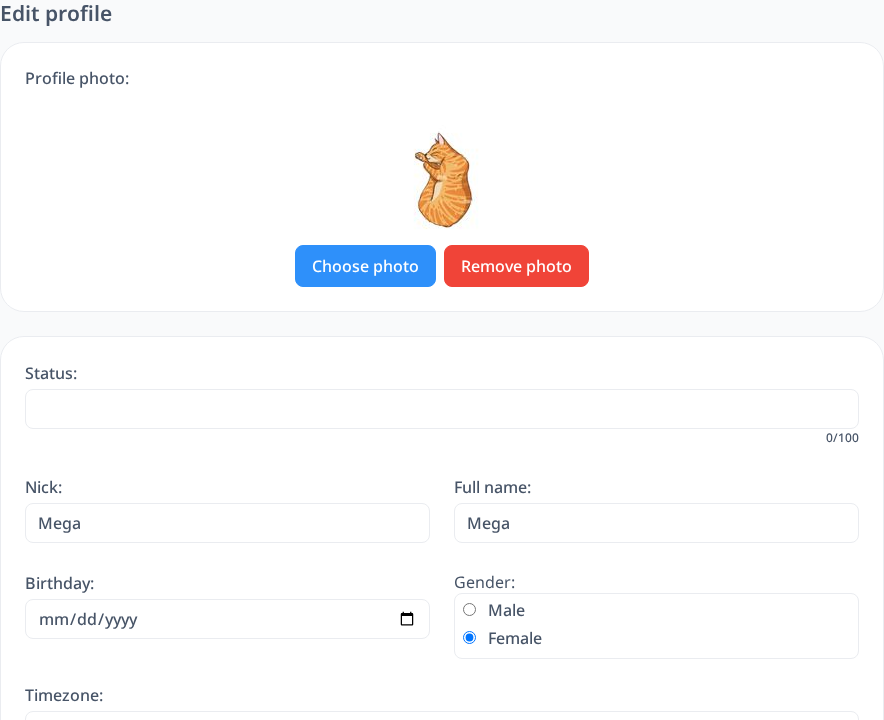
To edit your personal information, click the pencil icon in the top right corner of this section. This will open the edit profile menu, where you can update various details about yourself.
In this menu, you can:
- Change or remove your profile picture to personalize your account.
- Set your status to share a short message or update with other users.
- Modify your personal details, such as your name, country, or any other information displayed on your profile.
Updating your profile ensures that your information is accurate and reflects your current learning journey on Langoid.