

Compare Languages

If you speak more than one language, you might sometimes find yourself comparing words between them. The Compare Languages feature in Langoid helps you do exactly that by allowing you to see how specific words are translated across multiple languages.
 [mobile]
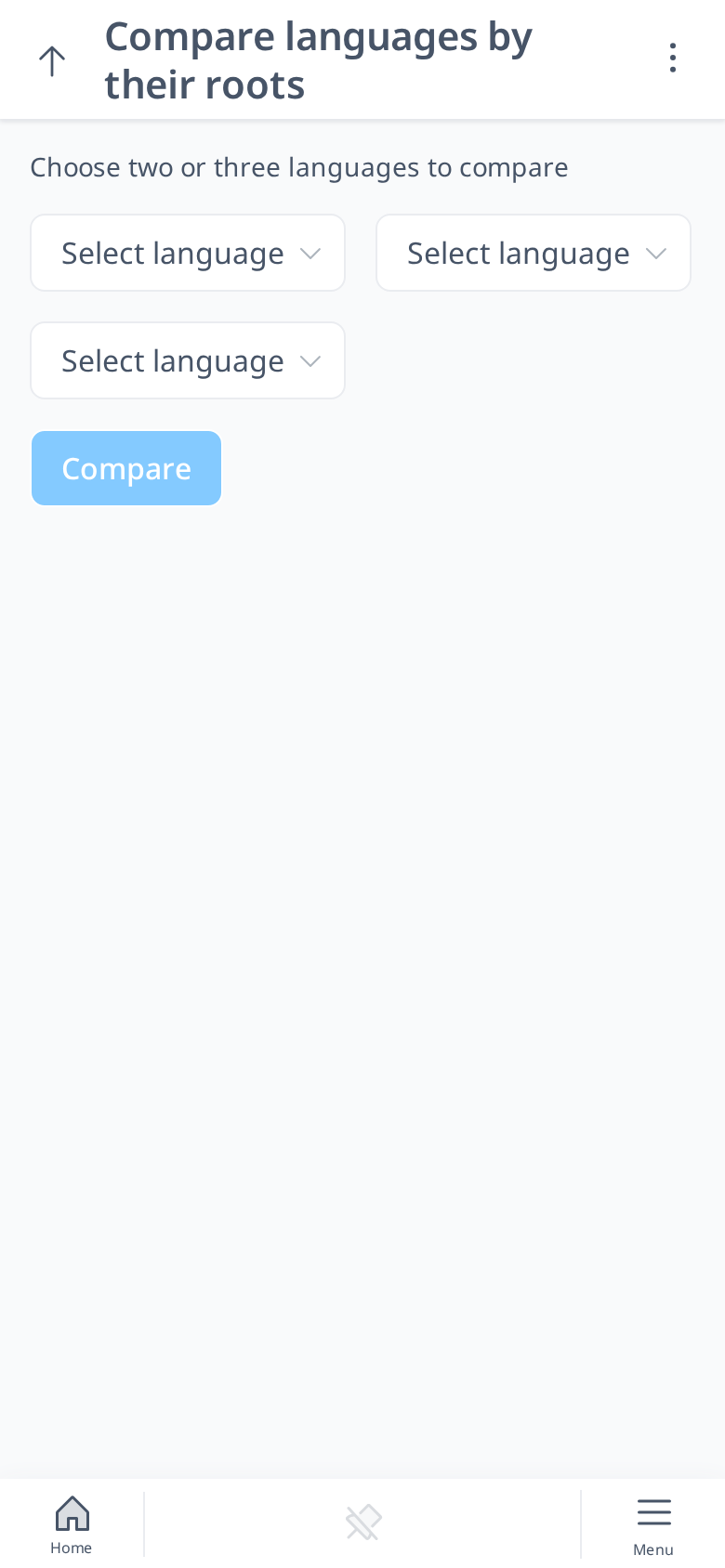
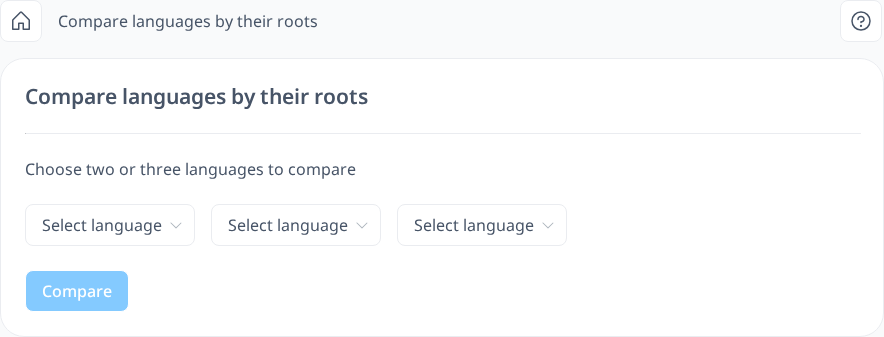
In Compare Languages, you choose two or three languages and click Compare. The English words will always be displayed in the first column, ensuring that you have a clear reference. If you choose to compare three languages, you will see the translations in those three languages alongside their English equivalents. This feature makes it easy to spot similarities, differences, and patterns between languages at a glance.
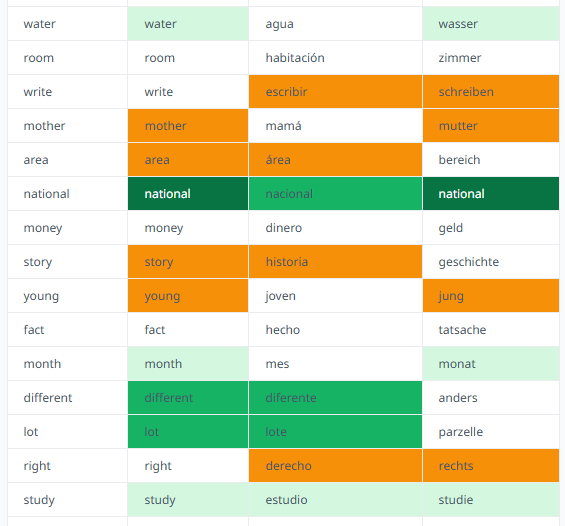
If the words are similar, they will be highlighted in different colors to indicate the level of similarity:
- Orange: The words are somewhat similar, representing the lowest similarity level.
- Light Green: The words are identical except for two character differences.
- Green: There is only a one-character difference.
- Dark Green: The words are exactly the same.
By comparing words across the languages you know, you may find it easier to remember them. If a word in your target language is similar to one you already know, it can speed up the learning process. Additionally, this comparison allows you to decide whether to add similar words to your vocabulary immediately, without waiting for them to appear in your lessons.