

My Vocabulary & Stats

 [mobile]
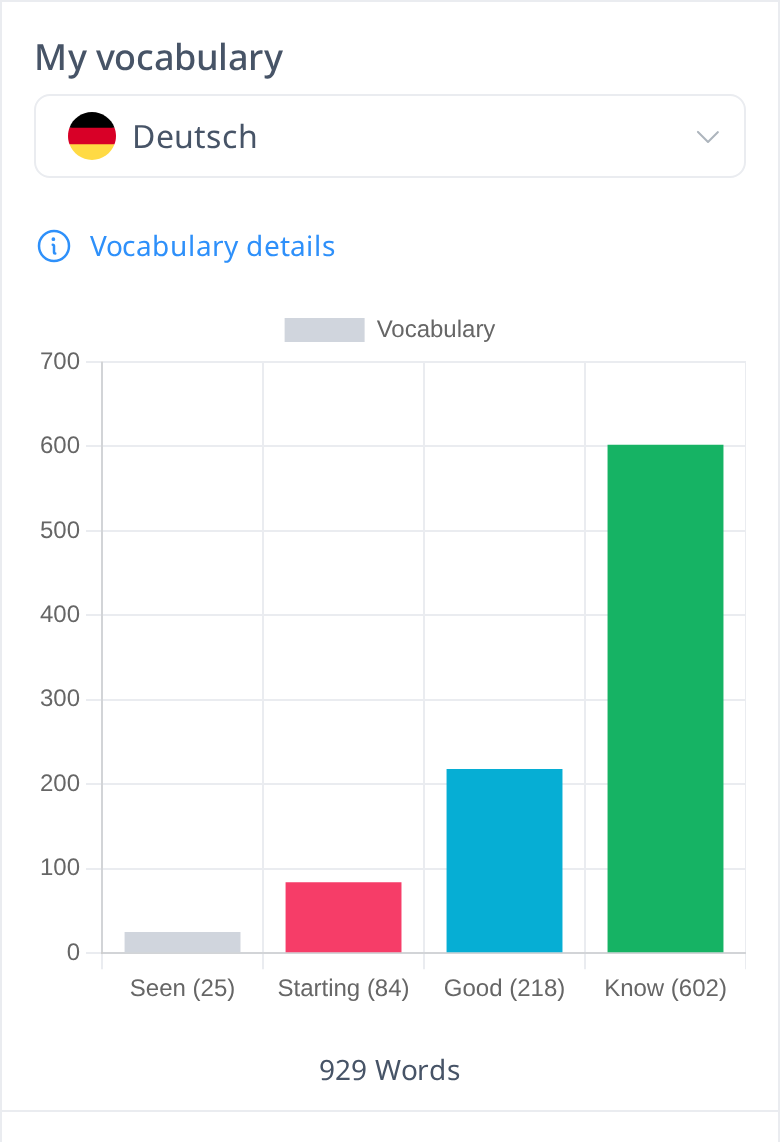
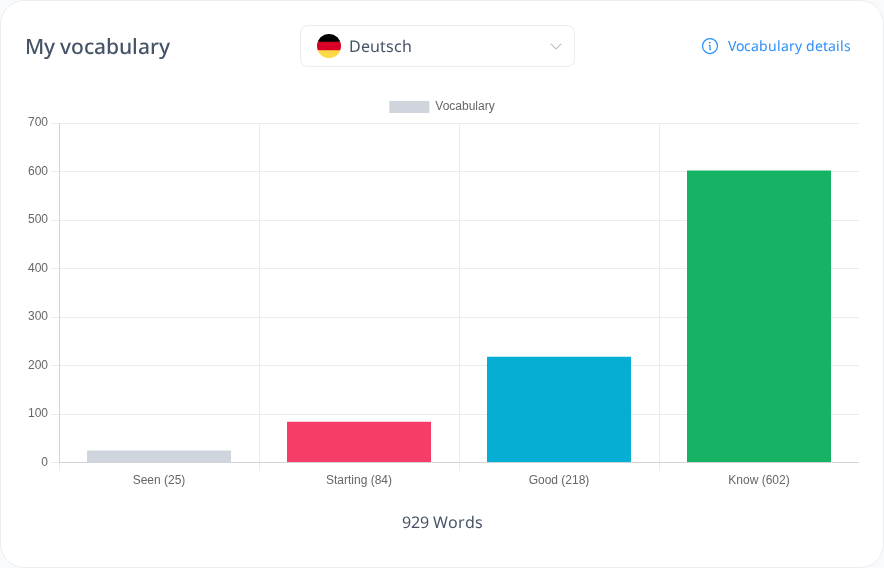
The second section of your My Profile page displays your vocabulary progress in a bar chart. This chart visually represents the words you have learned, and if you are studying multiple languages, you can switch between them using the drop-down menu.
This chart is also visible to other users, allowing them to see your progress. It corresponds to the pie chart found in your My Vocabulary page, which provides a breakdown of your learned words.
To explore your vocabulary in more detail, click the Vocabulary Details link in the top right corner. This will take you to the My Vocabulary page, where you can review your word list and track your learning progress more comprehensively.
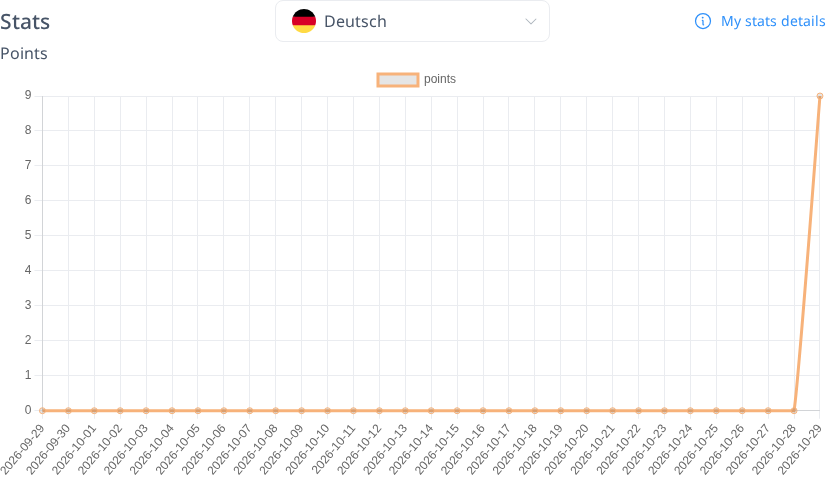
Below the My Vocabulary section, you will find your Points Stats. This section displays a line chart that tracks your accumulated points over time. It is the same chart found on your Stats page, providing a visual representation of your learning progress.
Unlike the My Vocabulary section, this Stats section is private—only you can see it, and it will not be visible to other users.
To explore your progress in more detail, click the My Stats Detail link in the top right corner. This will take you to your Stats page, where you can analyze your learning trends and track your improvements over time.