

Advanced Tools

★ 21
The Advanced Tools section in Langoid provides powerful features for organizing and customizing your learning experience.
- Bulk Add Words: This feature allows you to manage and categorize words in bulk, helping you to organize your vocabulary more efficiently. You can mark words as Perfect, Familiar/Known, or Don’t Know, or choose to Buried words you prefer to review later. Additionally, you can hide buried words for varying durations (from one day to forever). This tool is especially useful for learners with a pre-existing vocabulary base or those who want to manage their learning progress more effectively.
- Bulk Add Sentences (open it with the Add sentences link on the Bulk add word page): Similar to the Bulk Add Words, this feature helps you categorize and track sentences based on your familiarity level. You can update sentences to Know Perfectly, Familiar/Known, or Don’t Know, and choose to bury complex sentences to review later. This tool helps you stay organized by categorizing sentences that are easier or harder for you to understand and practice.
- Language Script: This feature allows you to practice translation through structured, manageable chunks of language. Scripts are organized by themes or grammar concepts, enabling learners to focus on specific topics such as adjectives, verb conjugations, or sentence structures. You can choose to Learn with translations provided or Practice without seeing them. It’s a great way to improve translation skills with direct feedback.
- Compare Languages: If you speak multiple languages, the Compare Languages feature lets you compare the translations of specific words across multiple languages. This helps identify similarities and differences, which can make it easier to recognize and remember words. It also highlights patterns, helping you spot words that may have similar meanings or spellings in different languages.
- Word Patterns: This tool enables you to explore words with similar structures, such as word endings or prefixes. You can group words based on patterns and refine your search by proficiency level, part of speech, or grammatical gender. This helps reinforce vocabulary and grammar while identifying recurring patterns in the language you’re learning.
- Import Custom Text: To make reading more efficient, you can import any custom text you are studying. The system will automatically analyze and categorize words in the text based on your familiarity. By clicking on words, you can instantly view their translations, example sentences, and more. This feature saves time by reducing the need to manually look up words and helps you integrate new vocabulary into your learning loop.
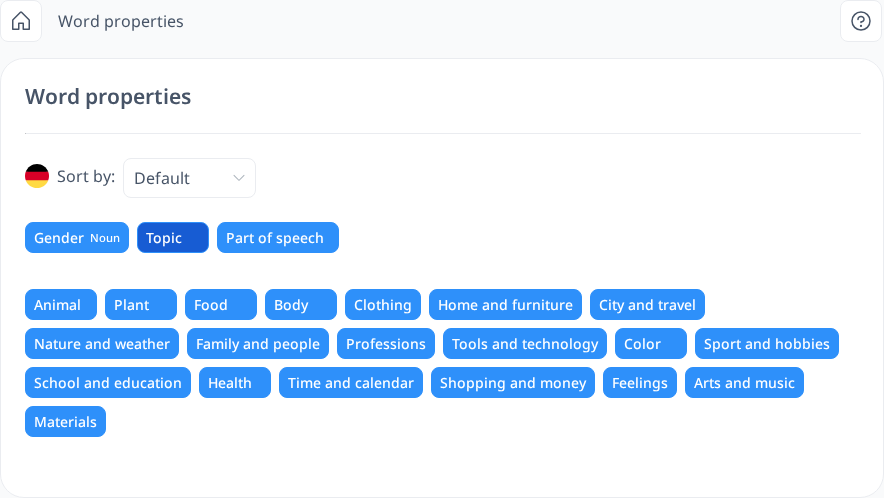
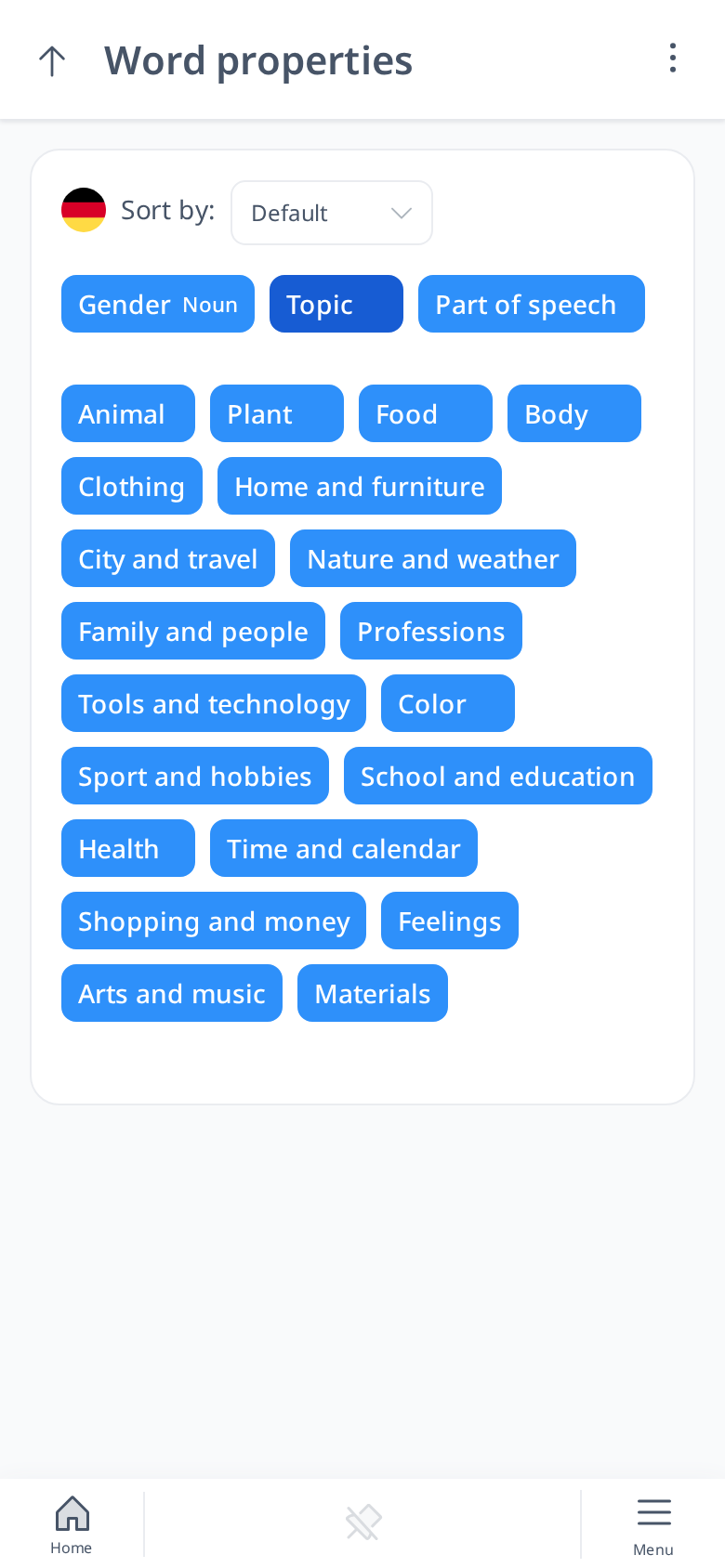
- Word Properties: Browse words grouped by grammatical gender, topic (animals, food, family, travel...) or part of speech, so you can learn related words together.
- Vocabulary Import: If you have access to word IDs from the database, you can import multiple words directly into your vocabulary from the built-in dictionary. This tool streamlines the process of adding new words to your list, saving you time and ensuring your vocabulary is up-to-date.
 [mobile]
These features together offer a comprehensive set of tools to help you manage your learning progress, organize vocabulary, and improve your language skills efficiently. Whether you’re focusing on words, sentences, or text, these tools allow you to tailor your learning journey and track your growth.