

Adding Goals
To set a new goal, start by clicking the "Add New Goal" button. A popup will appear to guide you through the process.
In the popup, select the language you want to create a goal for by clicking the dropdown list, which will display all the languages linked to your profile. Next, choose the level you aim to reach—A1, A2, B1, or B2. Finally, pick a date by which you want to achieve this goal.
If you set a goal that’s unrealistic, a popup labeled "Unrealistic Goal" will appear, and the program won’t let you save it. You’ll need to adjust your selections—such as the level or date—before it can be created.
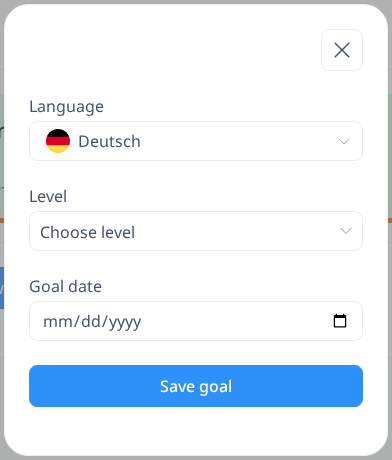
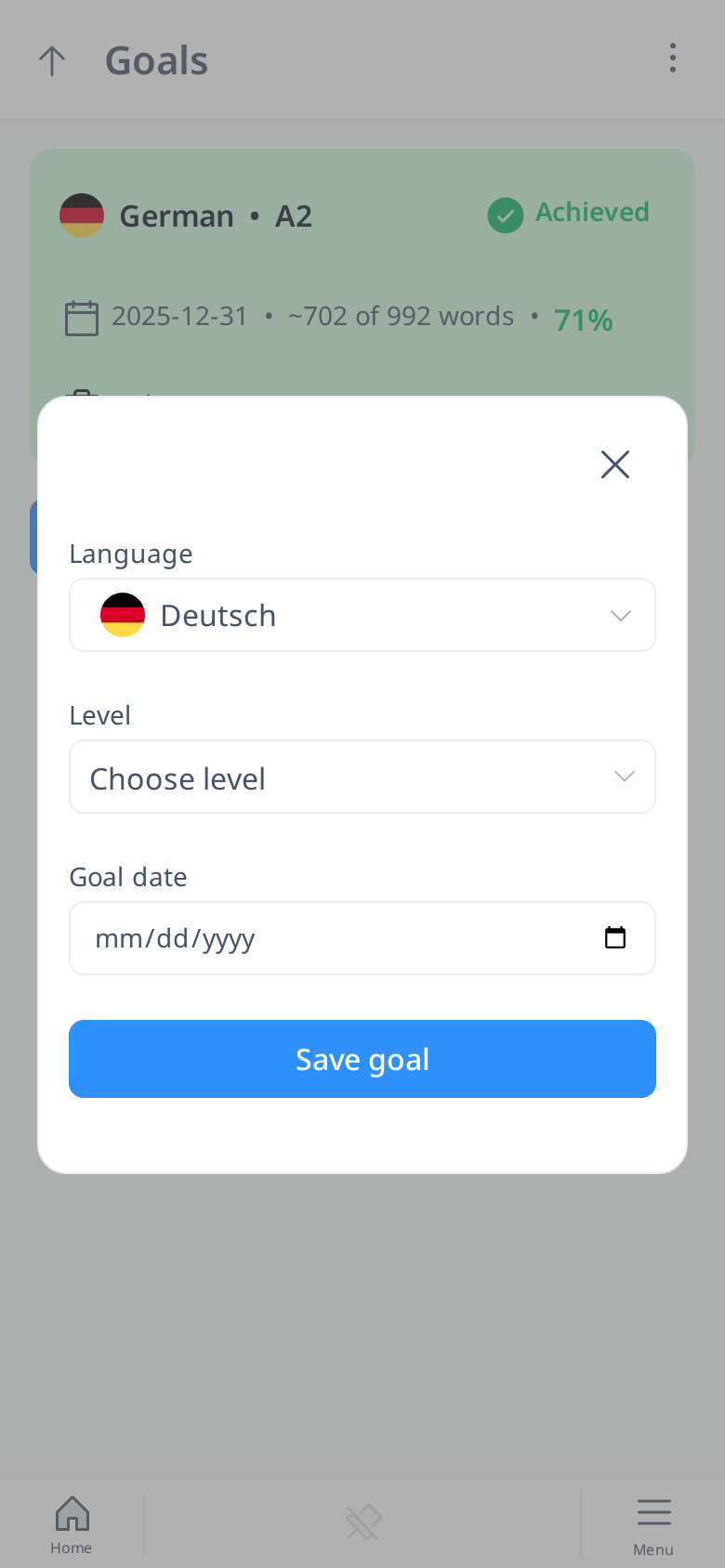
After you set a realistic goal, click the "Save goal" button.