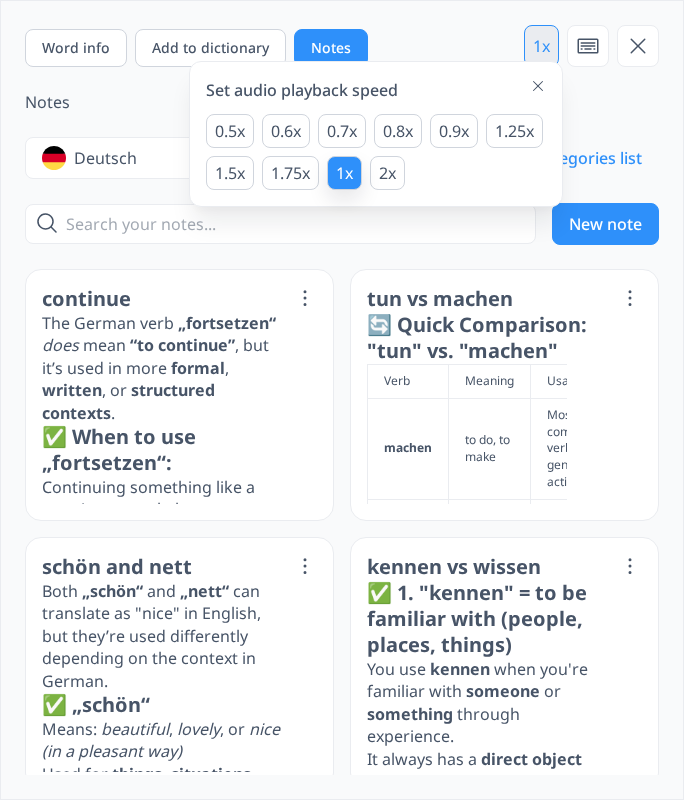
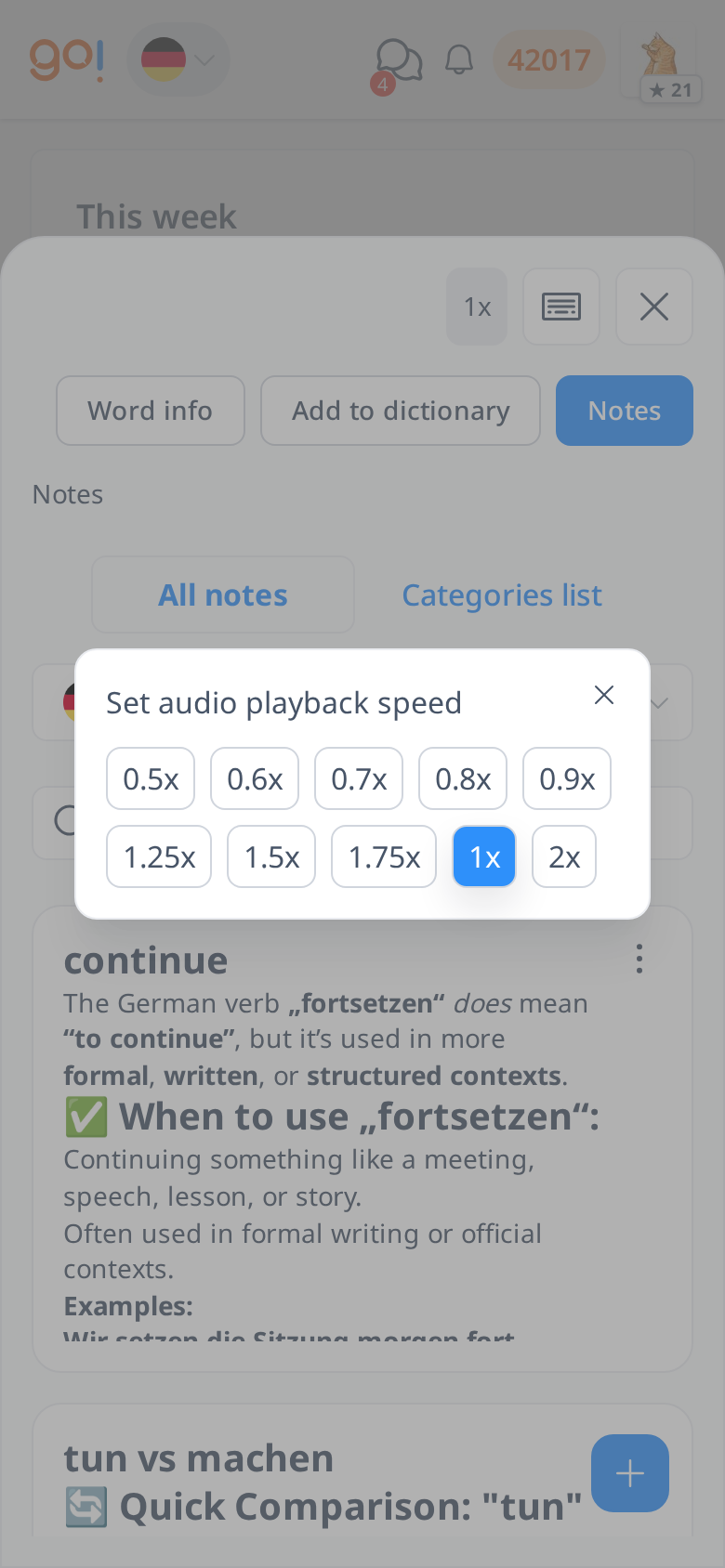
Audio Speed
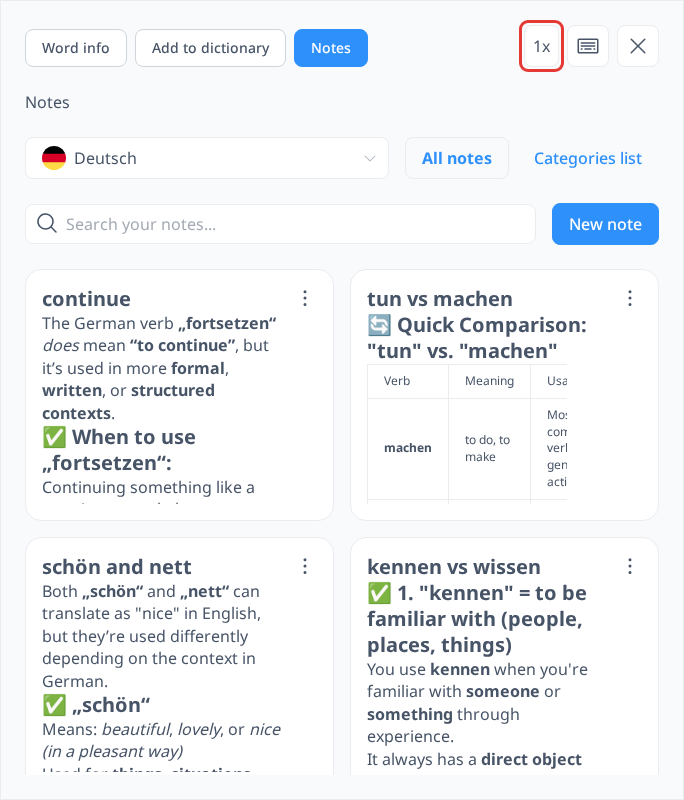
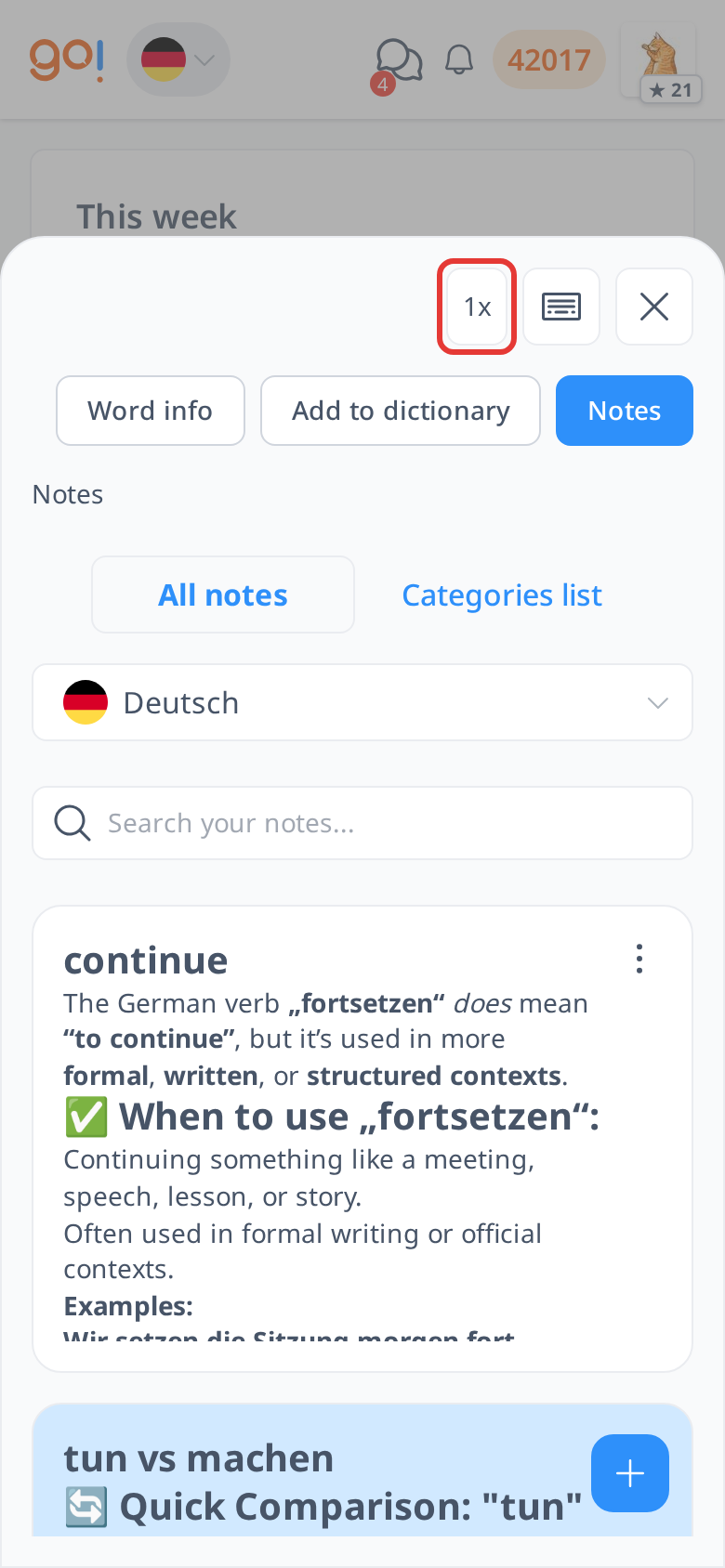
To make learning more convenient, you can adjust the audio playback speed according to your preference. To access this feature, click any option under "Tools" to open the sidebar, then select the "1x" button on the right side.
By default, the audio playback speed is set to 1x. However, if you are a beginner and find it difficult to follow the audio at normal speed, you can slow it down to as low as 0.5x for better clarity. On the other hand, if you are an advanced learner, you can increase the speed up to 2x to challenge your listening skills. You only need to set this once, and your selected speed will be applied to all audio across all learning options.