

Notes
Notes is a part of the sidebar Tools and serves a different purpose from the notes you add to individual words or sentences in My Vocabulary. This section allows you to write and store any information related to your language learning, even if it’s not tied to a specific word or sentence.
You can use Notes to create longer entries and read them conveniently, making it a great space for grammar rules, mnemonics, study tips, or anything else that helps you learn—essentially, your own personal cheat-sheet for language learning.
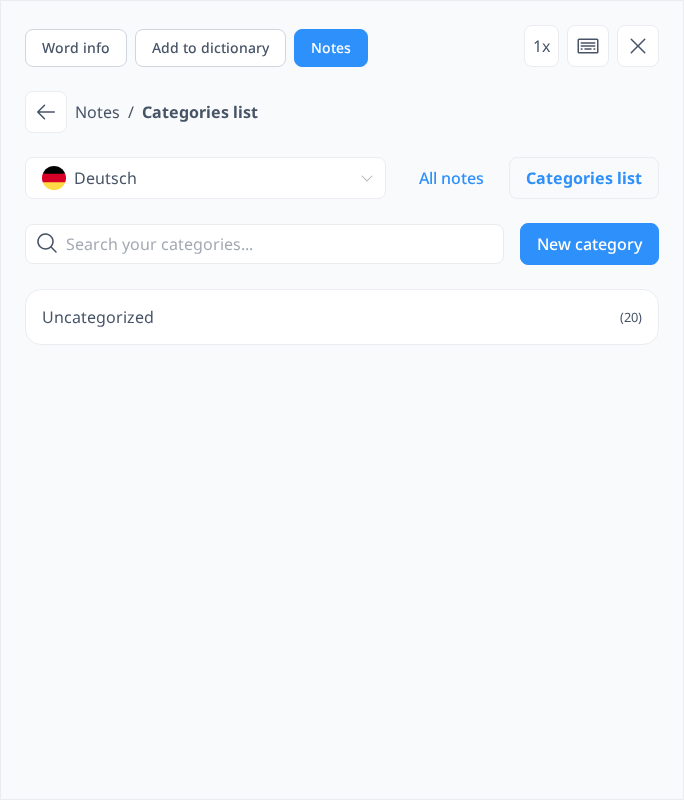
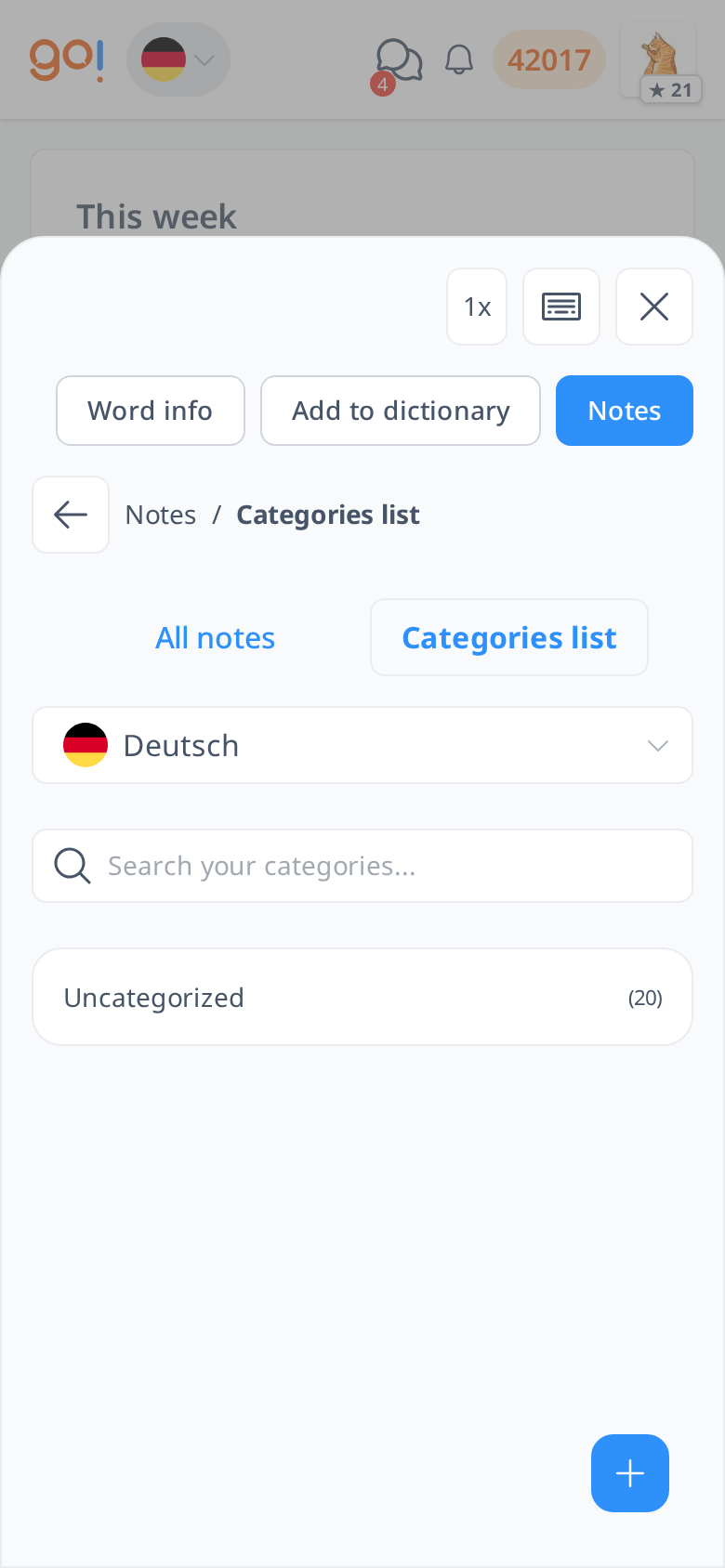
In Notes, you can create categories to organize your entries, making it easier to find specific notes when needed. If you prefer not to use categories, your notes will be saved under Uncategorized by default. Use the search box to find a note, and New note to write one.
To view all your notes, simply click on All Notes instead of Category List, and your notes will be displayed from the latest to the oldest. You can also edit or delete any note by clicking on the kebab menu (three dots) next to it.
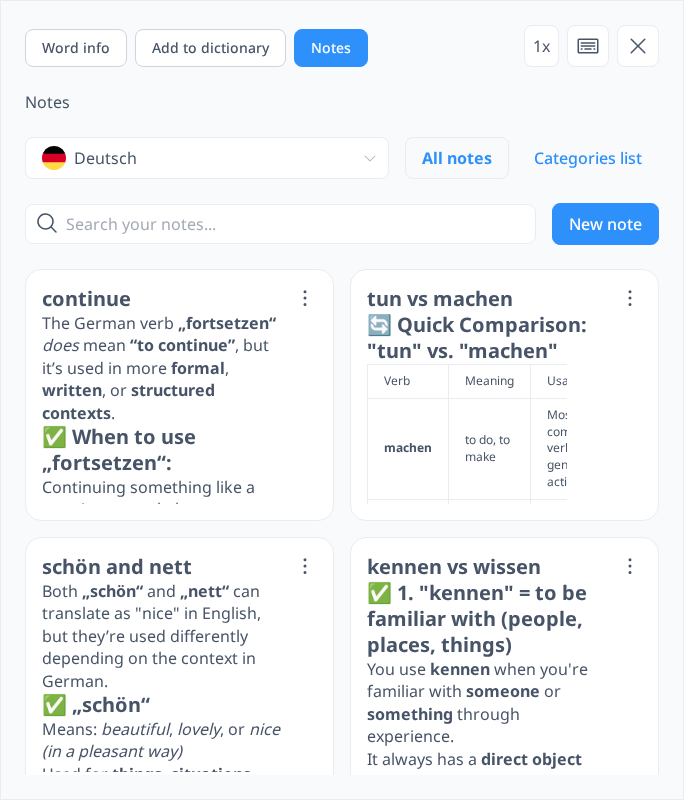
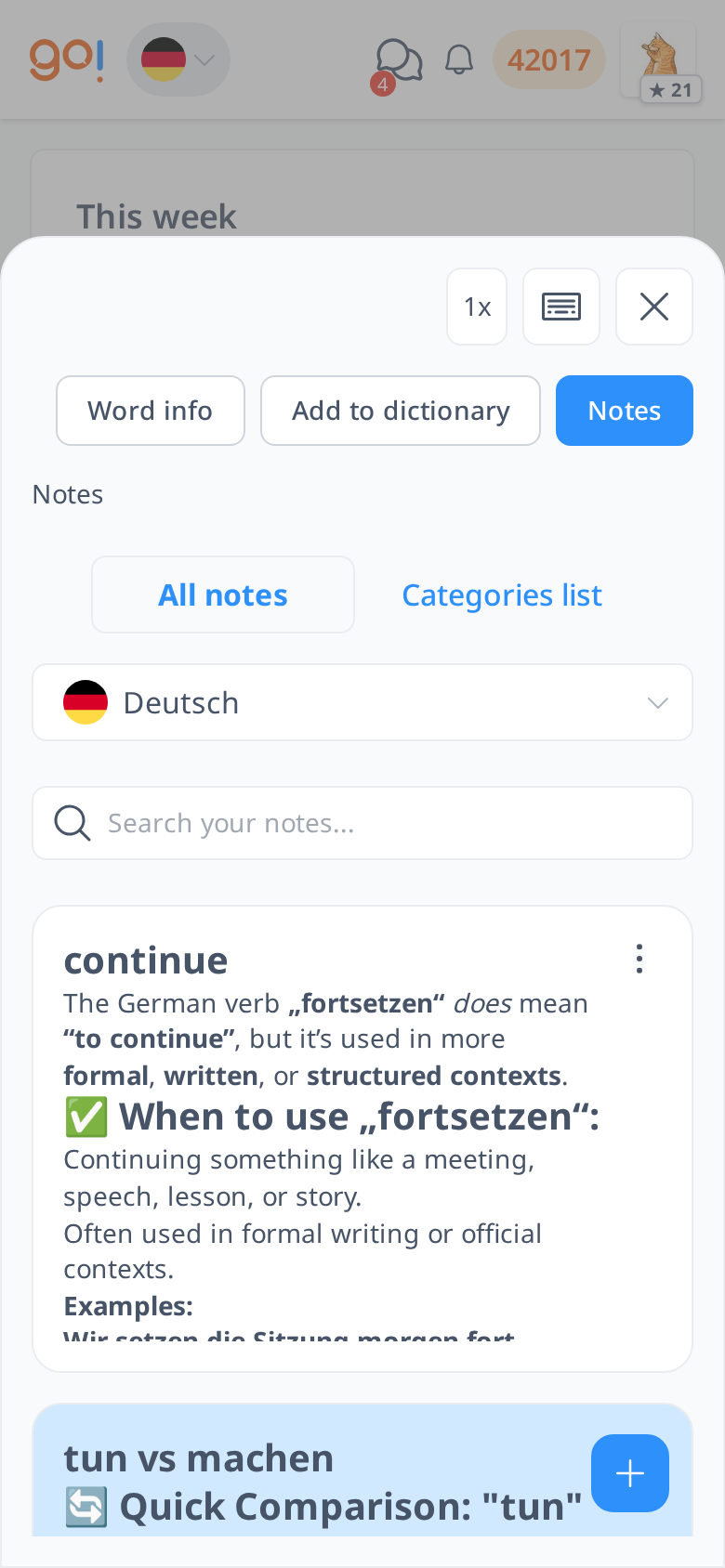
With this feature, you can keep your language learning resources well-structured and easily accessible, ensuring you always have important information at your fingertips.