

Reply to a Forum Post
Engaging in a forum discussion is easy, and one way to participate is by replying to an existing post. To do this, simply click the "Reply" button located below the post's title. This allows you to share your thoughts, ask questions, or contribute to the conversation.


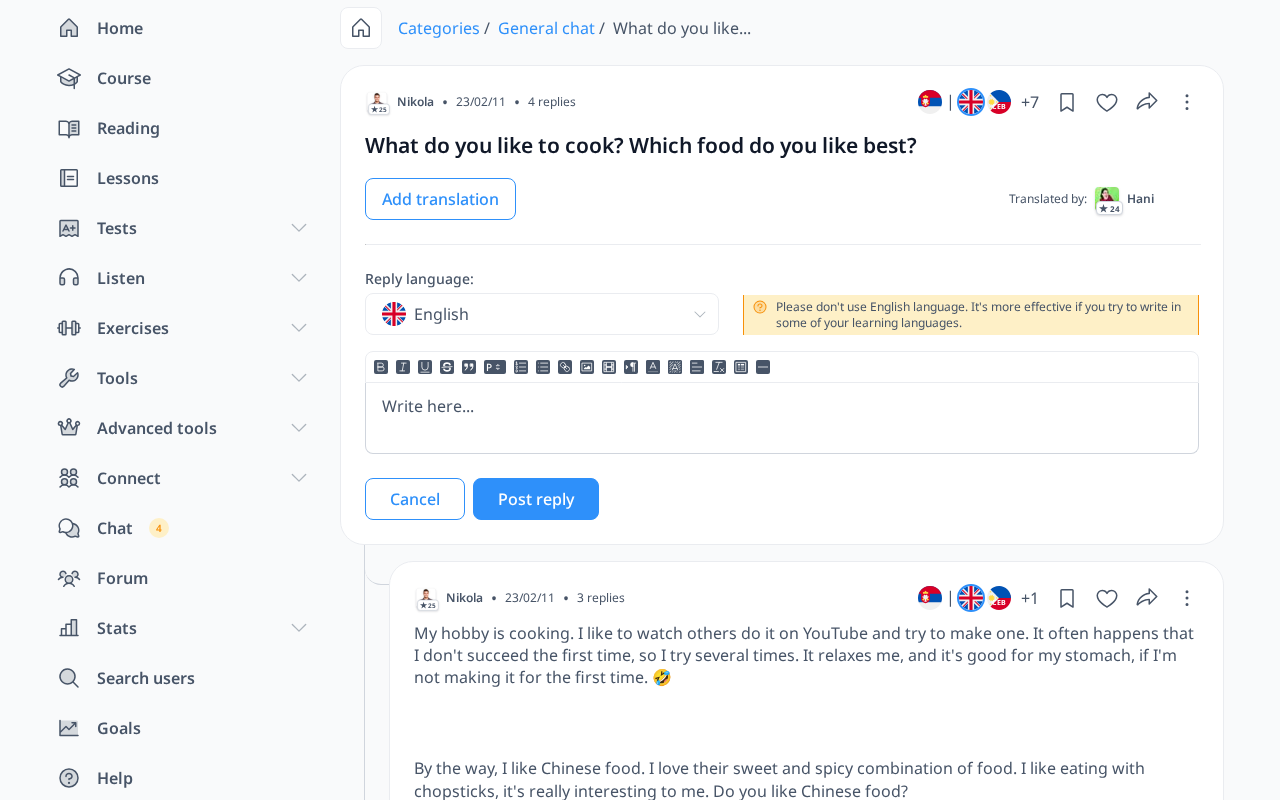
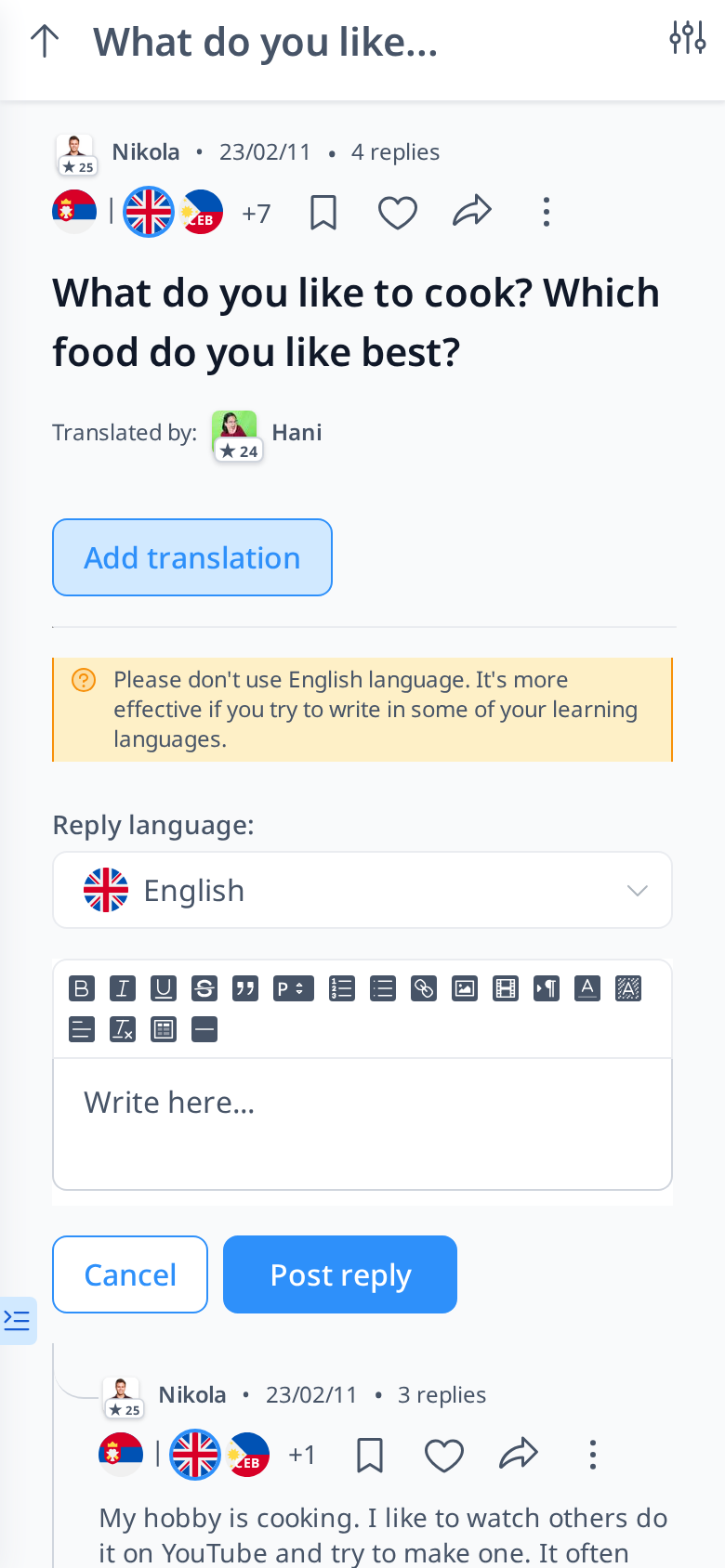
In the Reply box, you can select the language in which you want to write your response. Since this is a language learning platform, we encourage you to write in your target language rather than your native language to enhance your practice. You can compose your reply in the provided text box and use the formatting tools above it to organize your writing. Once you're ready, click the "Post Reply" button to publish your response, making it visible to others in the discussion.
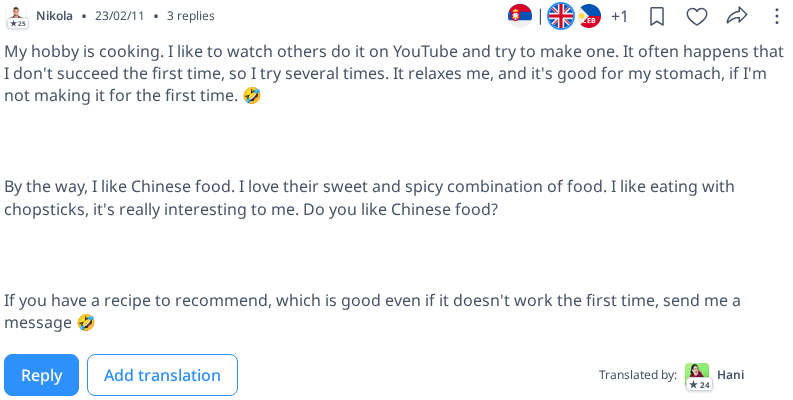

If you want to respond to a specific reply within a post, you can do so by clicking the "Reply" button on that particular reply. Your response will be slightly indented beneath the original reply, making it clear which message you are addressing. However, keep in mind that you cannot reply to a reply's reply—only to the original post or its direct replies.
Participating in forum discussions by replying to posts and responses is a great way to practice your target language and engage with the community. Whether you're sharing insights, asking questions, or helping others, your contributions make the forum more valuable for everyone. Don't hesitate to join the conversation and make the most of your language learning experience!