

Buried Vocabulary


If you have ever hidden words or sentences from your tests, they will be stored in the Buried section of your vocabulary. To view the list, scroll to the bottom of your My Vocabulary page and click the "Show Buried" button.

There are four duration options when hiding a word or sentence: a day, a week, a month, or forever. You might choose to hide words or sentences that are too easy for you so they don’t repeatedly appear in your tests, allowing you to focus on more challenging content. Alternatively, you may want to temporarily hide words or sentences if you are not ready to review them yet, especially if you already have many that you haven’t memorized or mastered.
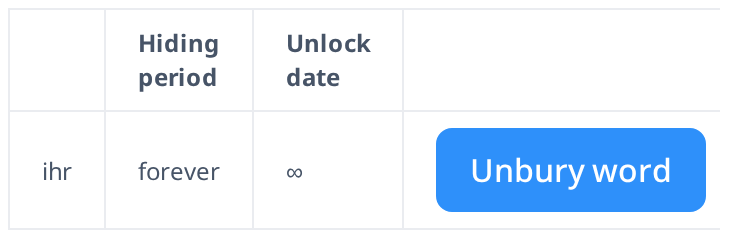
In the Buried list, you can view all the words and sentences you have hidden, along with their hiding duration and the date they will be unburied—at which point they will automatically return to your learning cycle and reappear in tests. If you want to restore a word or sentence immediately, or if you accidentally hid it during a test, you can click "Unbury" to make it reappear right away.
Managing your Buried words and sentences allows you to personalize your learning experience and focus on what truly matters at the moment. Whether you temporarily hide content to avoid repetition or remove it permanently, this feature helps you stay in control of your vocabulary growth. Remember, you can always unbury words whenever you're ready to review them again!