Lessons
Lessons are made up of sentences. In each lesson, you learn both words and sentences. The sentences in a lesson are tied to its title, providing context. For example, if the lesson is called "Greetings," the content will focus on greetings like "hi" and "hello."
Lessons are grouped into three categories:
- Started Lessons: These are lessons you’ve opened but haven’t finished. A lesson is considered "Started" even if you’ve only opened it and haven’t begun learning yet. Next to each started lesson you can see how many of its words you still haven’t explored.
- Not Started Lessons: These are lessons you haven’t opened at all.
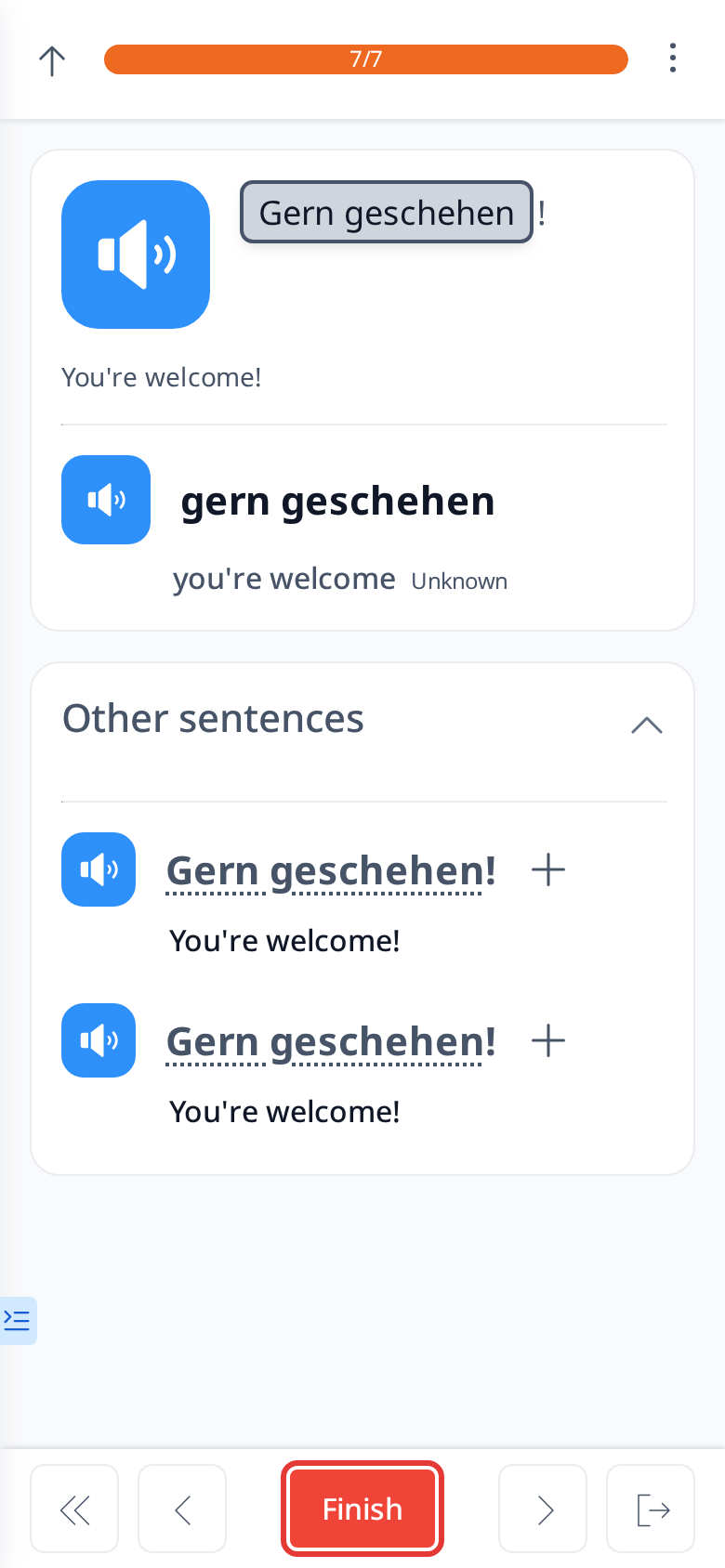
- Finished Lessons: These are lessons you’ve completed, meaning you clicked the "Finish" button.
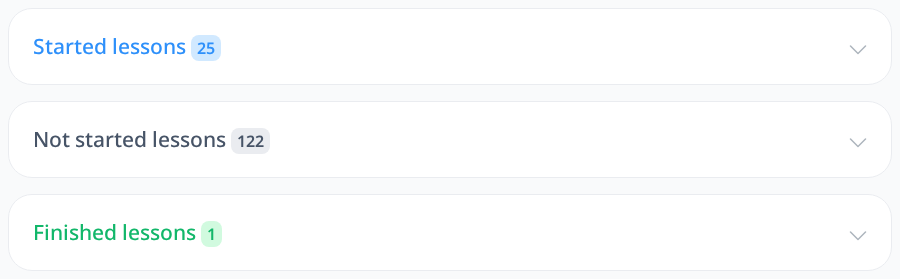
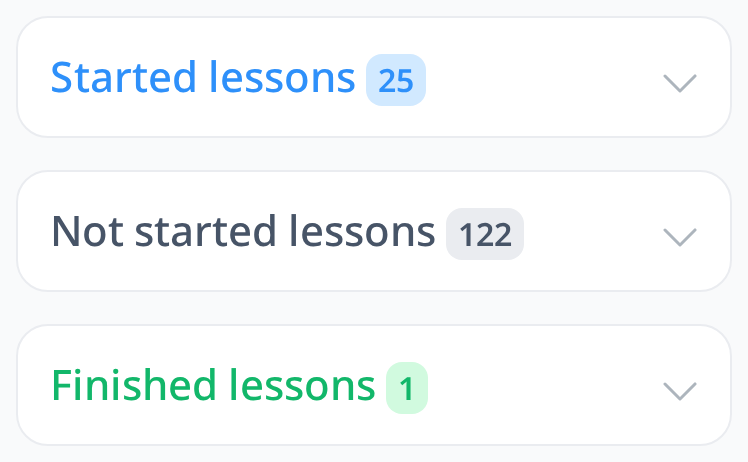
Each of these groups displays a number showing how many lessons belong to that category.
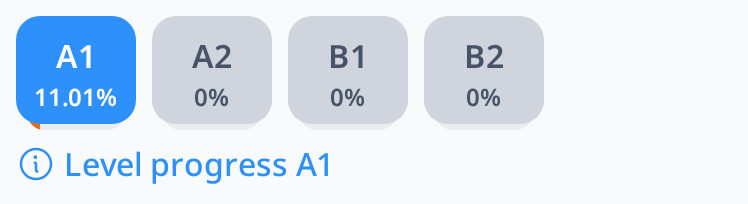
Lessons are also grouped by levels: A1, A2, B1, and B2, ranging from the easiest to the hardest. A1 is perfect for beginners, with common words and basic sentences, while B2 challenges advanced learners with less common vocabulary and complex structures. These levels help you build your skills step-by-step as you move from one to the next.

Each sentence has audio, so you can listen to how it’s read. Every word also has its own audio, allowing you to play it and hear how that word is pronounced.
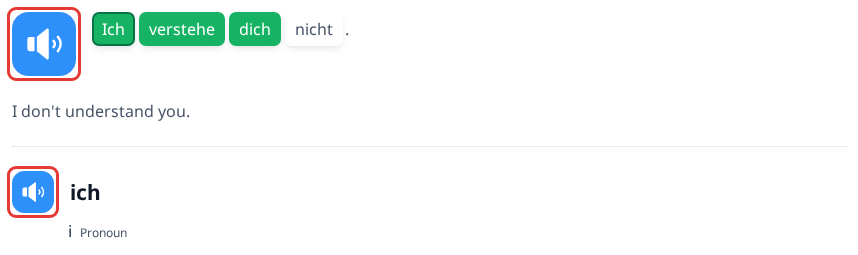
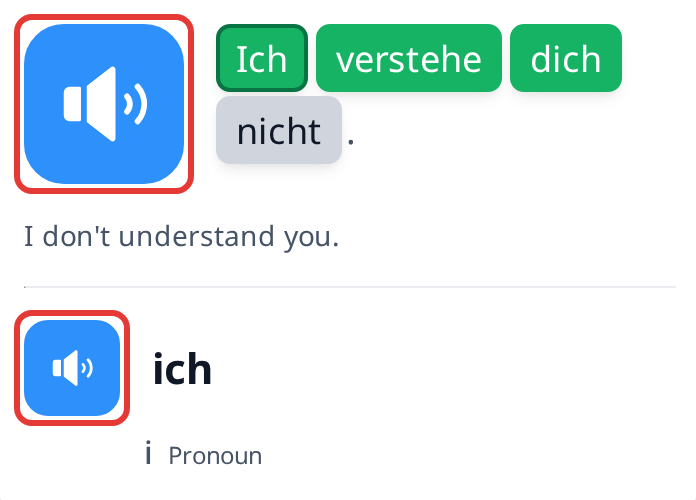
Both sentences and words come with translations, so you can see what they mean in your language.
When you click a word in a sentence, it’s automatically added to your vocabulary. Later, you can study these words through Word Tests.
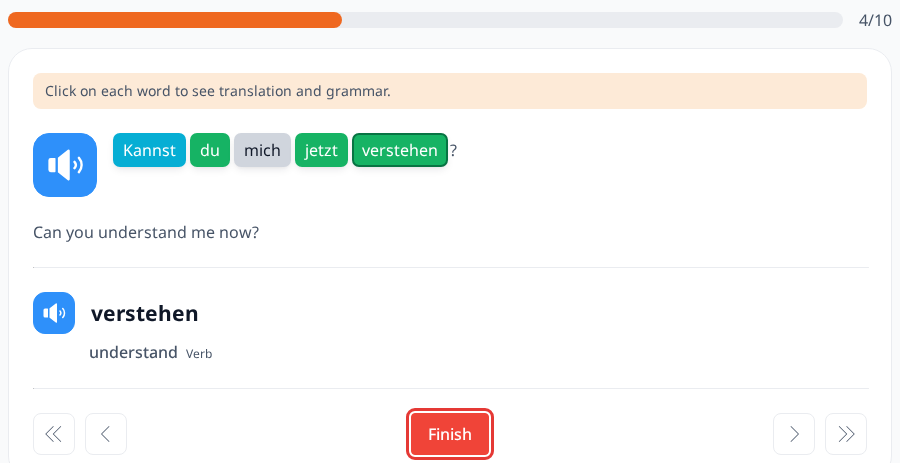
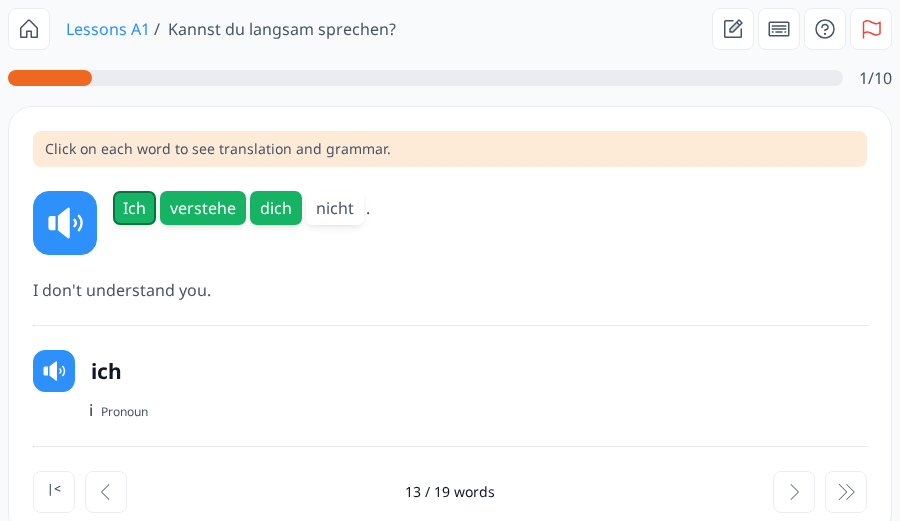
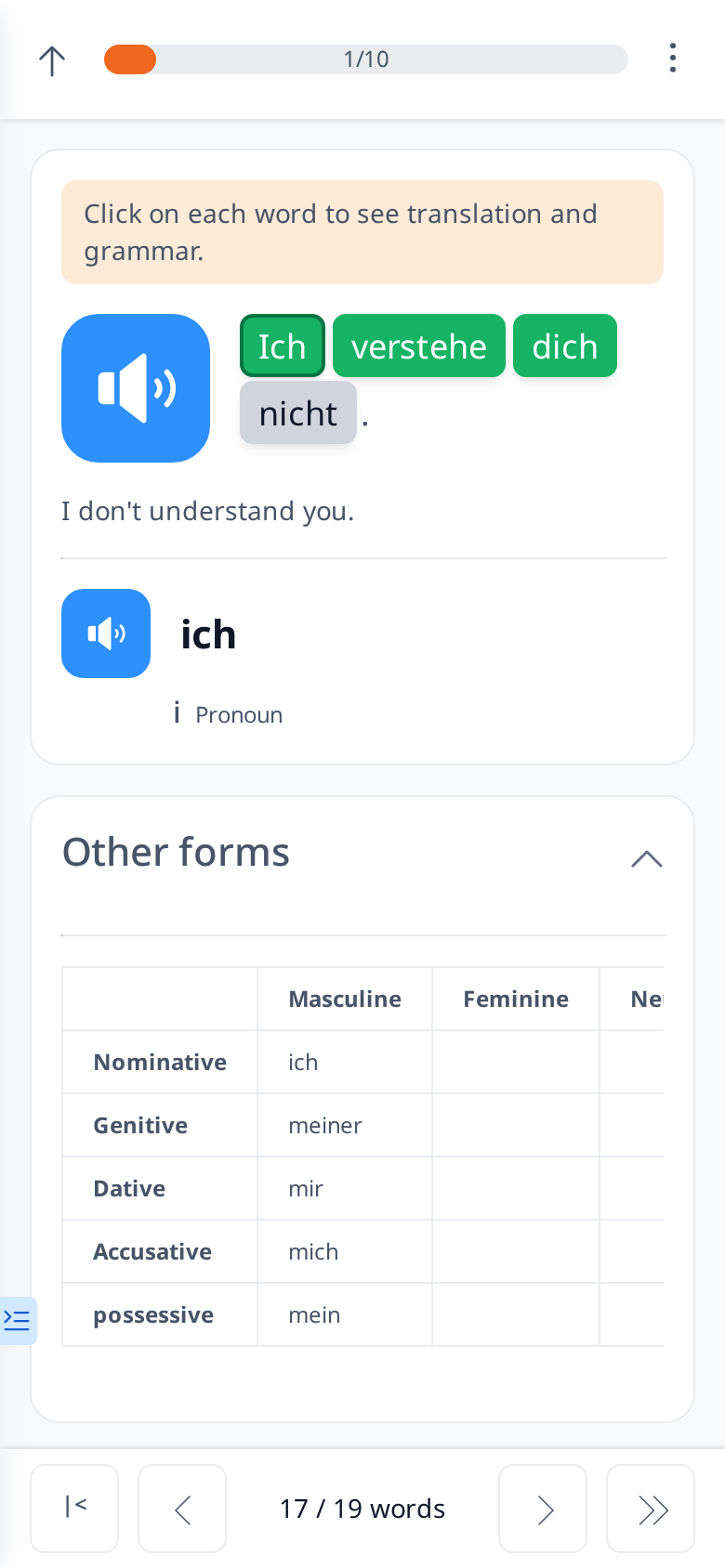
To complete a lesson, you need to click all the words in it. You’ll know you’ve clicked everything when no words have a white background and the red Finish button appears. Clicking a word changes its background from white to gray, indicating it’s been added to your vocabulary. The counter at the bottom (for example "13 / 19 words") shows how many of the lesson’s words you’ve already explored.