

Listen Report
If you encounter any issues on the Listen page—such as an audio glitch, mispronunciation, unclear sound, a sentence mistake, or anything else—you can report it easily. Simply click the red flag icon in the upper right corner (on a phone, open the ⋮ menu there first).

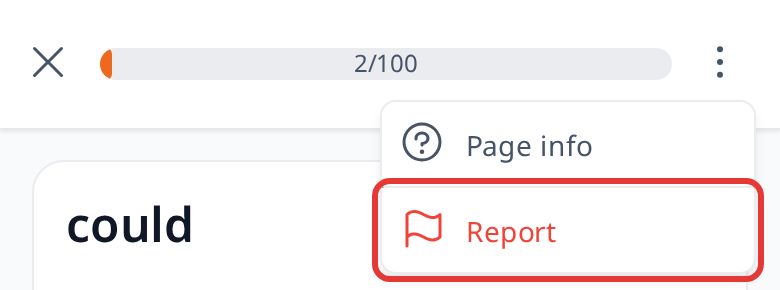
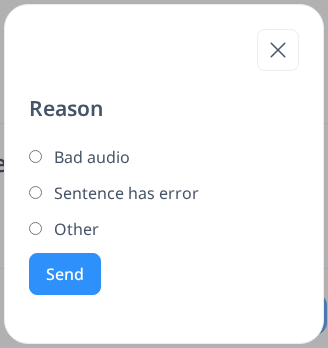
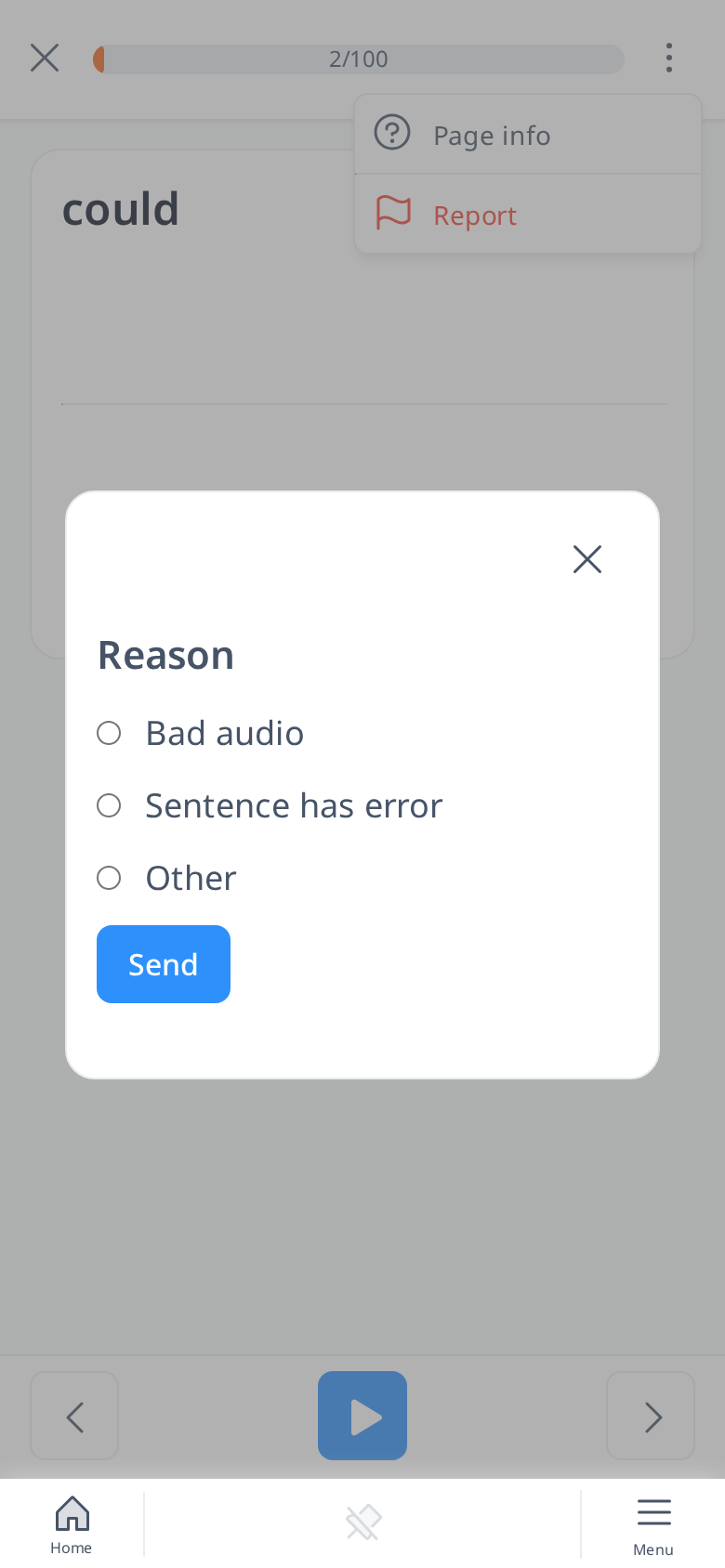
From there, choose a reason from the list. The options include:
- Bad Audio: For problems like distorted, muffled, or incorrect audio playback.
- Sentence Has Error: When a sentence contains a mistake, like wrong wording or grammar.
- Other: For anything not listed.
Our team will fix the problem as quickly as possible to ensure your learning experience stays smooth and enjoyable.