

Search Users
Unlike the user search features on other social media platforms, Langoid provides more filtering options to better support your language learning experience.
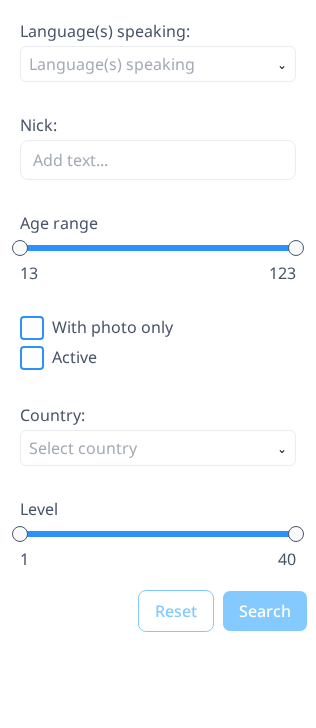
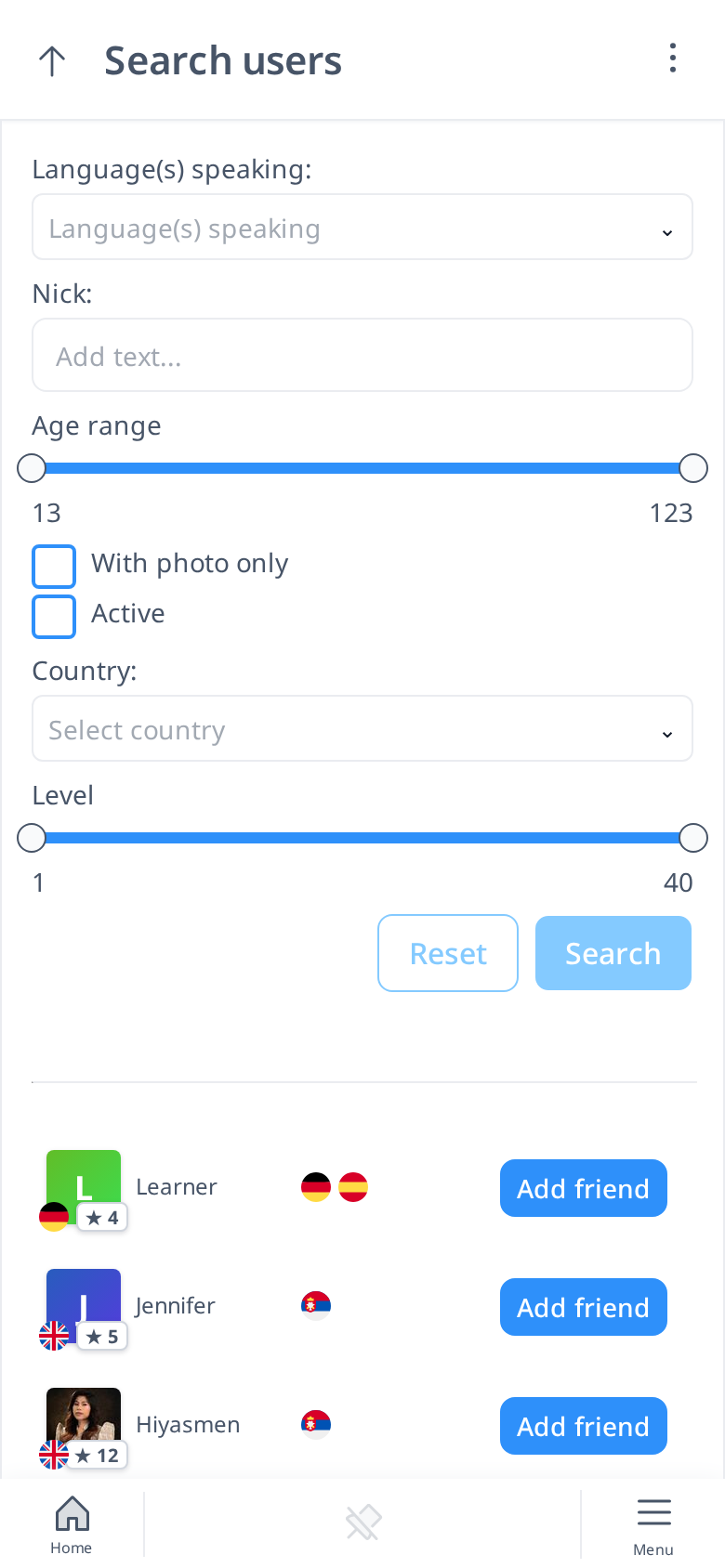
First, you can search for users by their name—simply type their name in the "Nick" box. However, you can also find users based on the languages they speak, whether it's your native language or the one you're currently learning. This makes it easier to connect with a potential learning partner.
Additionally, you can refine your search by filtering for active users only. You can also narrow down results based on age range, user level, profile picture availability, and country.
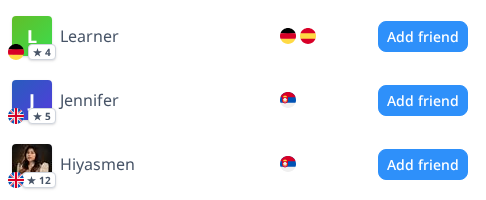
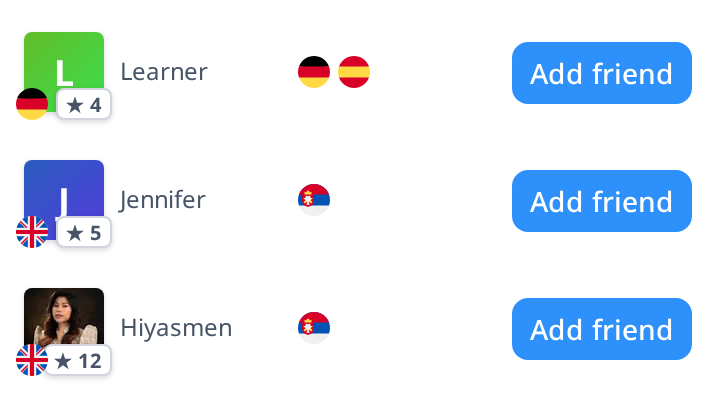
On the right side, you'll see a list of users who match your search criteria. Here, you can find key details about them.
For each user you see their avatar with their level, the flags of the languages they speak and learn, and an Add friend button.
With this brief information, you can easily decide which users you’d like to connect with.
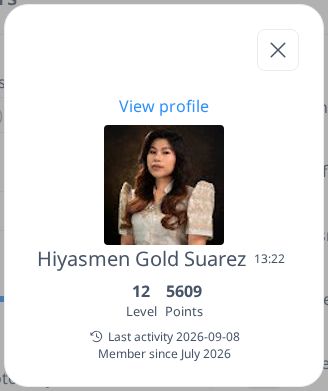
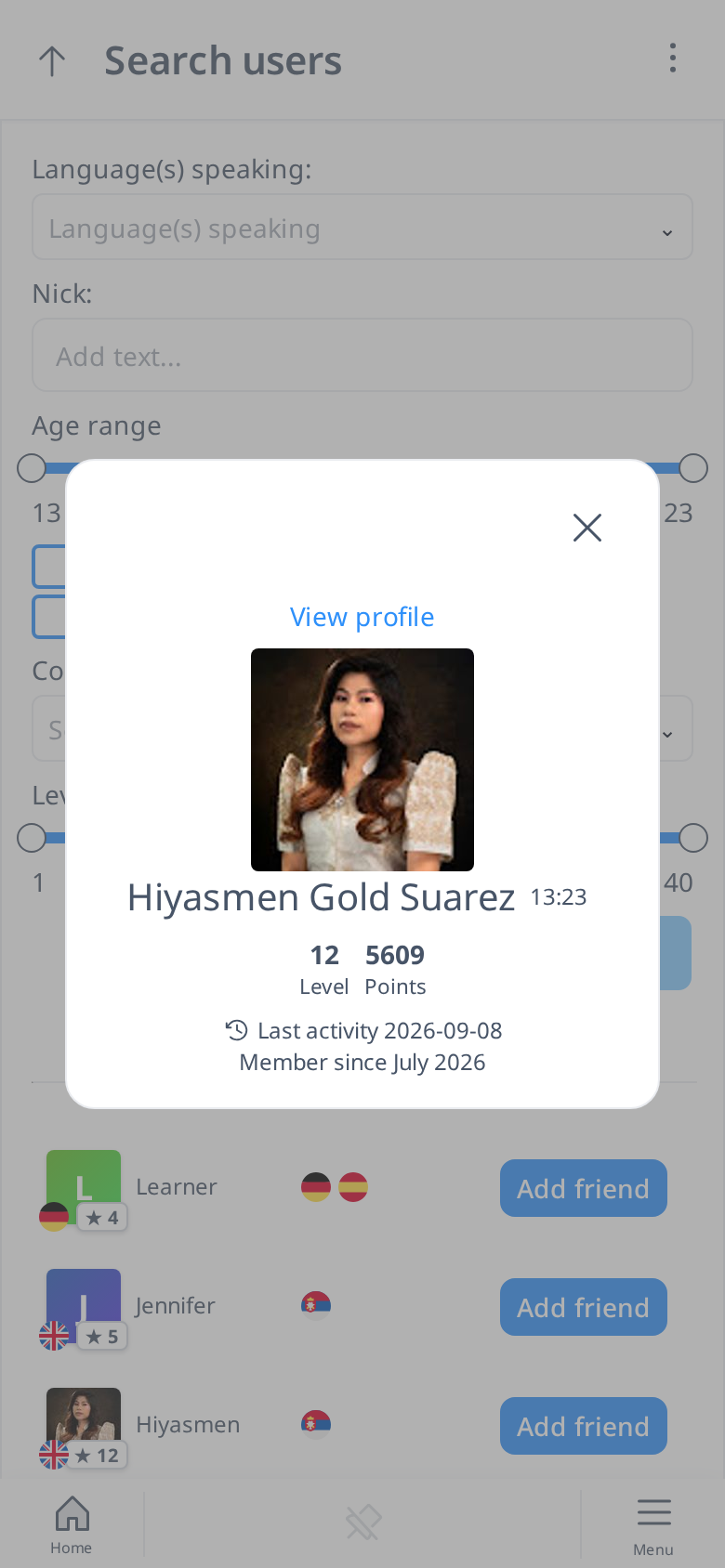
You can also click on a user's name to open a pop-up with more details. To learn more about them, click "View Profile" to visit their full profile. The profile layout is similar to your own, making it easy to navigate.