

Deleting a Goal
If you’ve created a goal with incorrect information, made a mistake in your input, or simply want to remove it, you can delete it easily. Look for the Delete button on the right side of the goal you’ve created and click it. A popup will appear with a confirmation message: "Are you sure you want to delete this goal? You can’t restore it afterward." If you click "OK," the goal will be permanently deleted.

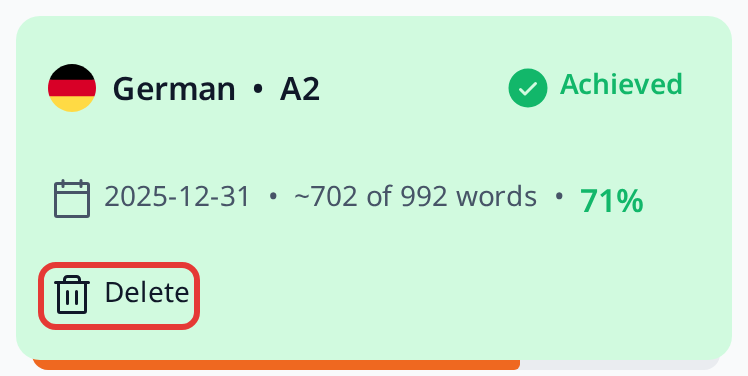
That said, we recommend not deleting a goal, especially if it’s one you didn’t achieve. There’s no need to feel ashamed of a failed goal—it’s a natural part of the learning process and a valuable piece of your journey. It can even serve as a testament to your growth. If you don’t succeed, that’s okay! You can always set a new goal and try again, aiming to reach it next time.