

Sentences, Audio Sentences, & Custom
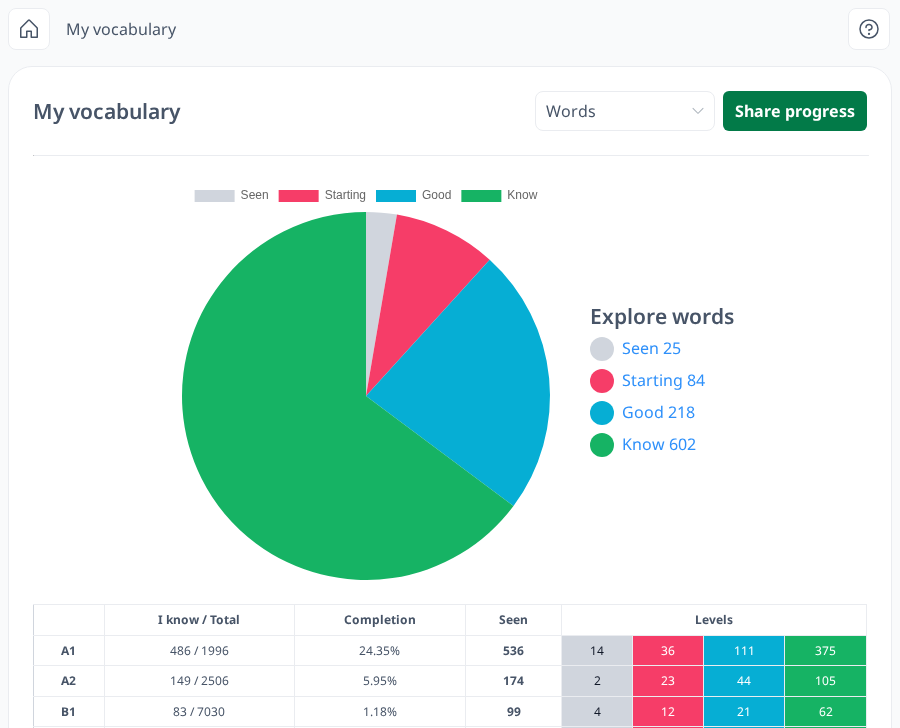
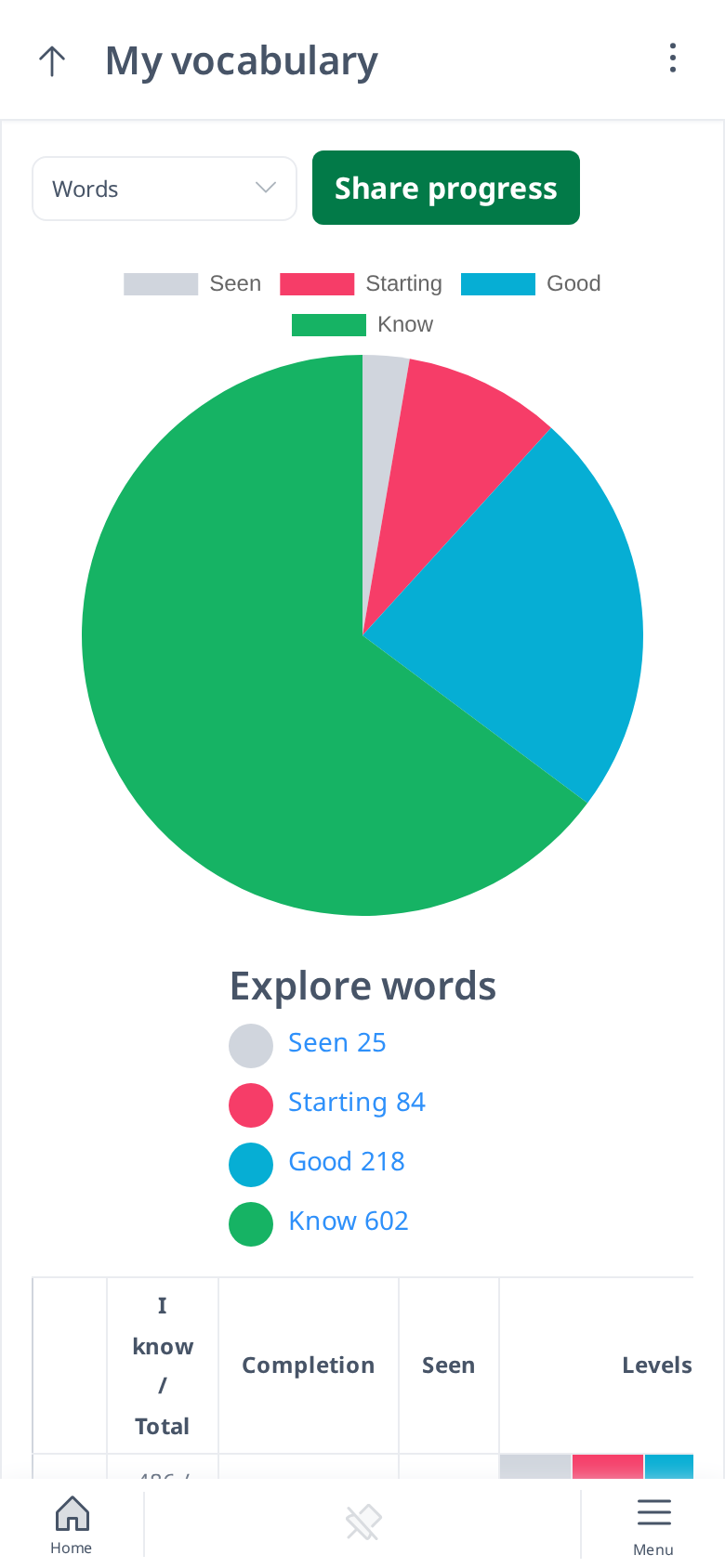
If you want to track your progress in test types other than Word Tests, you can select an option from the dropdown list. The available options include:
- Sentences
- Audio Sentences
- Custom Words
- Custom Sentences
Similar to My Vocabulary – Words, the My Vocabulary page for these test types also includes both a Pie Chart and a Table. However, there are some differences:
- The Explore Words feature is not available for these test types.
- Words and sentences are not categorized by difficulty levels (A1–C2).
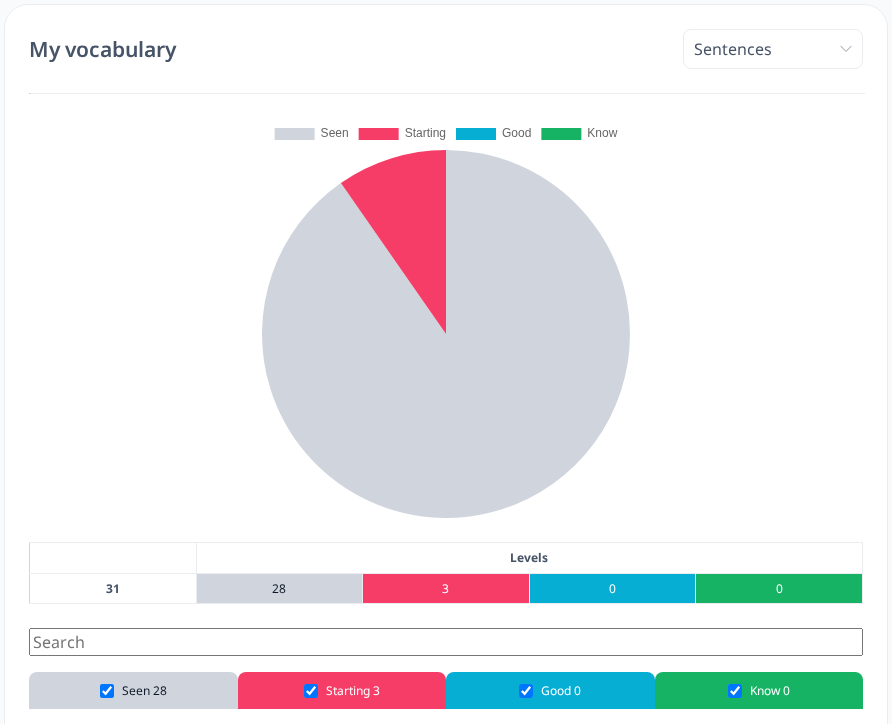
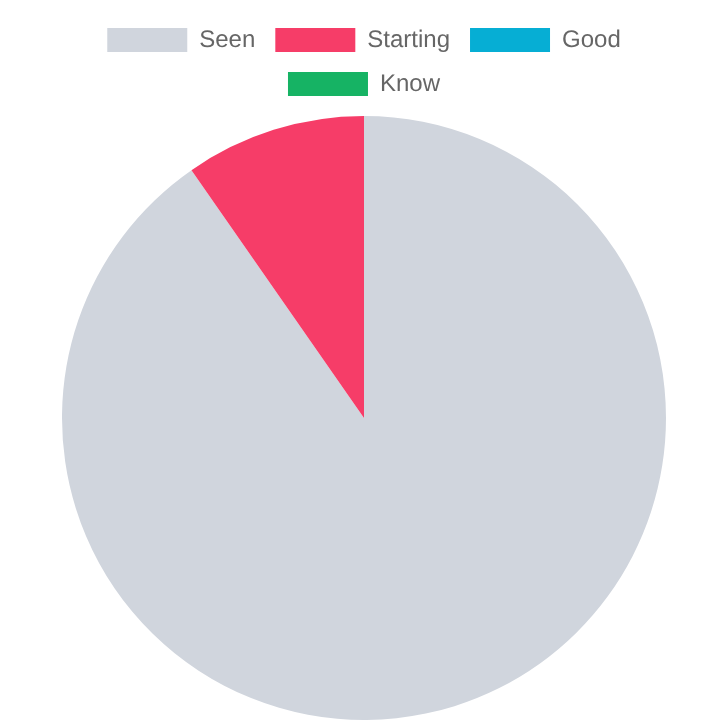
The familiarity level colors remain the same across all test types. On the Pie Chart, you can still hide specific familiarity levels by clicking on the corresponding bar at the top of the chart. This allows you to focus on the levels that matter most to you.


The Table is similar to the one in the Words section, but it is not divided by difficulty levels. Instead, it displays how many of your sentences, audio sentences, or custom words/sentences fall under each familiarity level:
- Seen – The lowest level, meaning you have just encountered the sentence or word.
- Starting – A slightly more familiar stage.
- Good – A well-recognized word or sentence.
- Know – The highest level, indicating strong familiarity.
You can click the checkbox for each familiarity level to view the list of sentences or words in that category. Additionally, you can add notes to each sentence or word or review the notes you have previously added.
These features allow you to monitor your learning progress across different test types in a structured and visual way.