

Creating Forum Post
Like most forums, the Langoid Forum provides a space for users to share and discuss topics of interest with others. While discussions are not limited to language learning, sharing content related to it is highly encouraged.


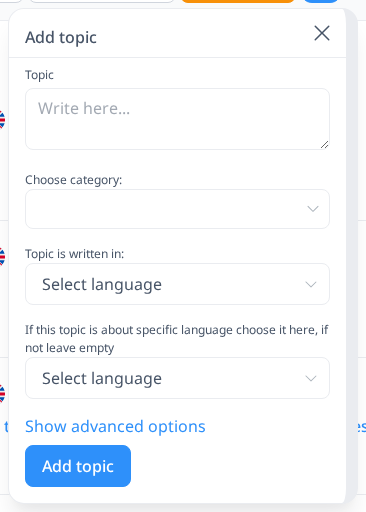
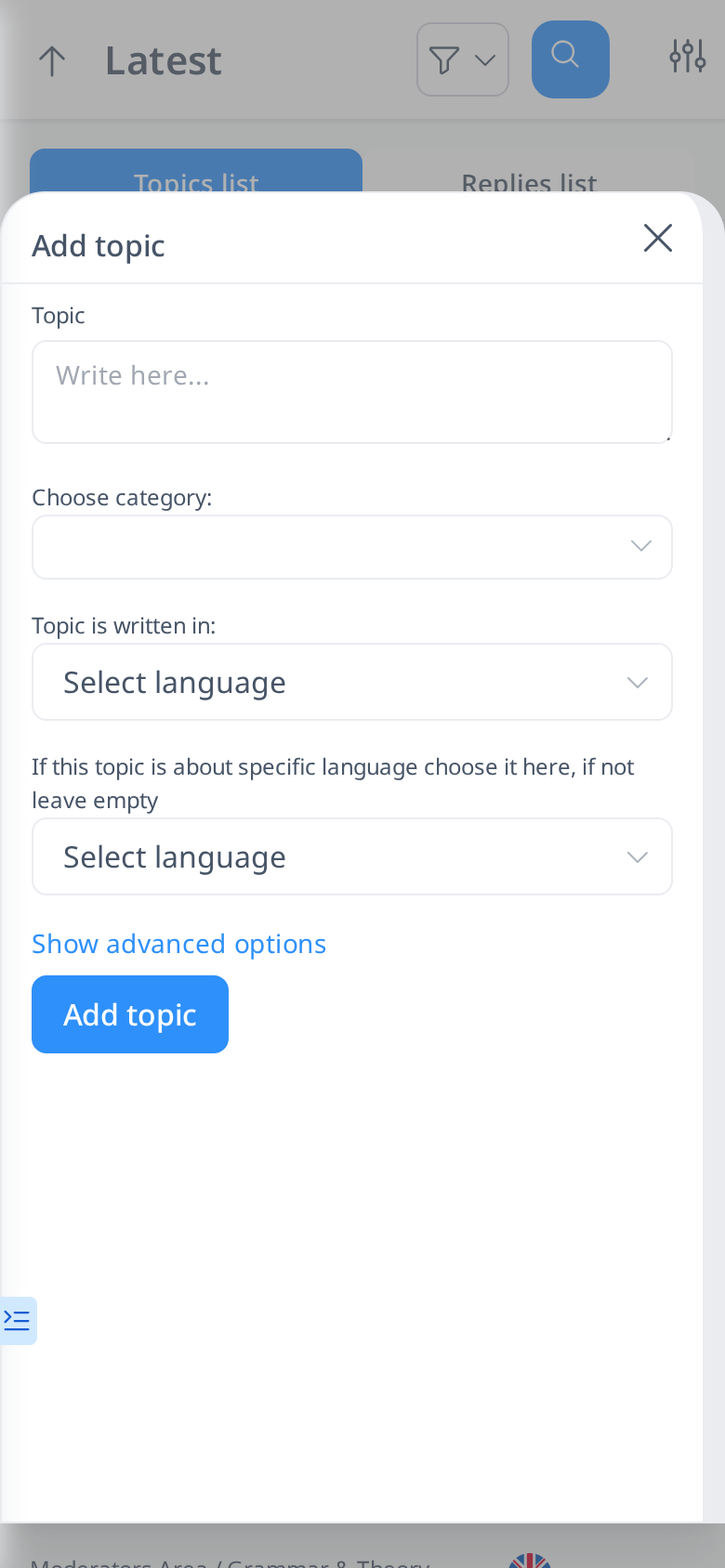
If you want to create a new post in the Langoid Forum, start by clicking the + button at the top (on a phone, the + button is in the lower right corner of the screen). First, enter your title in the "Topic" box. You will then be prompted to choose a category.
If you're unsure which category to select, click the "Categories" button to view the available options along with their descriptions. You can explore each category to see its content and determine if your topic fits within it.
After selecting a category, you’ll need to choose the language in which you want to write your post. It doesn’t have to be in English—you can write in any language you prefer. You can also challenge yourself by writing in the language you’re currently learning. Don’t worry about making mistakes; other users can help correct them if needed in Exercises.
If you want to share something about the language you’re learning or any language you know, that’s highly encouraged! In the last box (before the advanced options), select the language your post is about. This helps other users easily find discussions related to that language when browsing topics.
In the pop-up box, you only need to enter your forum post title. After clicking the "Add Topic" button, your topic will appear at the top of the Topic List. To add content to your post, click on your forum title and then click the "Reply" button.


Write the main content of your forum post in the Reply box. When writing your reply, you can also select the language you are using for the body of your post. Keep in mind that this refers to the language you are writing in, not the language you are discussing if your post is about a specific language.