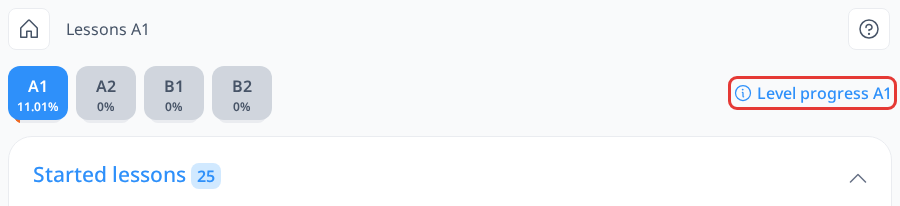
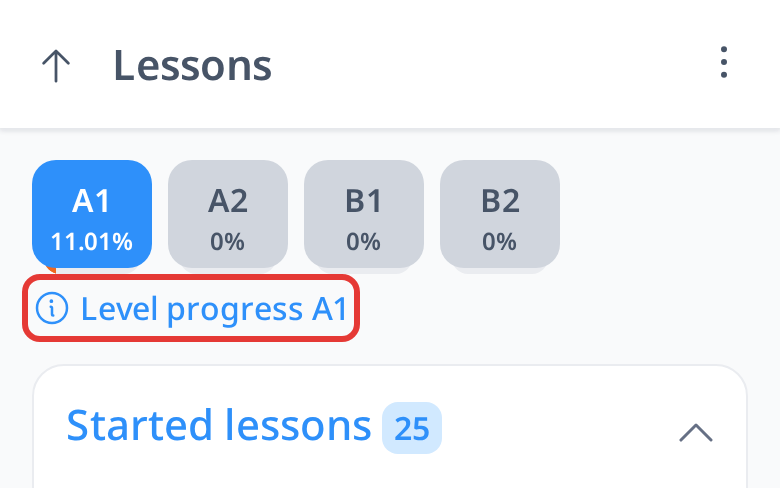
Lesson Level Progress
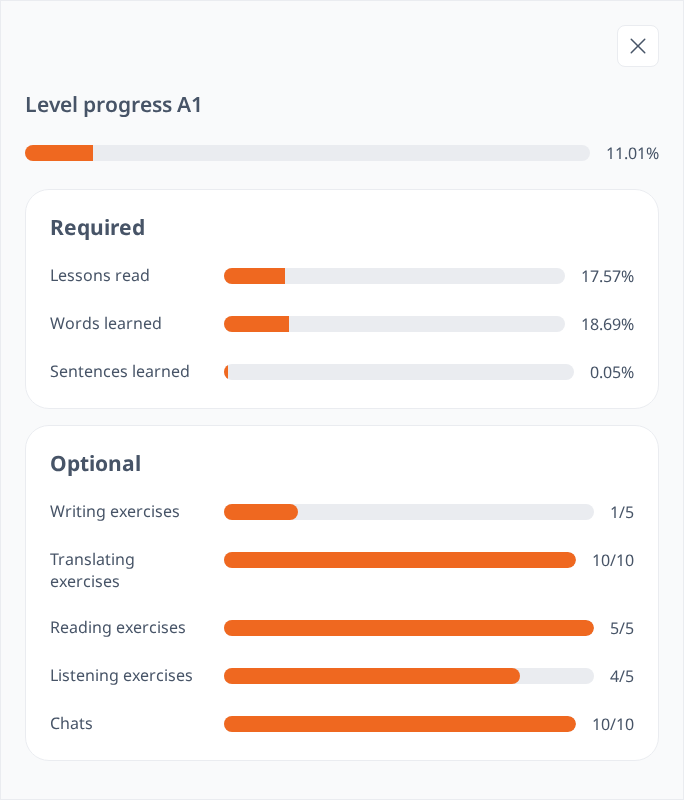
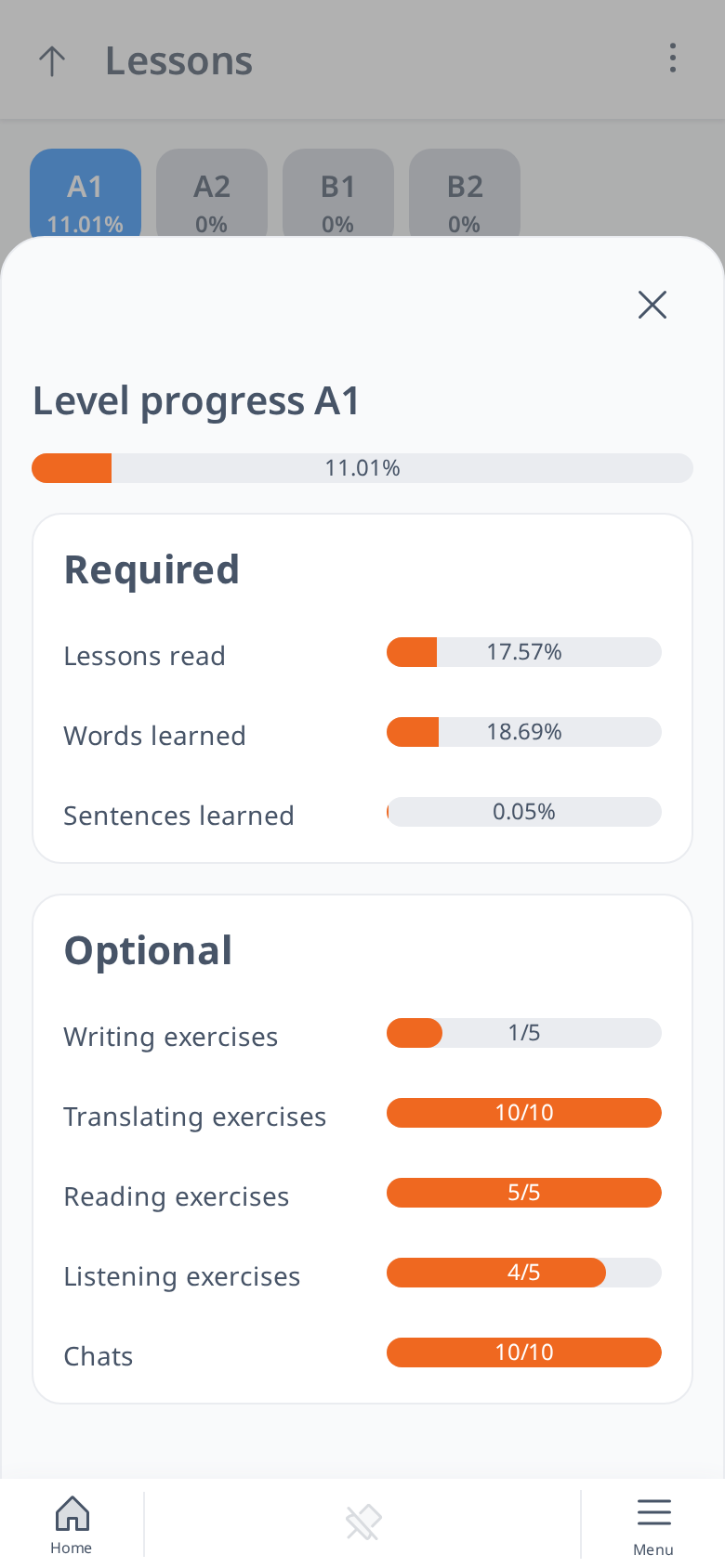
Lesson's Level Progress shows your progress for a specific level based on three things: how many lessons you’ve read, how many words you’ve learned, and how many sentences you’ve studied. It also includes a total that combines these three elements, giving you an overall view of how much you’ve advanced in that level.
This is displayed as a progress bar with a percentage.
Below the required part, the Optional part shows how many writing, translating, reading and listening exercises and chats you’ve done at this level, compared to the number we suggest for it.
How to Access Level Progress
- Open the main page of the Lessons section.
- In the upper right corner, look for "Level Progress (Level)," such as "Level Progress A1."
- Click on it.
- A panel will open on the right side (on a phone, over the page), showing this progress information.