

Test Report
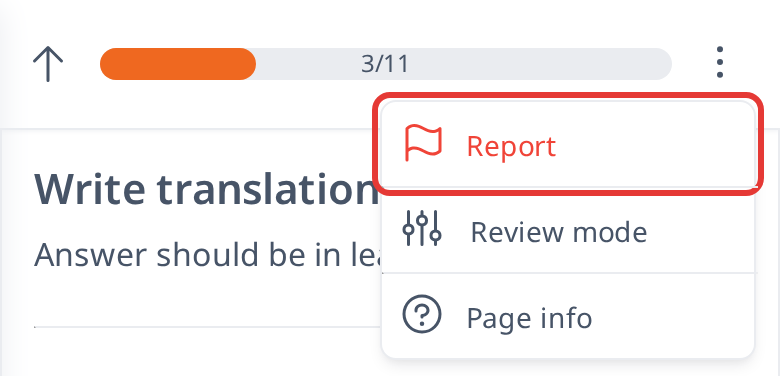
If you notice a problem while taking a test—such as a mistake in the question, audio that doesn’t sound right, or a correct answer being marked wrong—you can report it using the Report button located in the upper right corner (on a phone, open the ⋮ menu there). Just tap the button, pick a reason from the list of options, or select "Other" and add more details in the text box. Our team will look into your report and fix any issues as needed.

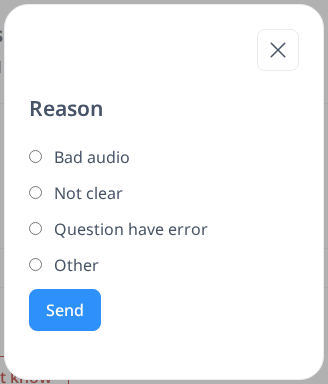
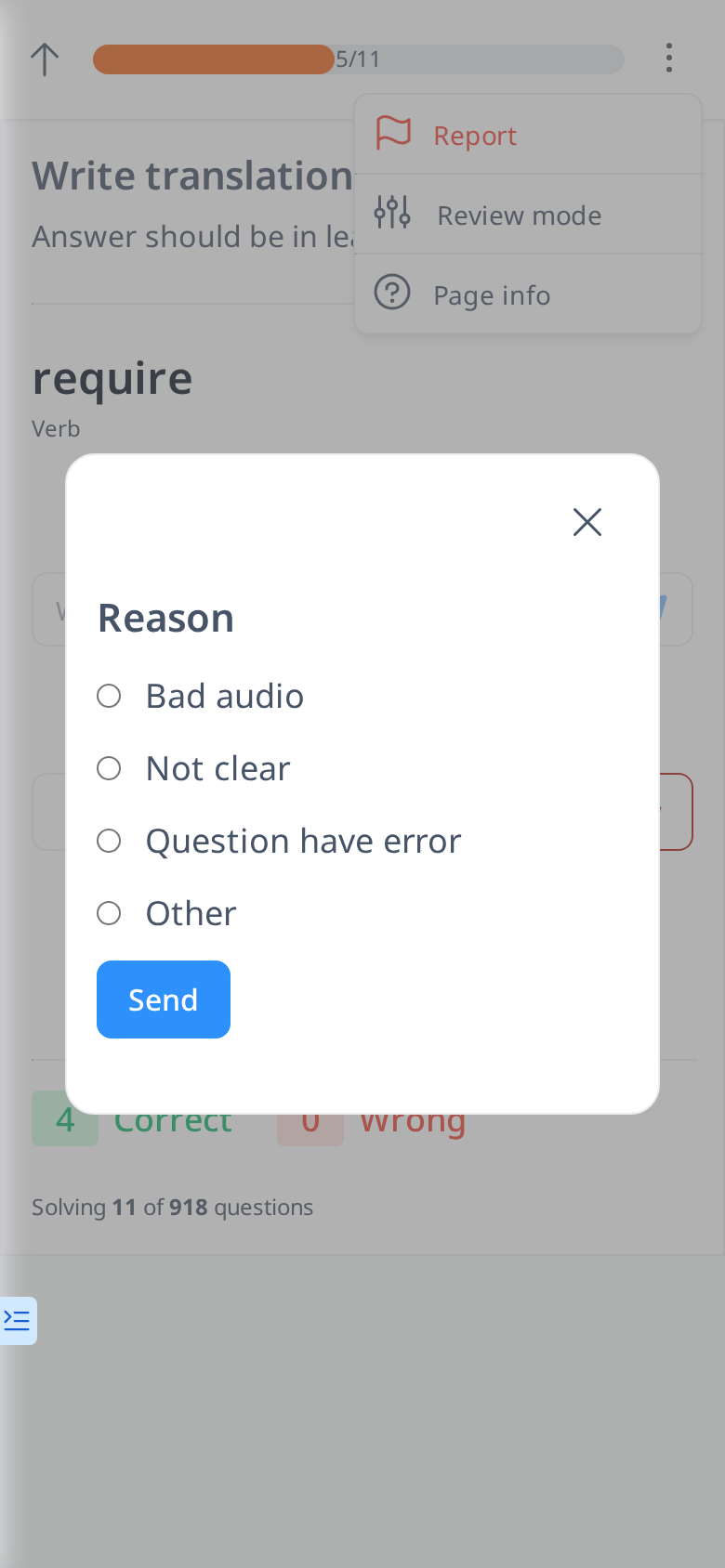
You can choose from these reasons when reporting:
- Bad Audio: The audio is unclear, distorted, or doesn’t match the word or sentence shown.
- Not Clear: The translation is confusing, inaccurate, or hard to understand.
- Question Has an Error: The question itself is wrong—for example, it asks one thing, but the expected answer doesn’t fit.
- Other: If your issue isn’t listed above, select this option and use the text box below to describe what’s wrong.