

Lesson Report
The Lesson Report is a tool that lets you tell us about any problems you find in the lesson. You can use it to report things like:
- Bad or unclear audio
- Wrong translations
- Mistakes in sentences
- Anything else you notice that doesn’t seem right
Your reports help our team fix these issues and make the lessons better.
Where to Find the Lesson Report Button
On a computer, you’ll see four buttons in the upper right corner of the lesson. On a phone, tap the ⋮ button in the upper right corner to open them.

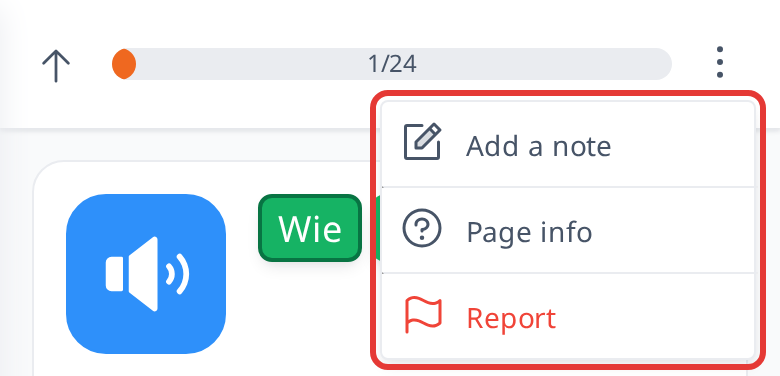

 : This button allows you to write notes about the word you're currently viewing. You can review these notes in the vocabulary section and see them again when you encounter the same word in other sentences.

 : This button (Page info) opens a page that explains how the current page works. Each page has its own explanation of its features and how to use them.

 : You can use this button to report any mistakes or issues related to the sentence you're currently viewing. Select an option from the list provided, or choose "Other" and describe the problem in the text box for additional details.
 : This button (computer only) shows the keyboard shortcuts you can use in lessons. You can also open it by pressing ? on your keyboard.