

Lesson Other Forms
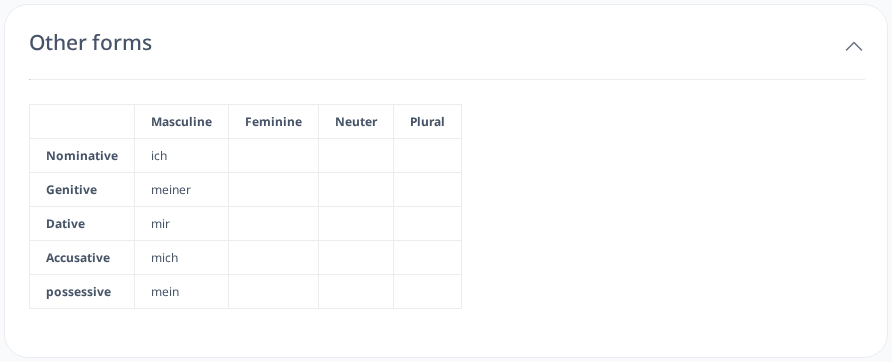
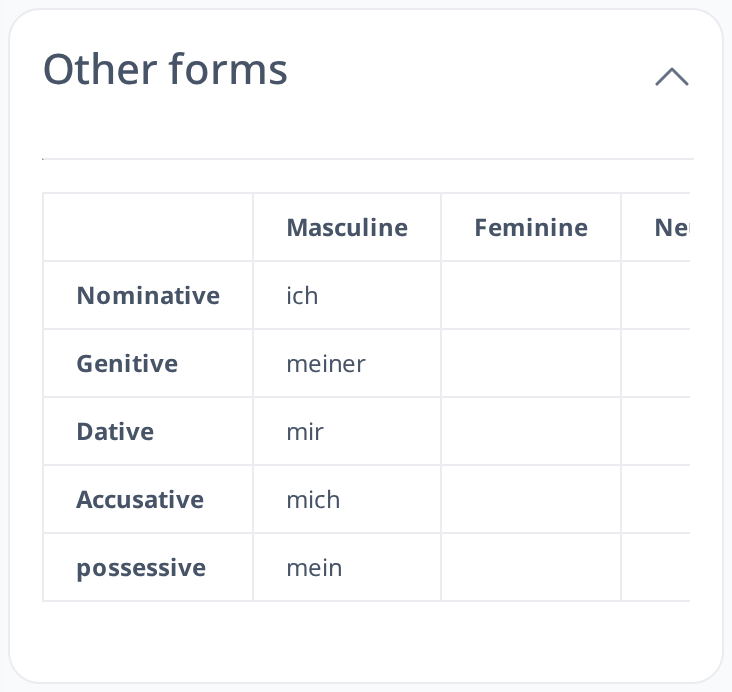
Lesson's Other Forms is a feature that lets you see the different inflected forms of a selected word. If the word you choose is inflected, this feature will display all its forms, helping you learn how the word changes in different situations.
How to Show the Other Forms
- Click on any inflected word in a lesson.
- Look below the word to find the "Other forms" section.
- The section is open by default and lists all the forms of the word you clicked. Click its title to collapse or expand it.