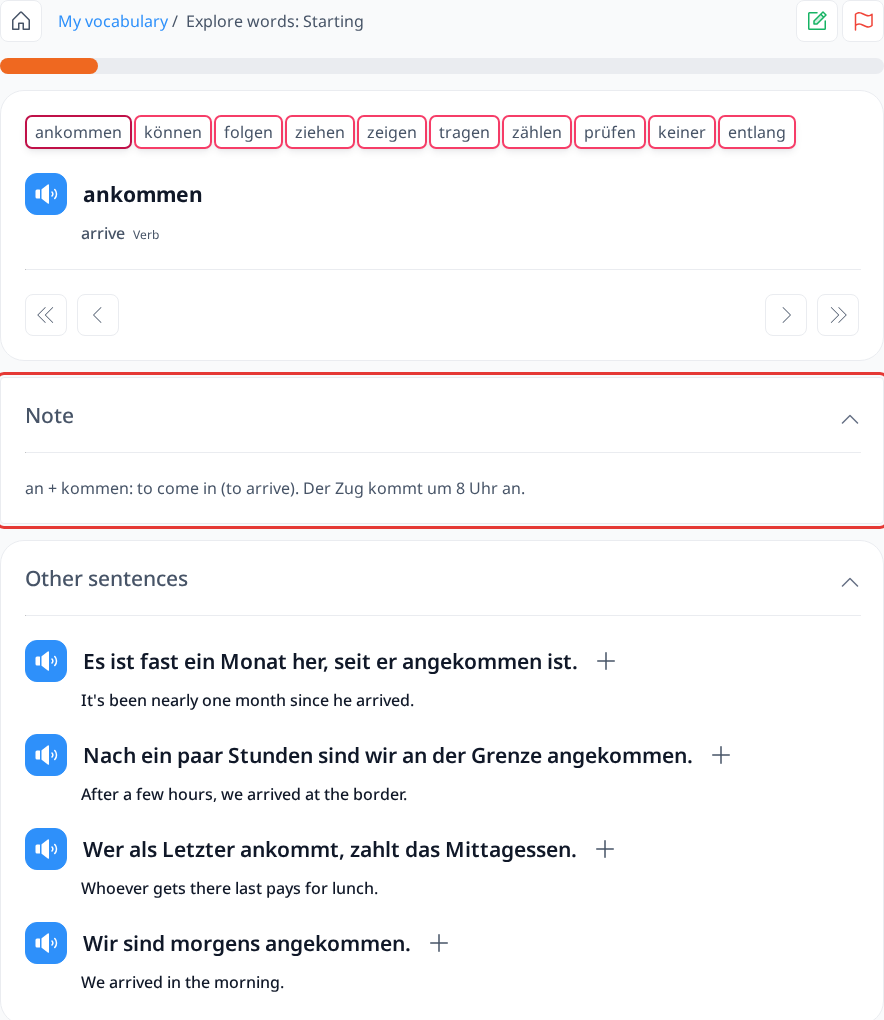
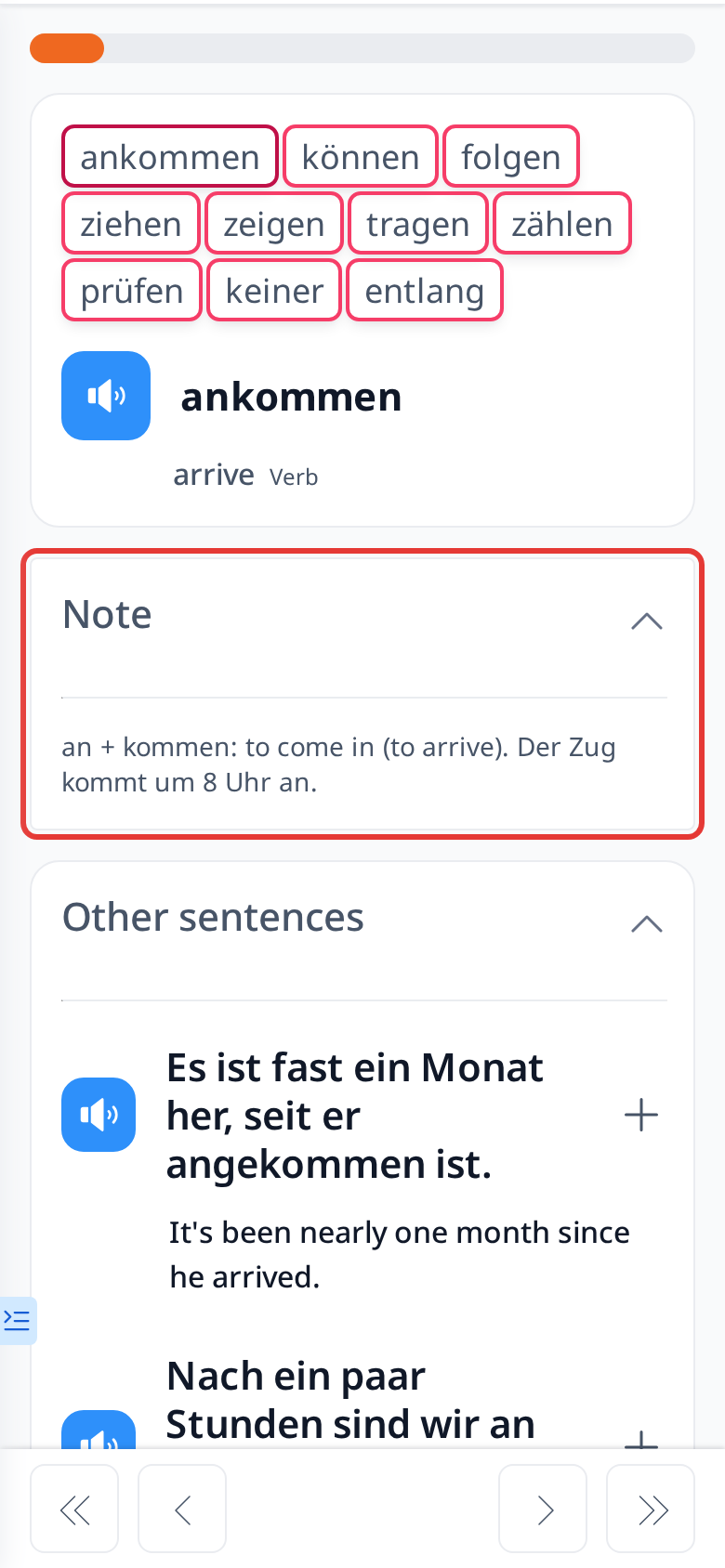
Test Notes

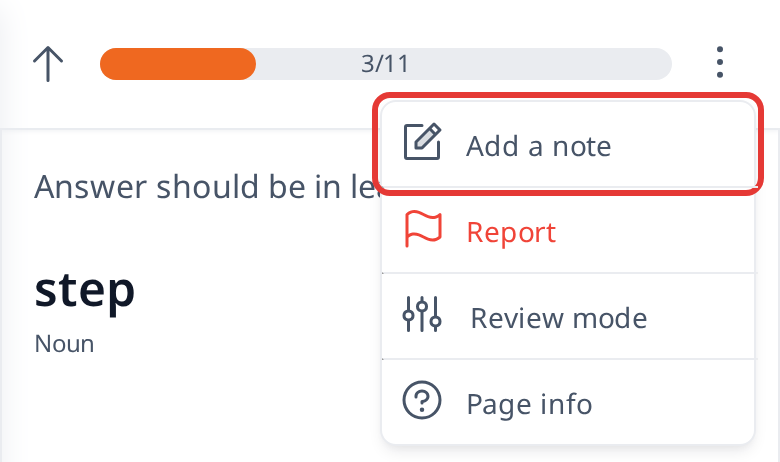
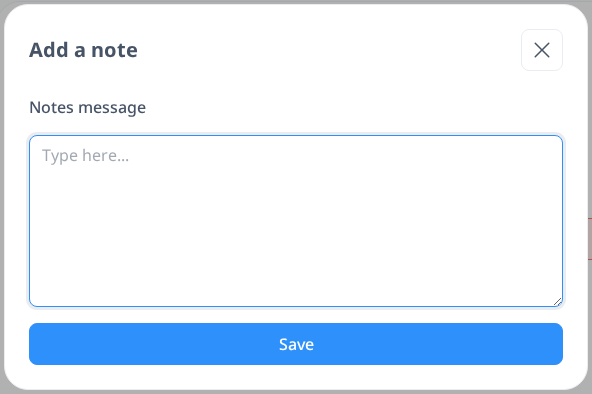
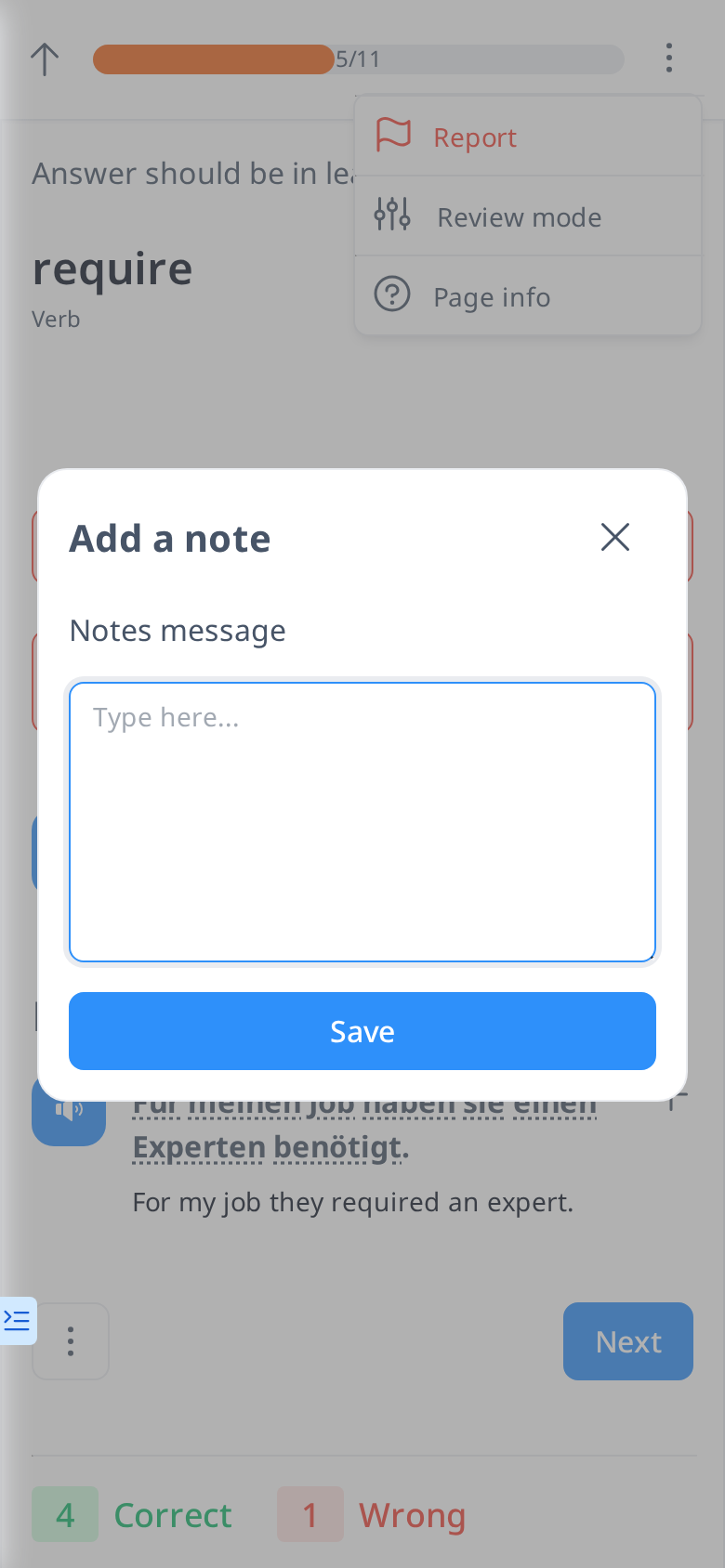
In the Test feature, after answering a question, an Add Note icon will appear in the upper right corner (on a phone, open the ⋮ menu there). This allows you to write a hint to help you remember the word more effectively in the future. However, the note will not be shown during the test. Once saved, you can access it on the My Vocabulary page by clicking on the word. You can also review the note in the Lesson if you encounter that word while going through a lesson.