Lessons List
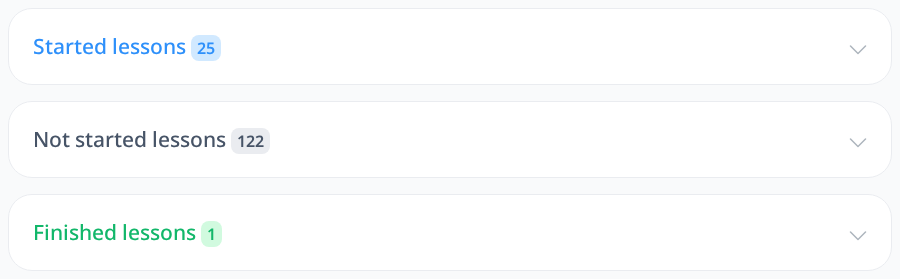
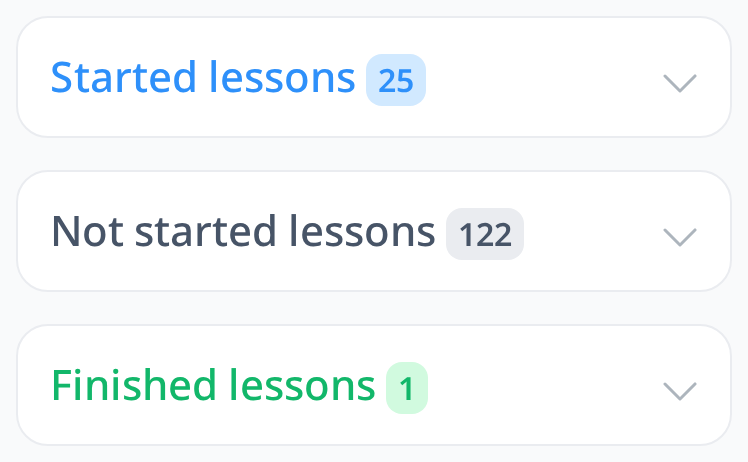
When you begin learning a language, all of your lessons will initially be displayed under the "Not Started Lessons" section. Once you start a lesson by opening it, it will automatically move to the "Started Lessons" category. As you progress through the lesson, studying each word and sentence, the lesson will remain in this category until you've completed all the content.
Upon finishing all the words and sentences within a lesson, it will be moved to the "Finished Lessons" section. This system helps you easily track your learning progress and gives you a clear overview of the lessons you have started and completed.
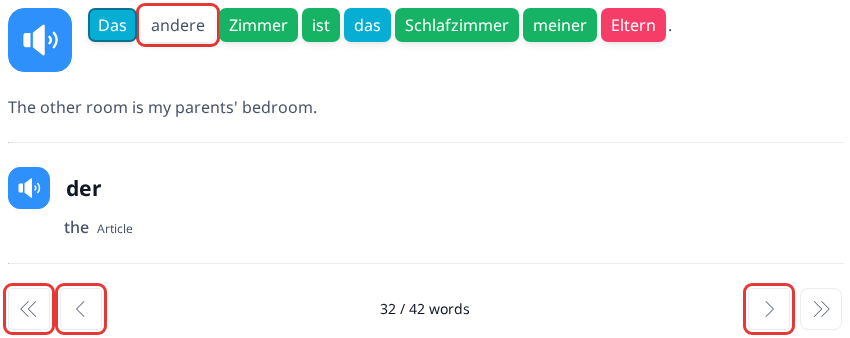
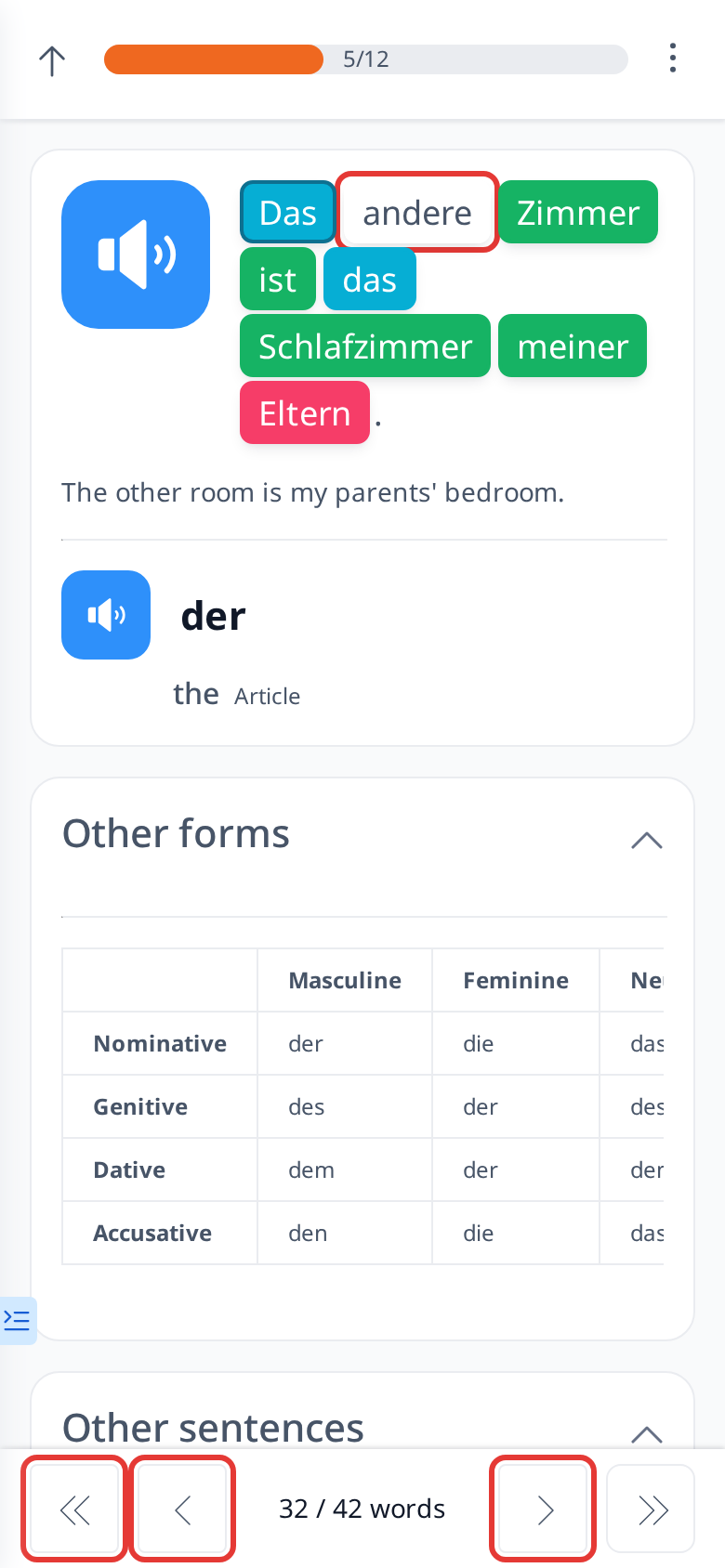
All words within the lessons are interactive and clickable. To mark a lesson as finished, you must click on each word in the sentences. If you notice a white box around any word in a sentence, it indicates that you have not yet clicked that word.
Additionally, to navigate through the words more easily, you can use the arrows located at the bottom of the screen (> or <) to move to the next or previous word. This feature ensures a smooth and organized learning experience as you progress through the lesson.