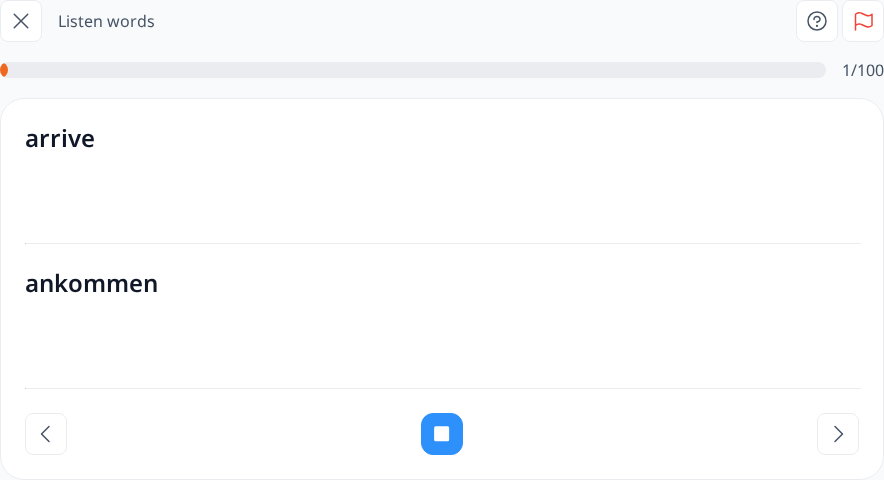
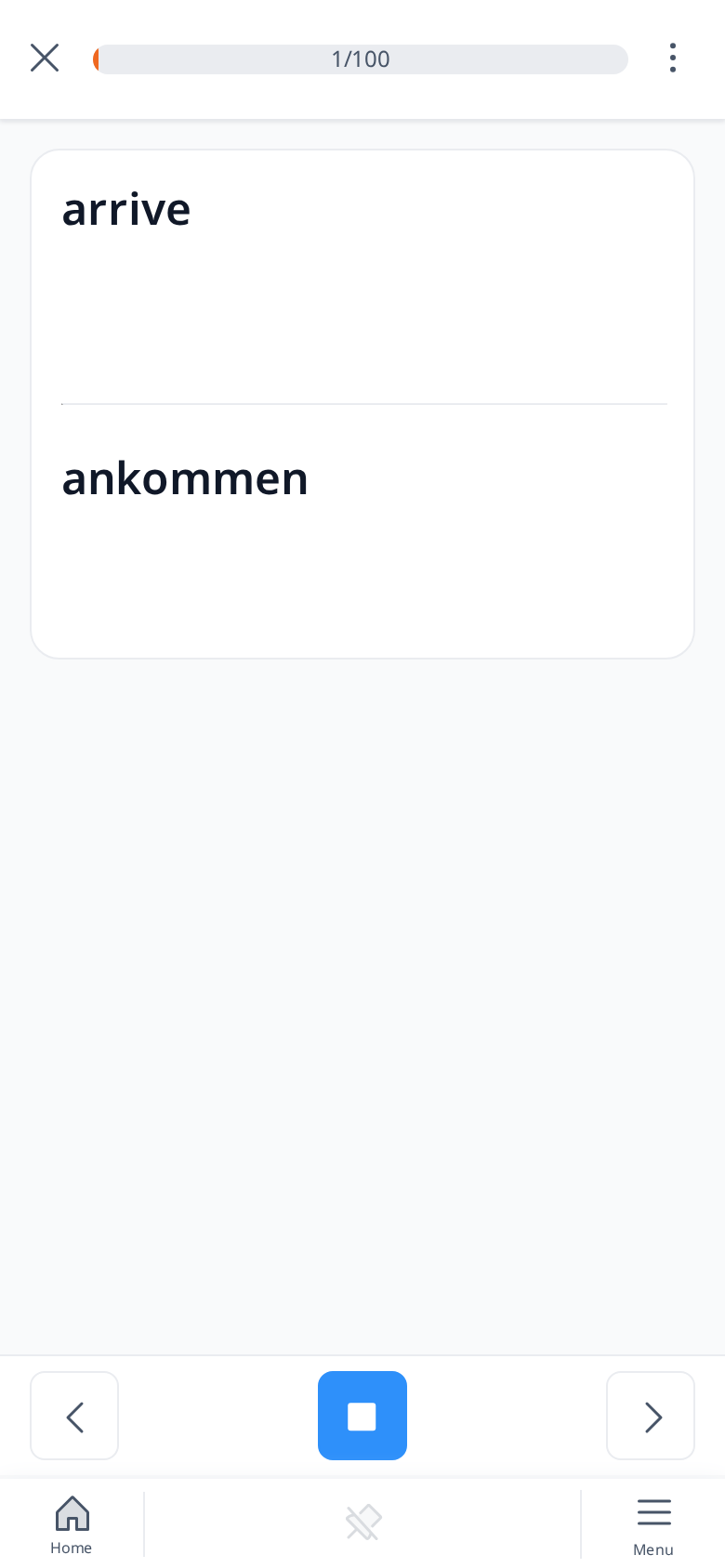
Listen Setup
In the Listen Setup, you can customize your experience by choosing which words to hear, based on two main options: Levels and Advanced options.
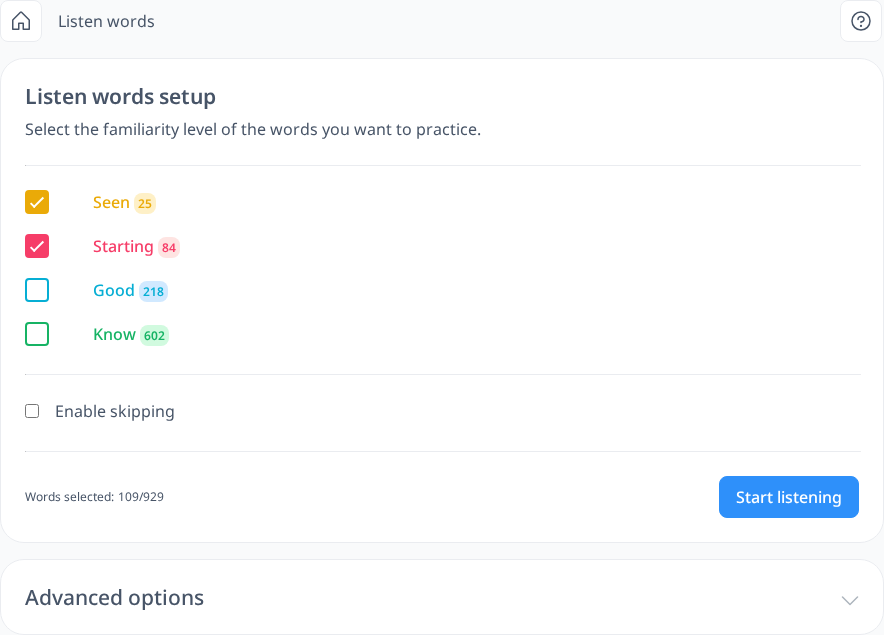
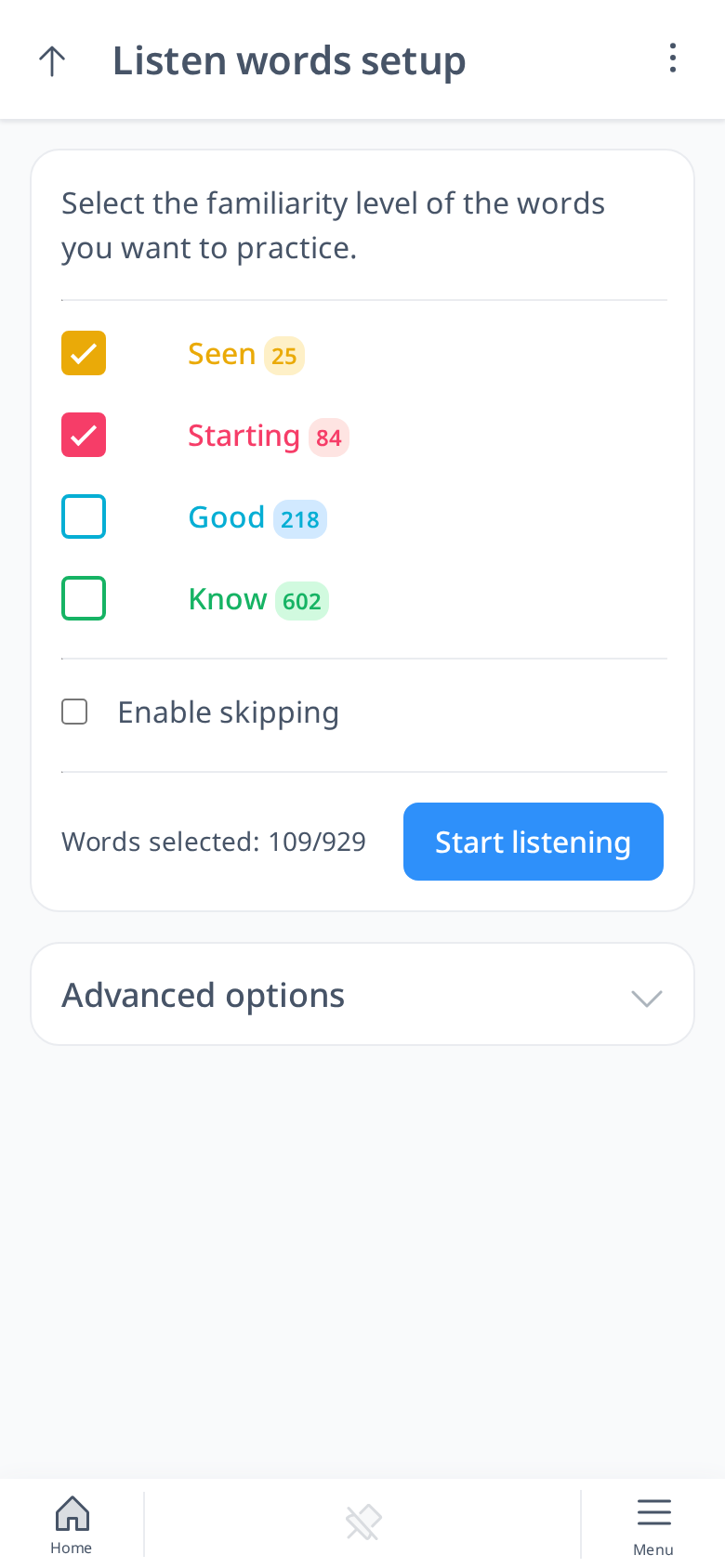
Levels reflect your familiarity with words—Seen, Starting, Good, and Know—where Seen represents the least familiar words and Know the most familiar. You can decide to review all your words or focus on specific levels, like newer or trickier ones (Seen or Starting). Since replaying words you already know well (Good or Know) might feel repetitive, tailoring your selection to challenging vocabulary can make your practice more effective.
How to Set Up Listen Words
- Pick the words you want to hear by selecting their levels: Seen, Starting, Good, or Know.
- Optionally check Enable skipping: while listening you can then skip words you don’t want to hear again in this setup, and next time you can continue where you stopped.
- Click "Start listening."
- The audio begins playing automatically.
- By default, you’ll hear the translation in your native or interface language first, followed by the word in your learning language.