Chat Corrections & Explanations

Correcting and Explaining Messages
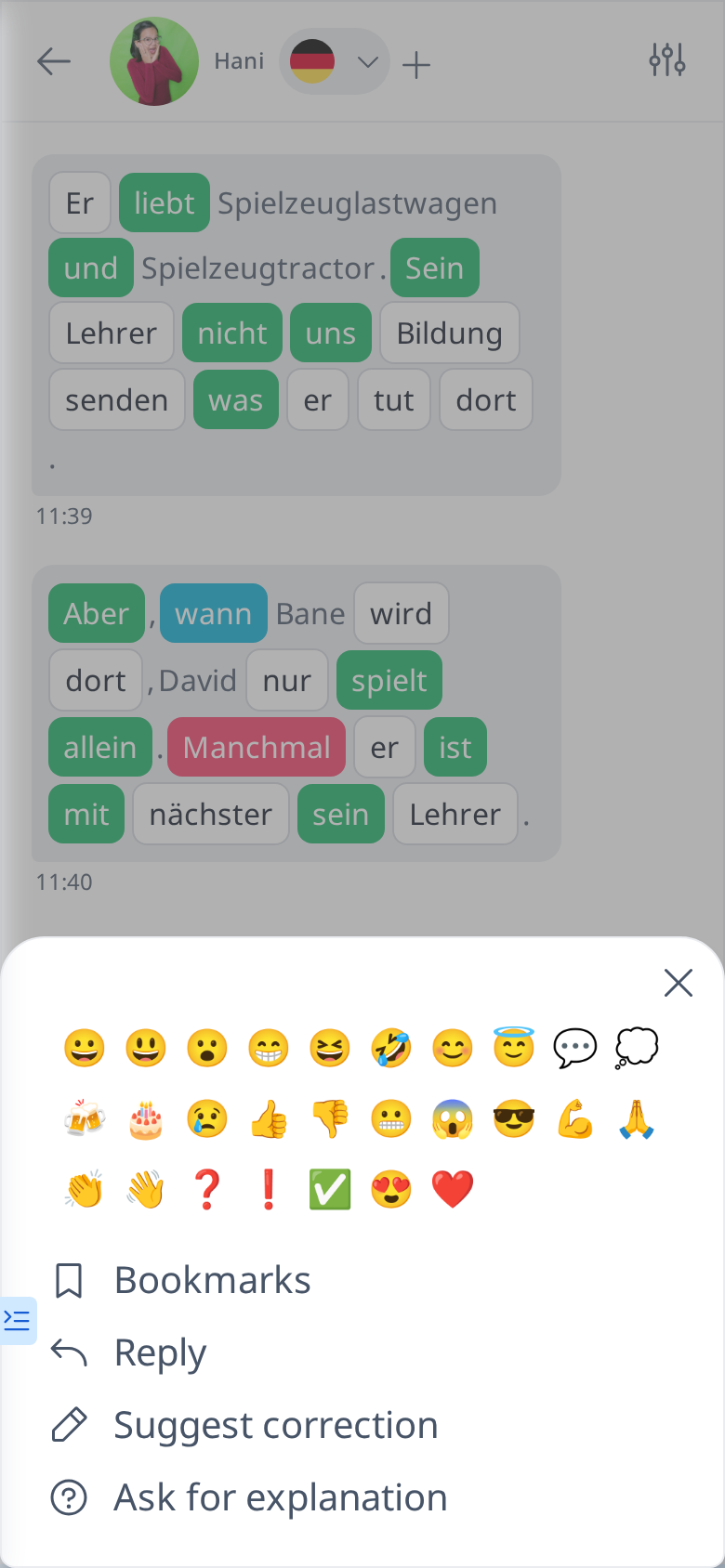
To support each other in language learning, you and your friends can use the Correction and Explanation feature to help improve your language skills.
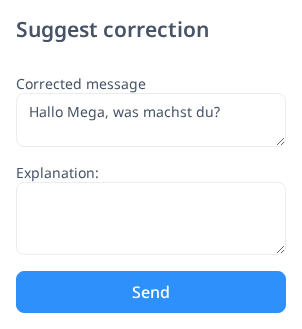
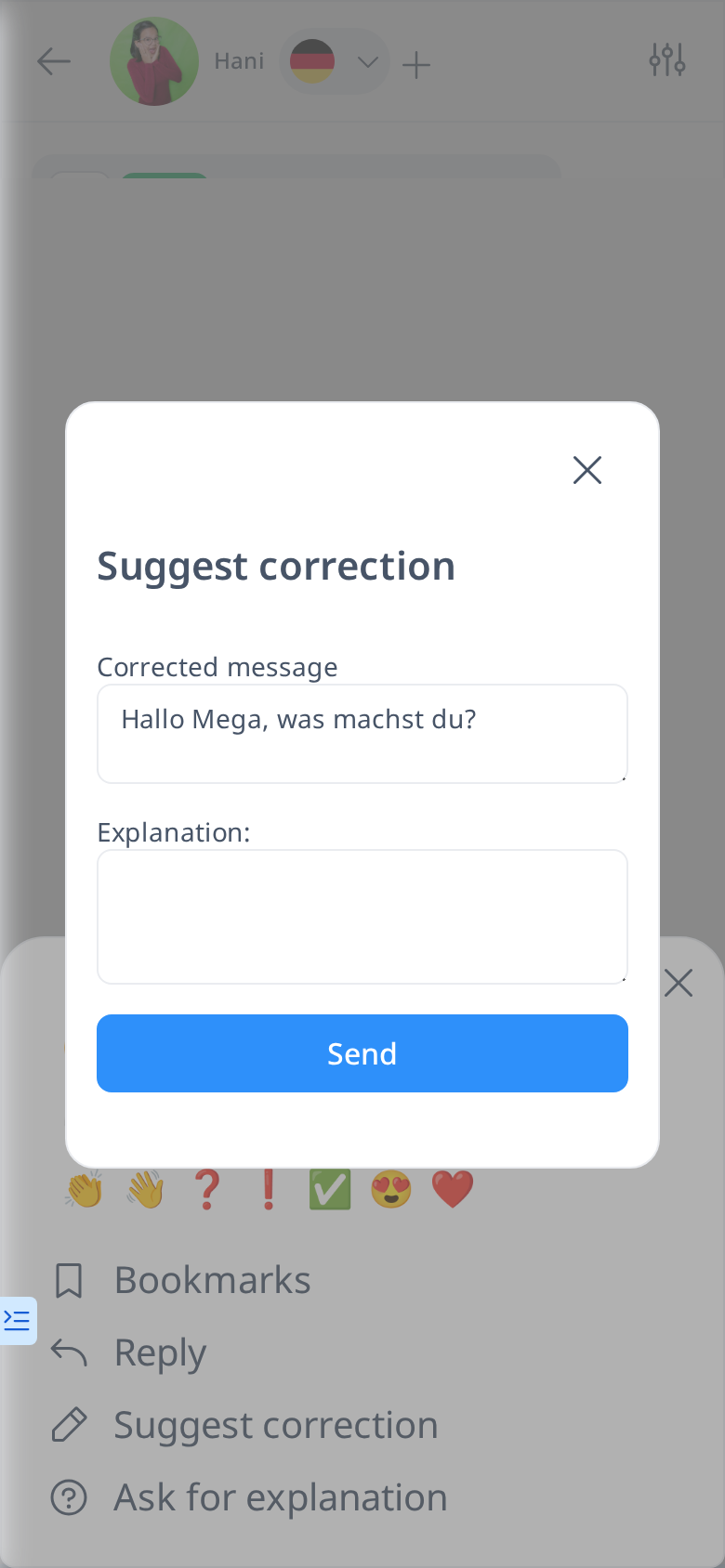
If you notice a grammar mistake or an awkward word choice in your friend’s message, open the message menu (hover over the message on a computer, or tap and hold it on a phone) and choose Suggest correction. This allows you to correct errors directly. If an explanation is needed, you can also provide one in the dedicated text box.
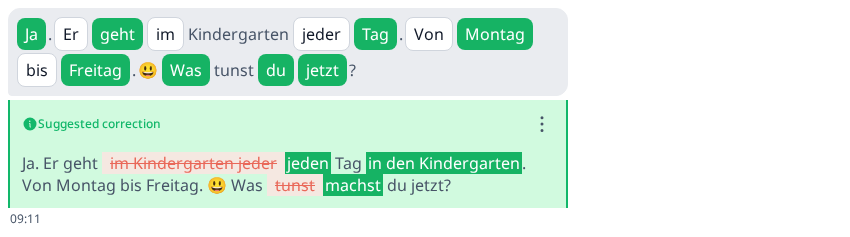
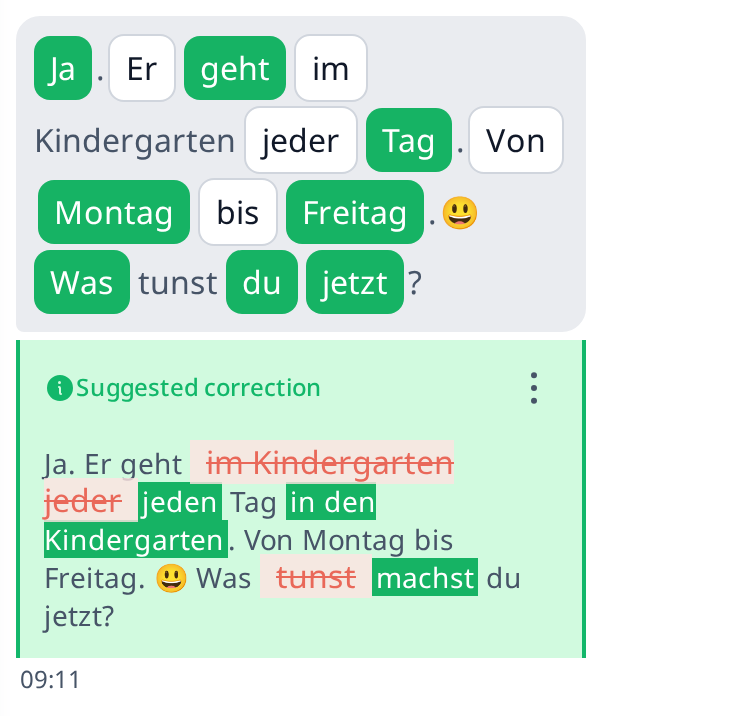
Once you click Send, your correction will appear below the original message, with the corrected parts highlighted for easy recognition. This way, learning becomes more interactive and collaborative.