

Navigating inside Forum
If you're not ready to post in the forum yet, you can browse topics that interest you instead.


When you enter the forum, the first thing you’ll see is the Topic list. Here, you can find the latest topics, with the newest ones at the top and older ones below. You can also switch to the Replies list tab to view the most recent replies in the forum. On a phone, tap the funnel icon at the top to see the Latest, Without translations, My bookmarks and Categories pages.
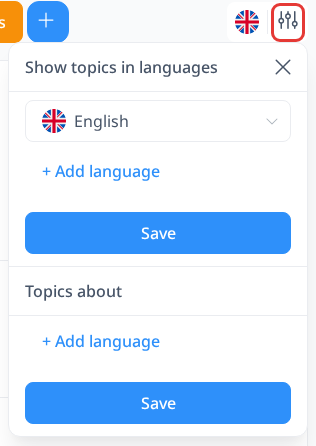
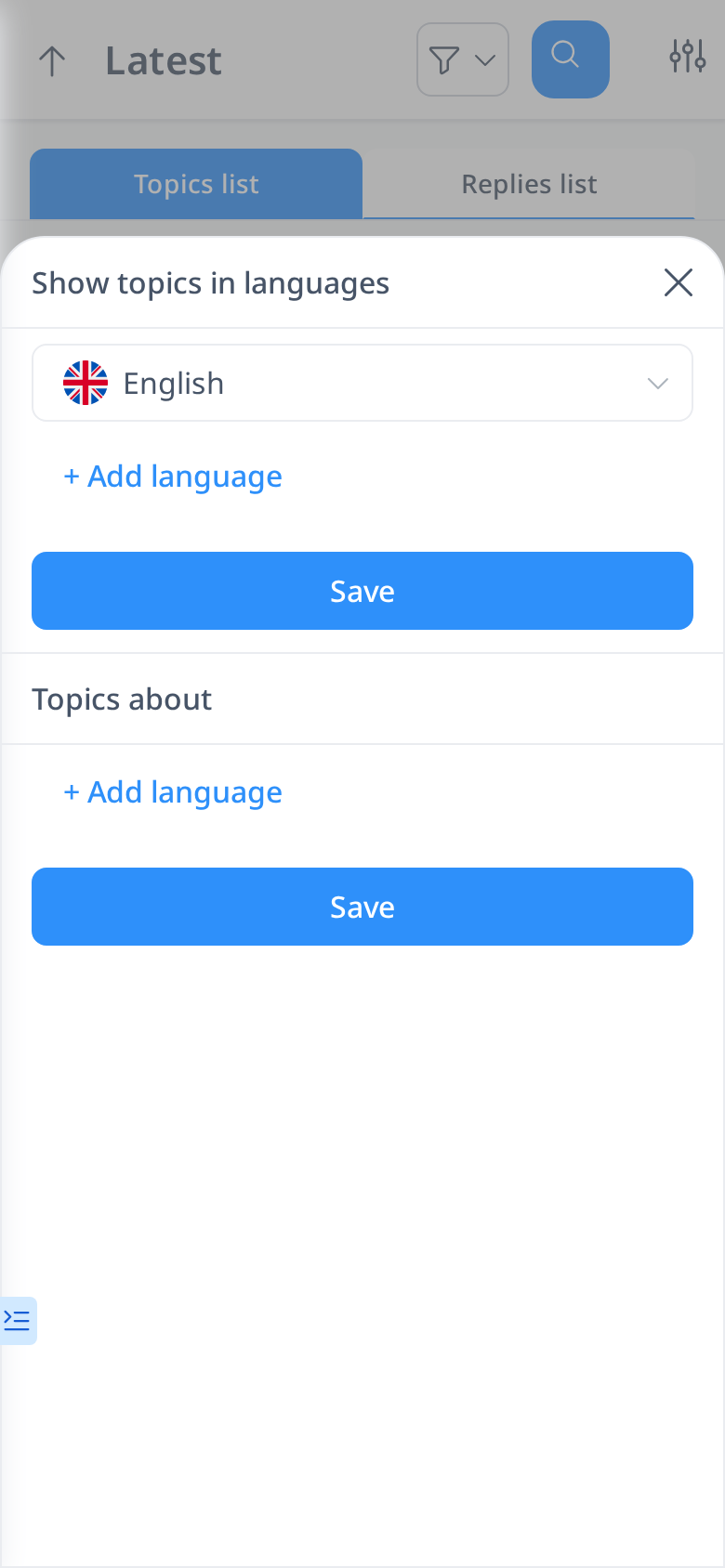
If you want to browse the forum in a specific language, you can use the filter feature. Select a language from the "Show topics in languages" list. By default, the forum will display topics in your native or interface language. If the language you choose is available, topics will be shown in that language. Otherwise, they will appear in their original language.
If you're looking for discussions about a particular language—such as German grammar—you can use the "Topics about" filter. Click the "Add language" button and select German to display only topics related to the German language. You can also add multiple languages if you're interested in discussions about more than one. This way, you can easily find and engage with posts that match your learning interests.