

Translating a Forum Post
Like other features in Langoid, the Forum is also a place to practice language learning. One way to do this is by translating forum posts into the language you are learning.



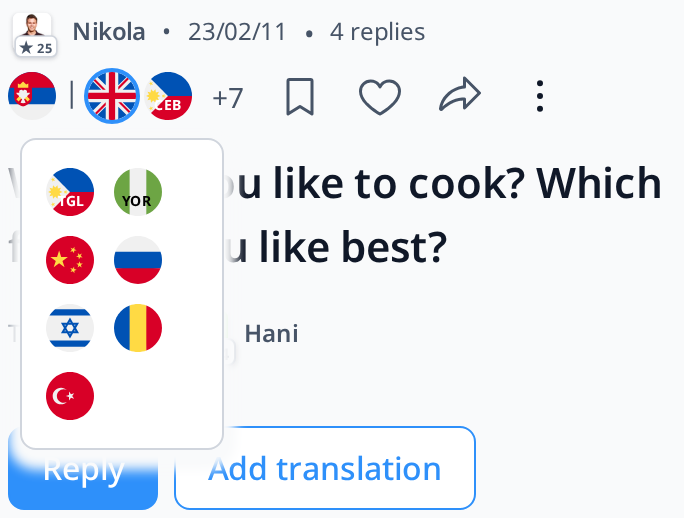
If a post has been translated into multiple languages, the flags of those languages will be displayed at the top. The original language flag appears on the far left, followed by the flags of the available translated languages. If there are more than two translations, the remaining ones will be grouped under a "+" icon.
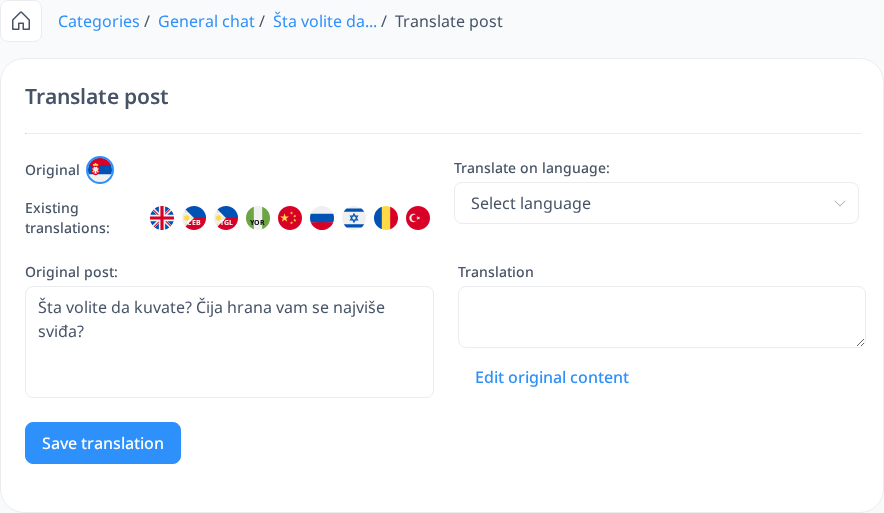
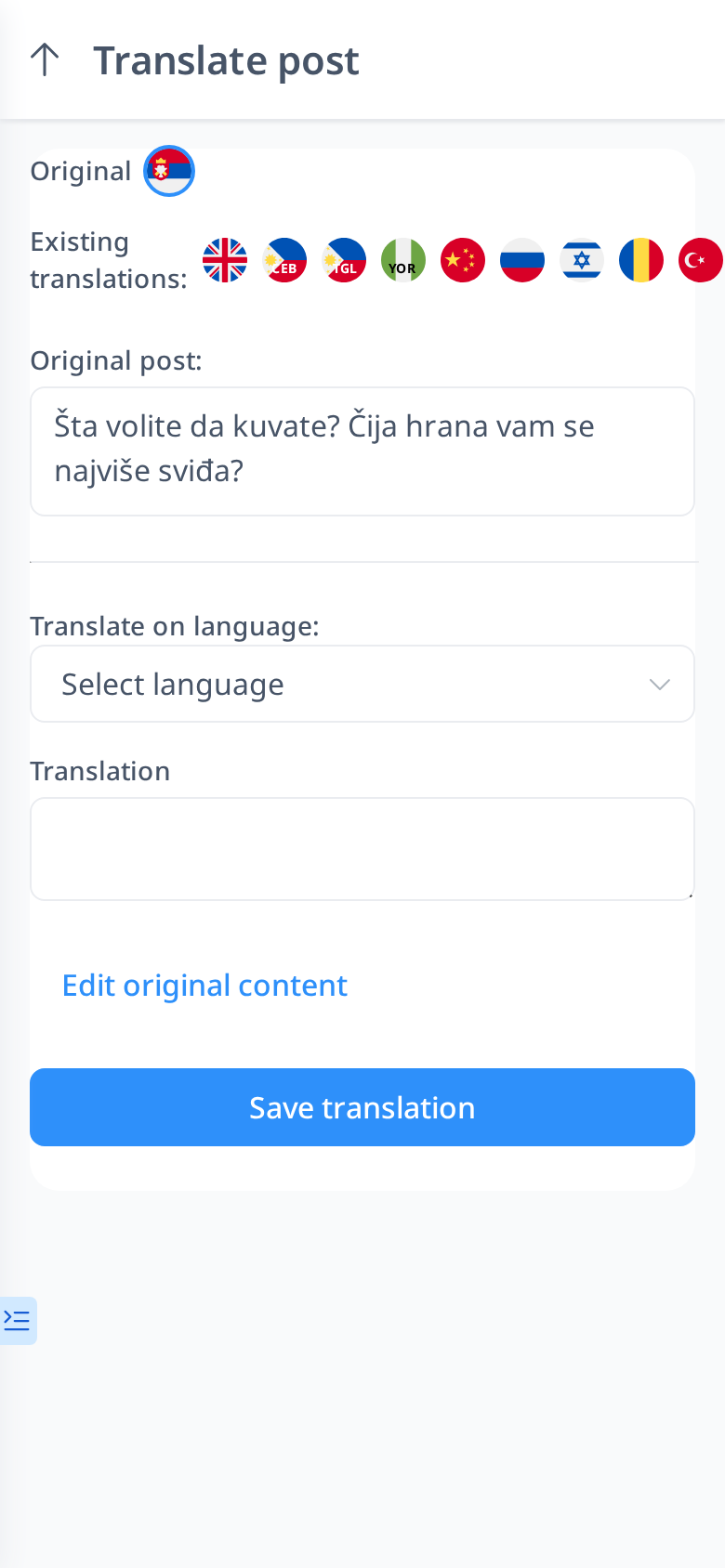
You can also contribute by translating forum posts. Simply click the "Add Translation" button on the post you want to translate, then choose the language you want to translate it into. If you don’t understand the original language, you can select another available translation that you are more familiar with—just click on its flag, and the translation will replace the original text.
For every translation you contribute, your name and avatar will be displayed in the lower right corner of the post, giving you credit for your work.
Just like creating a new forum post, translating an existing post is also integrated into the exercise feature. This means your translation will become a new Translation Exercise, allowing other users to review and correct it. You will receive notifications for any corrections, votes, or comments related to your translation.
However, only translations that meet the following criteria will be added to the exercise feature:
- The translation must not be in your native language.
- The translation must be at least 200 characters long.