Practicing with Corrections
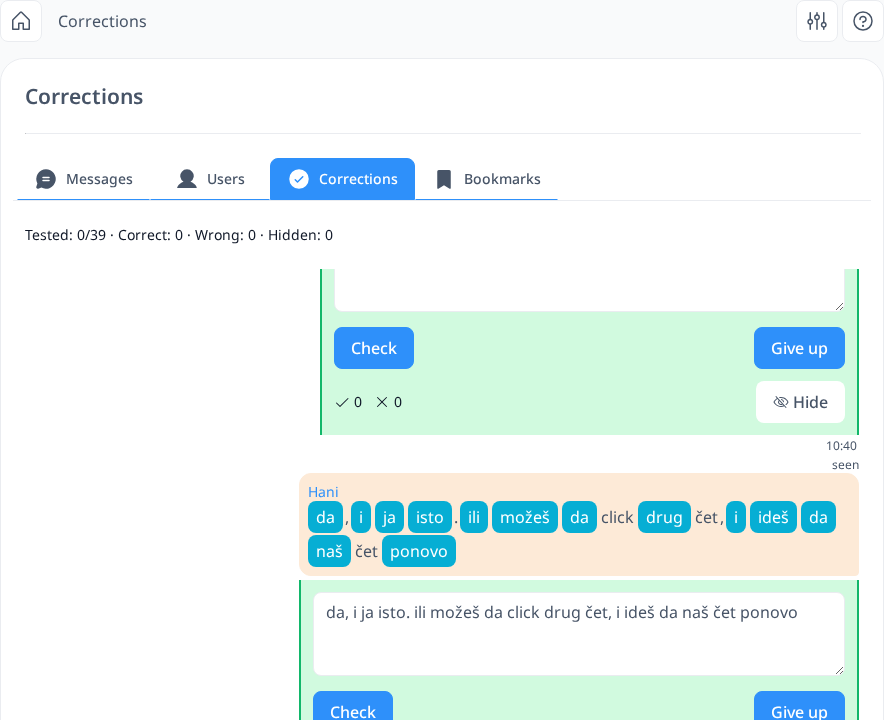
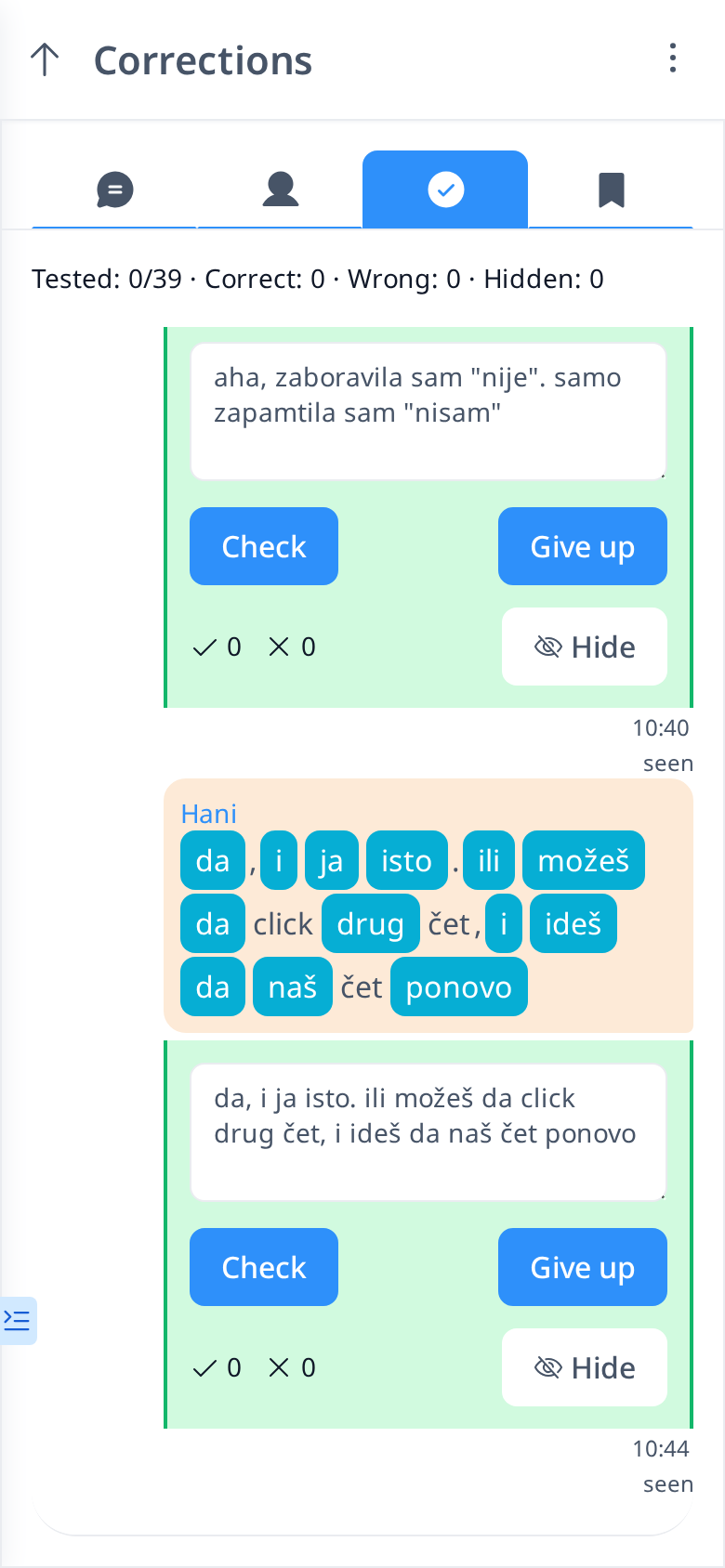
All corrections you receive are stored in the Corrections tab. However, instead of simply displaying the corrected messages, they are presented in the form of a practice test.
You will only see your original message containing the mistake, along with a text box where you can try to correct it yourself. This interactive approach helps reinforce learning by encouraging you to recall and apply the correct form, preventing you from making the same mistake in the future.
If your answer is incorrect, the system will not immediately show the correct version. Instead, it will count your incorrect attempt (e.g., first wrong attempt, second wrong attempt, etc.). If you continue to guess incorrectly, the counter will keep increasing. If you decide to give up, the correct version will be revealed. Use Hide to remove a correction you don’t want to practice anymore. The line at the top shows how many corrections you’ve tested and how many answers were correct or wrong.