Ask for Explanation
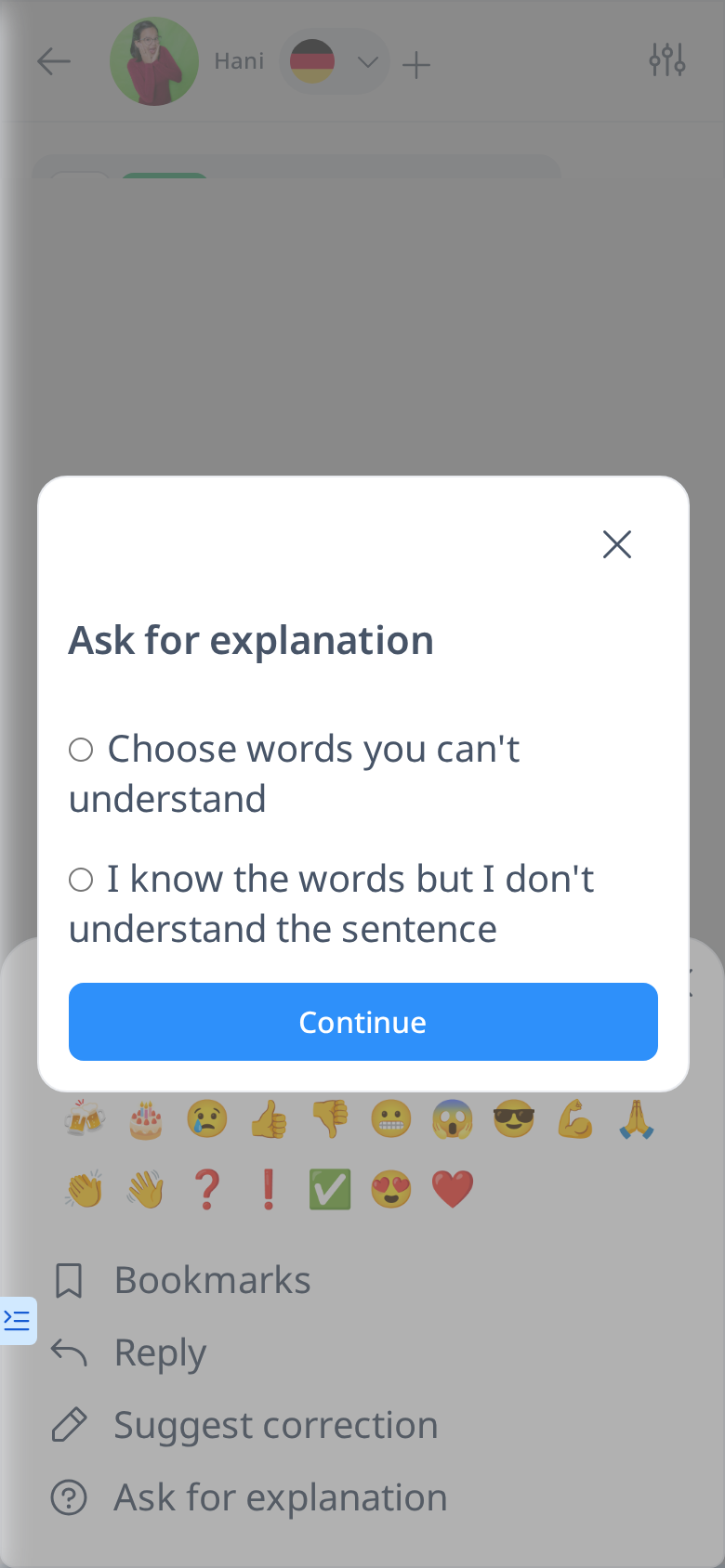
If you don’t understand something in your friend’s message, open the message menu (hover over the message on a computer, or tap and hold it on a phone) and choose Ask for explanation.
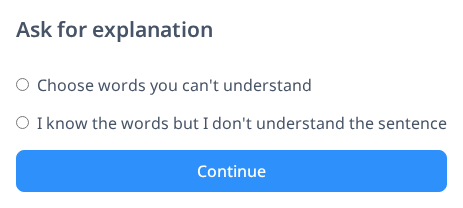
You’ll have two options:
- Ask about specific words – If you don’t understand certain words, you’ll be prompted to select them from the message.
- Ask about the entire sentence – If the meaning of the whole sentence is unclear, you can request a general explanation.
Your friend can then provide an explanation in the designated box, helping you understand the message better.