

Keyboard
Not all languages use the Latin alphabet. Some have entirely different writing systems, while others use a combination of Latin and non-Latin characters. As a result, language learners often need to set up additional keyboards on their devices when studying a new language. However, not everyone finds it convenient to install and switch between different keyboards.
To make language learning easier, Langoid provides a built-in virtual keyboard for every user. This feature allows learners to type in their target language seamlessly, without the need to modify their device's keyboard settings.
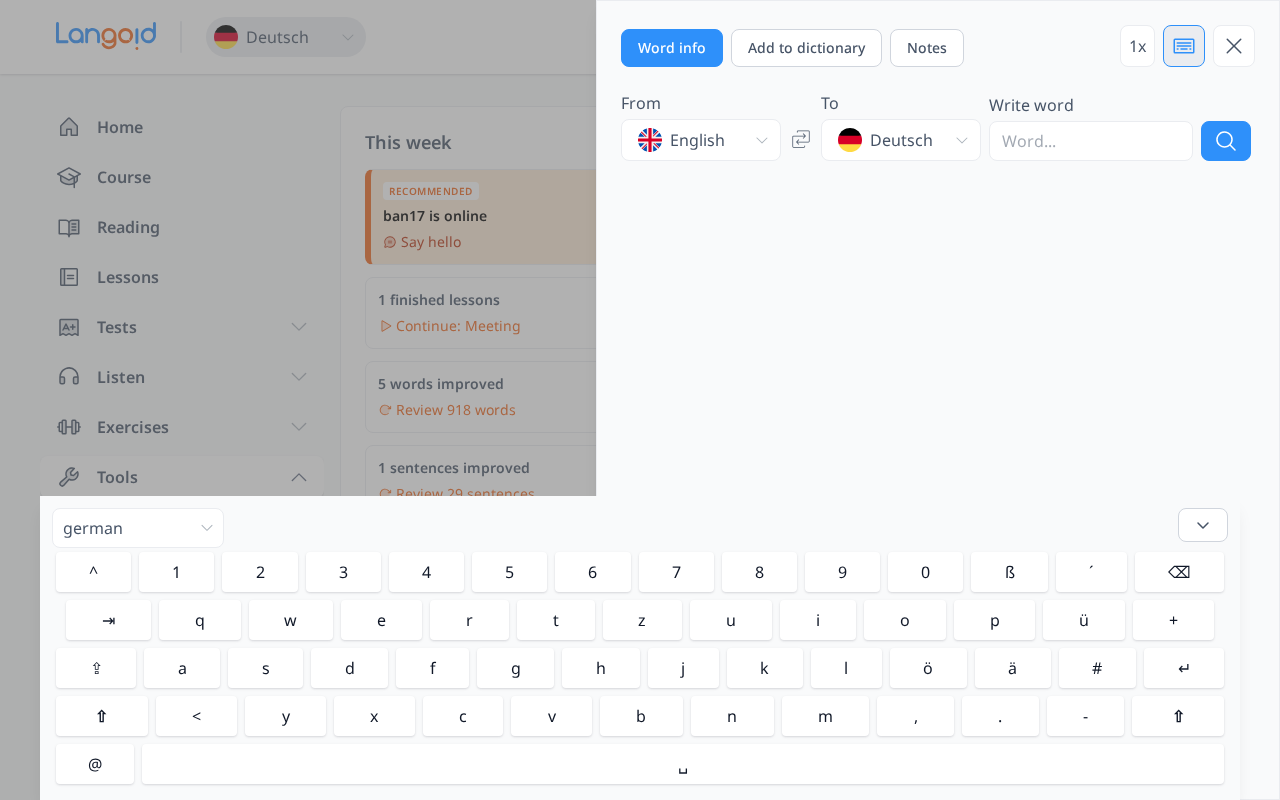
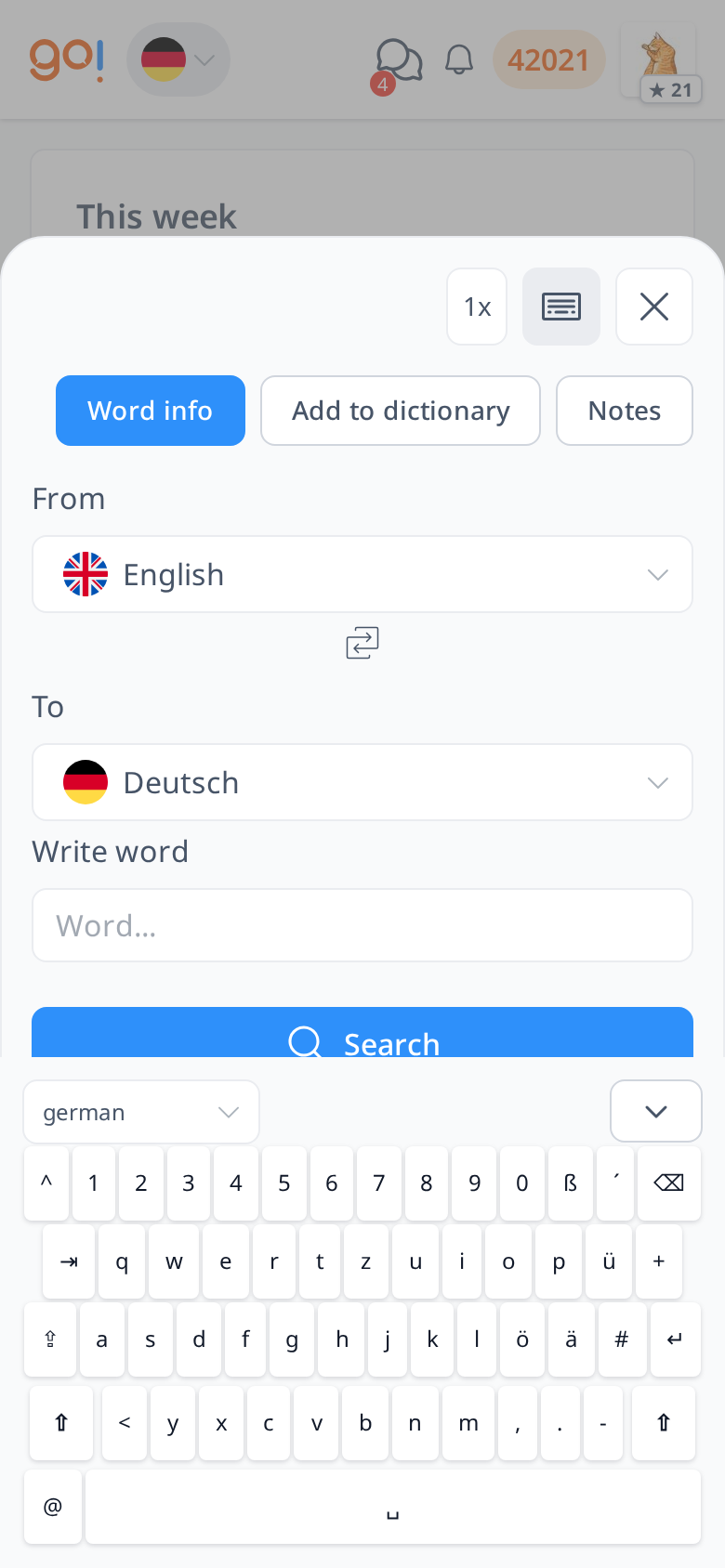
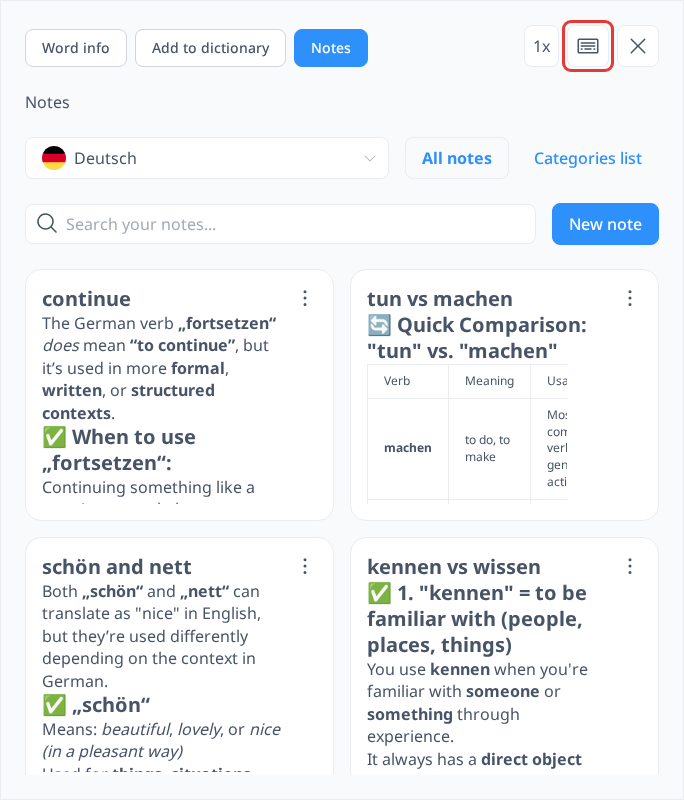
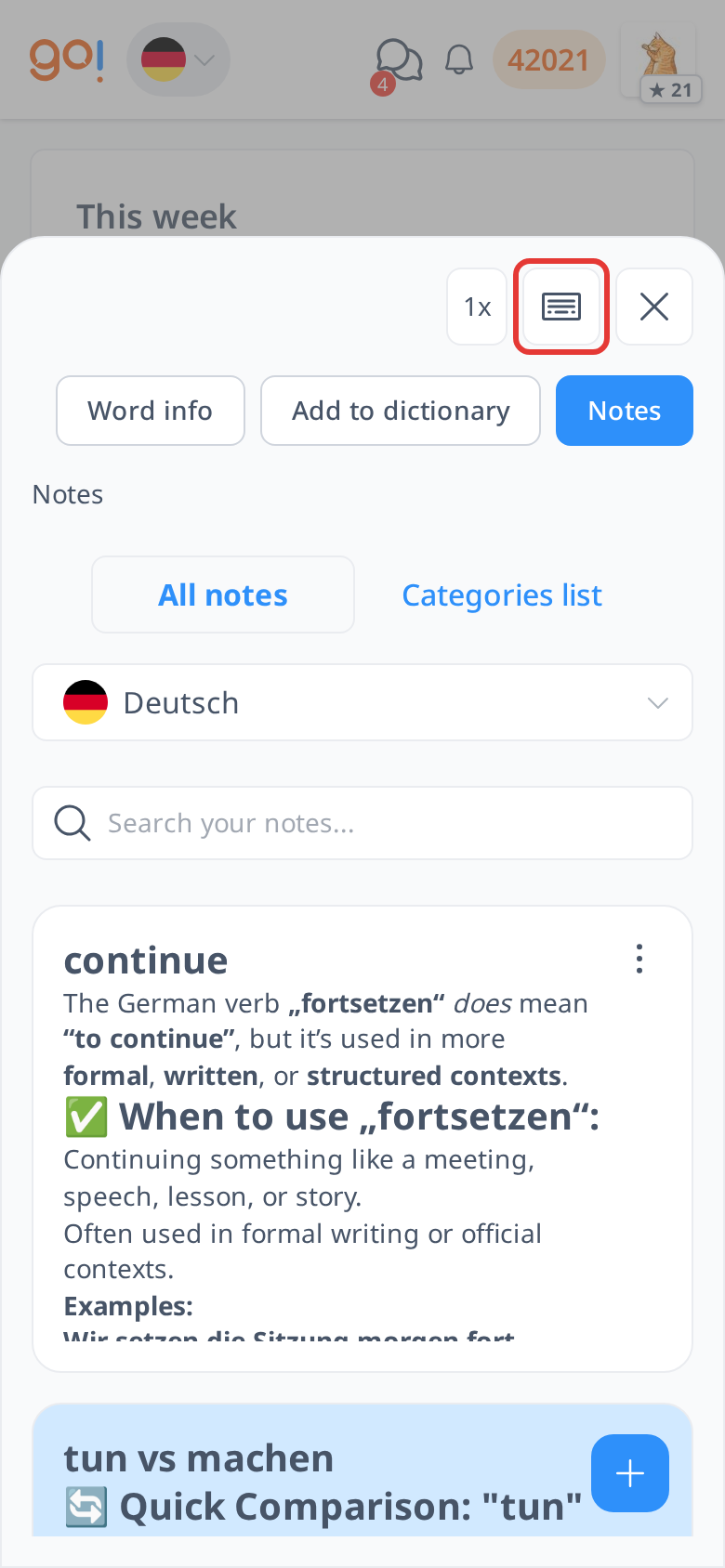
To access the keyboard, open any menu under the Tools section to display the sidebar. Then, click the Keyboard icon located in the top right corner to activate it.
The on-screen keyboard will appear on your screen. By default, it is set to the language you are currently learning. However, if you want to explore a different keyboard layout, you can select another language from the dropdown menu in the top left corner. Once you are done using the keyboard, you can hide it by clicking the down arrow in the top right corner.
The small keyboard icon will remain on your screen in the bottom right corner after you click the down arrow to hide the keyboard. If you need to use it again, simply click the icon, and the keyboard will pop up again.
With this built-in keyboard, you can easily type in different languages without having to install additional keyboard layouts on your device. This feature ensures a smoother learning experience, allowing you to focus on practicing your target language effortlessly.