

Langoid help
How to use Langoid?
Langoid provides several options to help you learn or improve different aspects of your target language.
You can:
- Learn Vocabulary
- Practice Sentence Constructions
- Improve Reading and Pronunciation
- Improve Your Listening
- Study Grammar
Learning Vocabulary
Word Tests
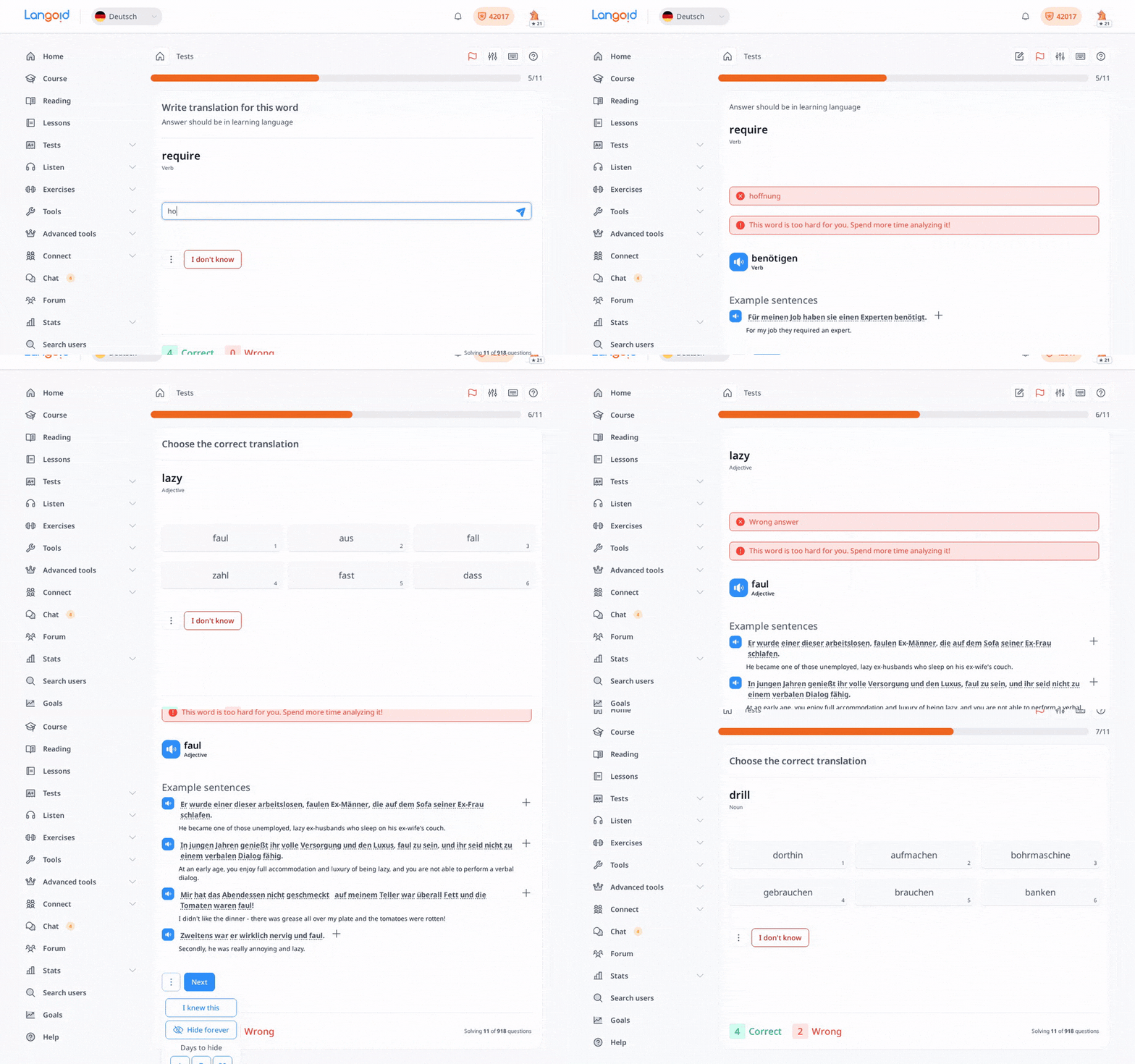
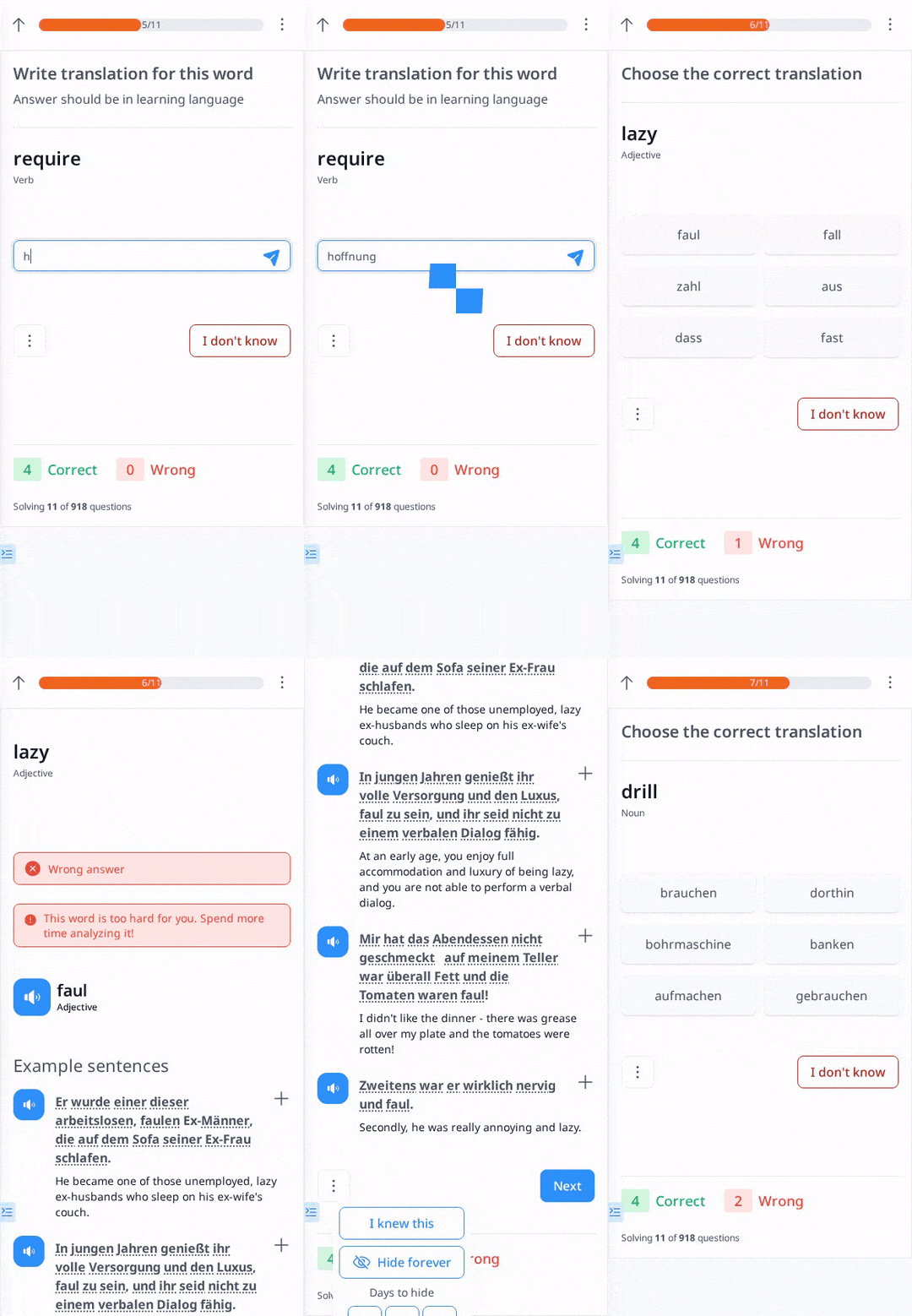
Word Tests are like flashcards where you will be asked to translate words into either your learning language or your native/interface language.
They are grouped by batches. If you have many words in your vocabulary, they will not be asked all at once but will be divided into smaller groups to make them easier to remember.
They follow an SRS (Spaced Repetition System) algorithm, so the words you have a hard time remembering will appear more often, and the words you know well will appear less frequently.
Additional Options During the Tests:
- I don't know – Select this if you don’t know the answer. The correct answer will be shown immediately.
- I know – Mark the word as “known”, if you’re sure you know it perfectly.
- Hide forever – Hiding a word you've added forever. This is sometimes used if you accidentally added a word and don’t need it.
- Hide [1,7,30] – Temporarily hide a word for 1, 7, or 30 days. After that period, it will show up again in your tests.
In addition to Word Tests, which are also very useful, if you want to add a mnemonic for a specific word, you can write it in the Note section that appears after you answer incorrectly.
Listen Words
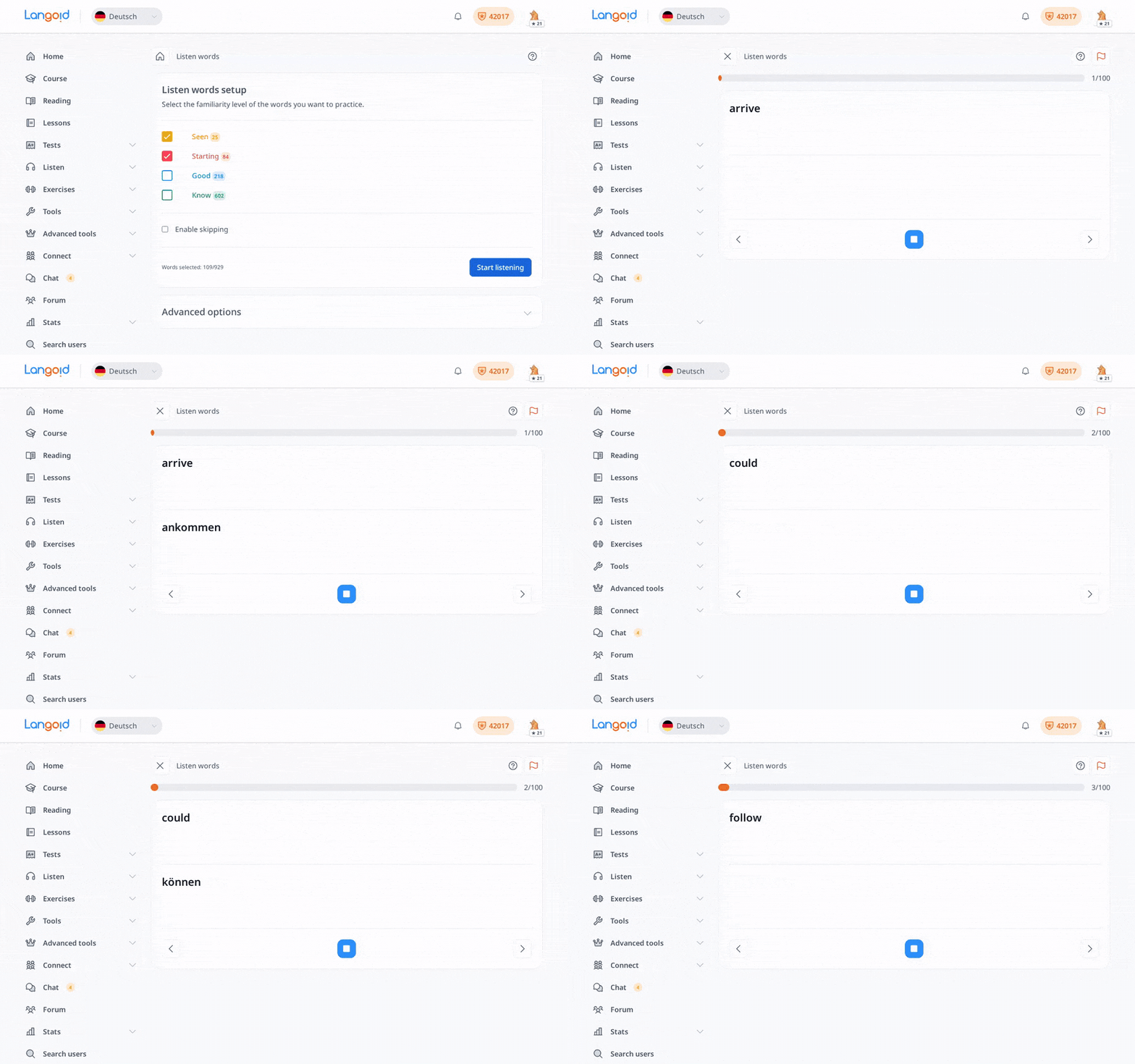
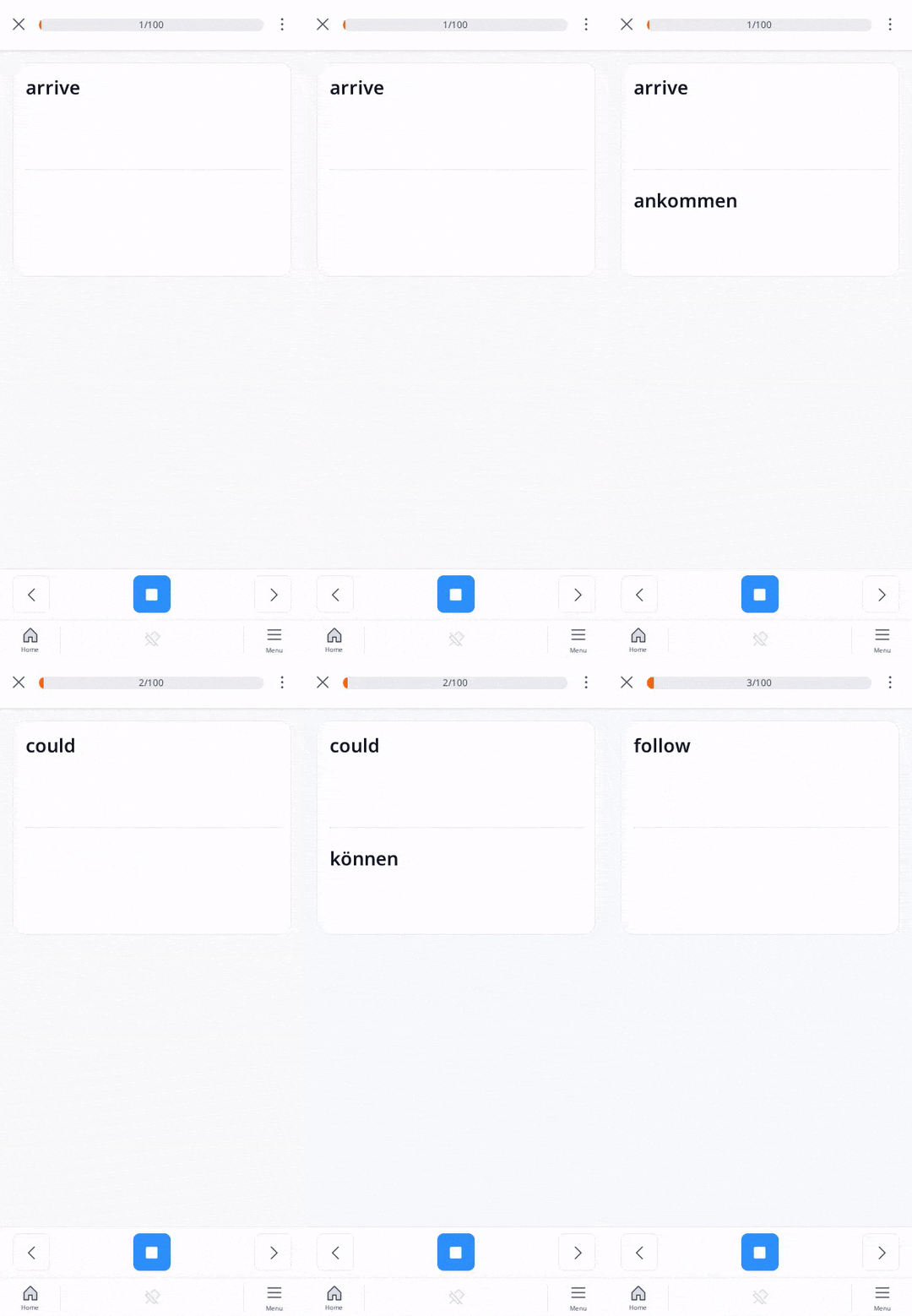
In the Listen Words option, words will play automatically without you needing to click anything. This is useful when you still want to learn but your hands are busy. By default, it will play the words under your “Seen” and “Starting” levels.
Once you click the Start Listening button, by default, it first plays the word in your native/interface language, waits 1 second, then plays the translation in your learning language.
Before starting to listen to words, you will see Advanced options where you can change the defaults to what is comfortable for you.
You can set:
- How you want to play the audio:
- Interface language first
- Learning language first
- Learning language only
- Number of audios in a loop: Choose 10, 20, 50, 100 (default), or 500.
- Audio playback speed: The speed of audio playback; the default is 1 which is the normal speed.
- Silence length: The time of silence between one audio and the next. Default is 1 second. You can increase or decrease this pause if you need more or less time between the two audios.
This feature is very useful if you’re on a bus or anywhere you can’t easily read or type. Just plug in your headphones, press “Start Listening,” and keep learning on the go!
Lesson
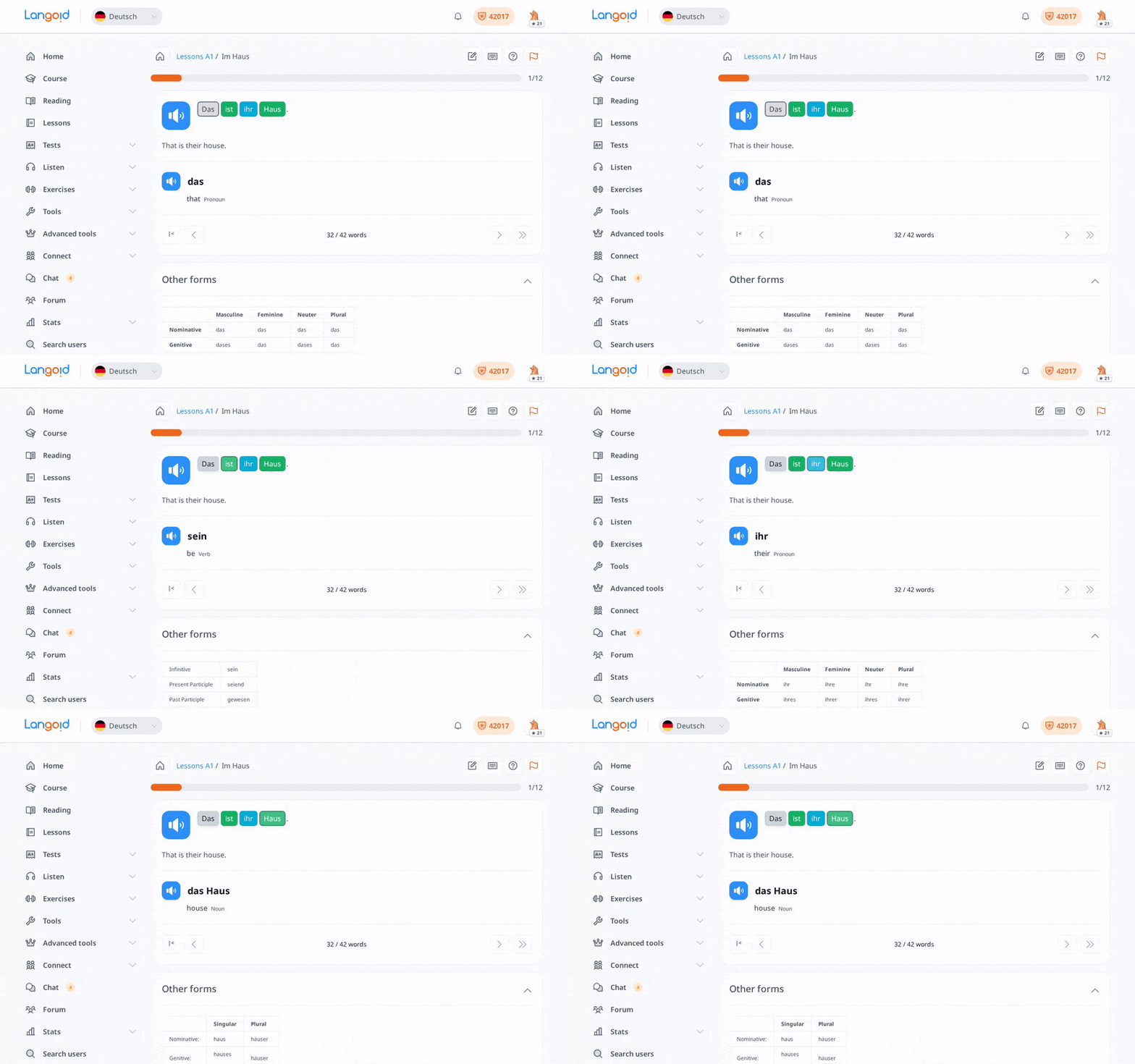
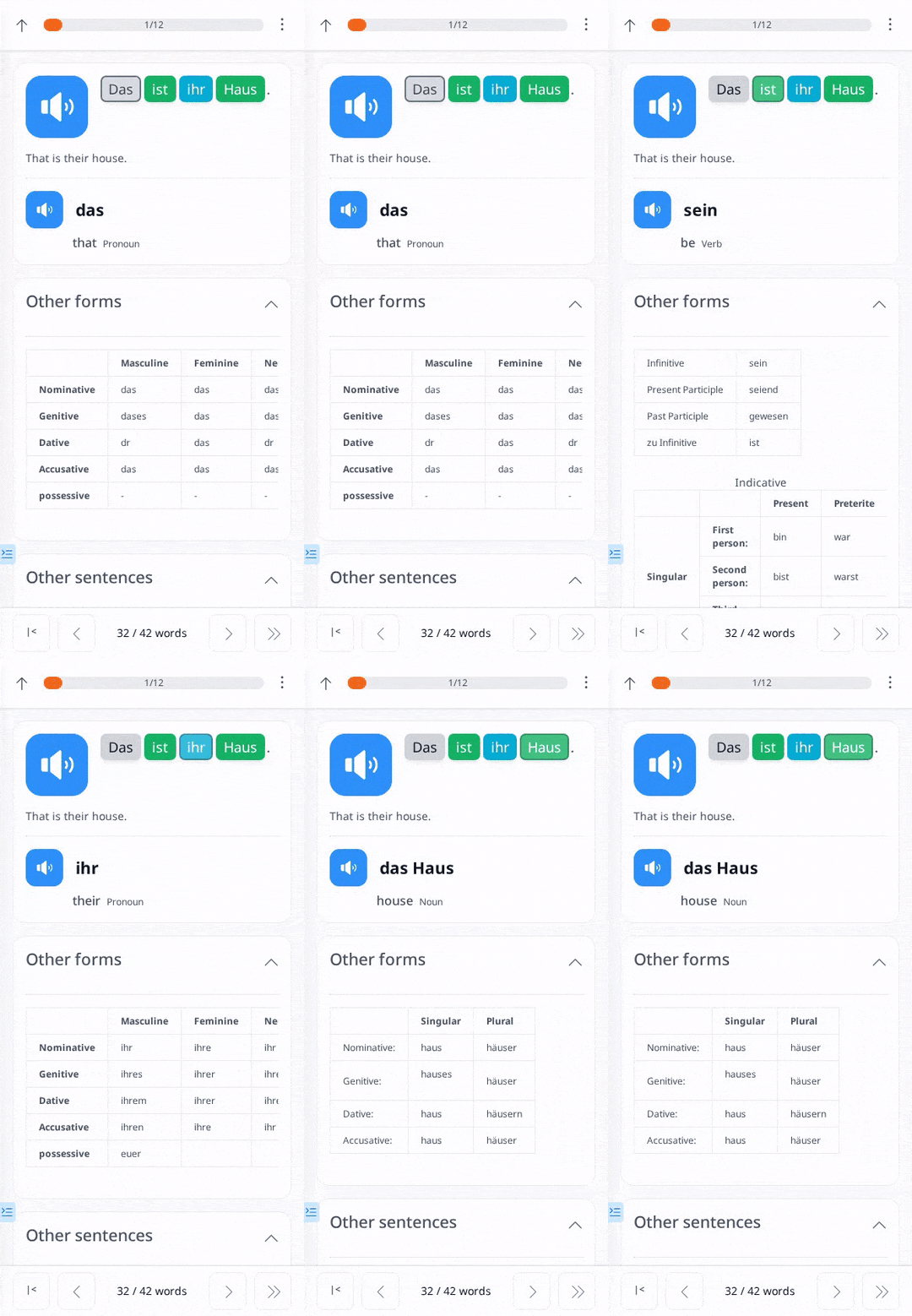
Lesson is where you will add words to your vocabulary. Every word in a lesson is clickable, so once you click a word, it will automatically be added to your vocabulary. When you click the word, you will see its translation, hear how it is pronounced, see its part of speech (including inflected forms), and read example sentences using that specific word.
This is a passive way of learning words but is still effective. To make it more effective, you should combine lessons with Word Tests. Add the words to your vocabulary from the lesson, then review them in your Word Tests. That is how you will learn the words actively.
My Words
If you have words you want to add to your vocabulary that don’t exist in our database, you can go to Add word under the Tools option, add them there, and then review them in My Words.
Steps to Add Custom Words:
- Go to Tools → Add Word.
- Select Word as the type.
- In the In My Language field, enter the word in your native language.
- In the Foreign Language field, enter its translation.
- Add a definition (optional).
- Add a note (optional).
- Select the Part of Speech (e.g., noun, verb).
After adding custom words, go to Tests → My Words to study them.
The testing format is the same as in Word Tests, except it focuses on the words you’ve specifically added.
Practice Sentence Constructions
Sentence Tests
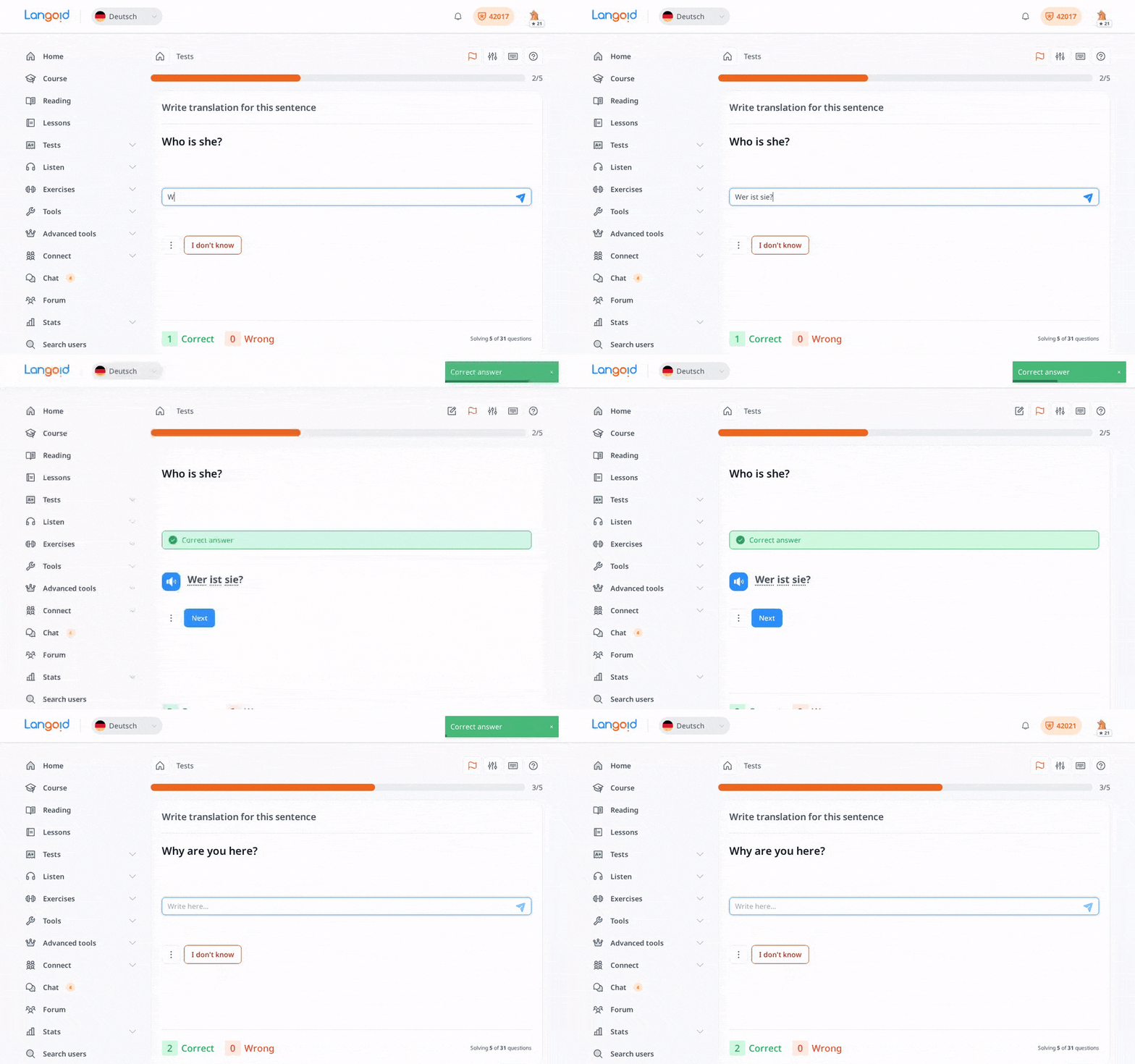
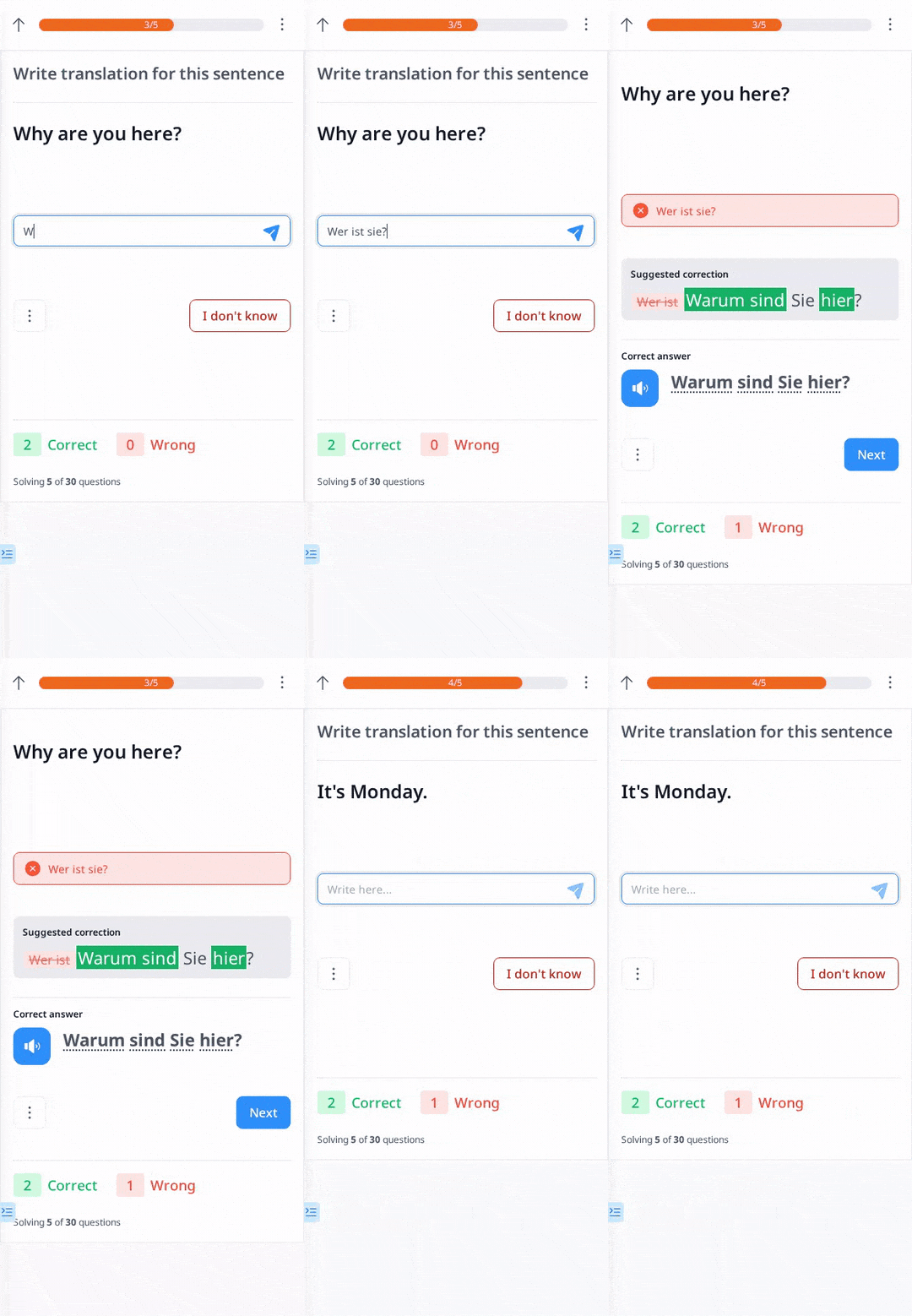
Sentence Tests will help you start learning sentence construction. As in Word Tests, you will be asked to translate something, but here it’s a full sentence instead of just a word. It’s best to do this once you have enough vocabulary to understand the sentence more easily.
The SRS in Sentence Tests is not the same as in Word Tests. It’s not as strict because here you are learning the pattern of the sentence, not the sentence itself.
Listen Sentences
Similar to “Listen Words,” but for sentences. This can still be passive, but if you want to make it active:
- Hear the sentence in your native language first.
- Use the silence interval to think about how it should be translated.
- Then hear the sentence in your learning language.
If you need more time to think, increase the silence length in the advanced options.
Lesson
Reading sentences in Lessons helps you see the natural structure of your target language. By paying attention to sentence order and word usage, you’ll gradually understand the grammar and how phrases are formed.
Story Exercise
If you have enough words in your vocabulary, you can do this exercise where you create a story or any text you want to write in the language you are learning. After creating it, real people will correct your story and may sometimes comment to emphasize grammatical explanations of your mistakes.
This way, you’ll practice sentence construction with real people and will also be able to ask them about specific things you don’t understand in the comment section.
Translate Exercise
This is similar to the Story Exercise, except you are not writing your own story; instead, you are translating someone else’s story. Here, you don’t need to think about what text/story to write because it’s already provided; you just translate it. Real people will also correct your translations and give comments if necessary.
Chat
Chat is a good way to build your confidence in communicating with someone through text. You can chat with someone in the language you are learning, and that person will correct your messages. You can also record audio in the chat.
A great feature is that you can add unknown words directly to your vocabulary by clicking on any word mentioned in the chat. This lets you practice sentence construction while increasing your vocabulary.
Language Script
Language Scripts is a useful tool for practicing specific scripts or topics. There are default scripts available that you can use immediately, but you can also create your own.
In Language Scripts, you will be given sentences for each script—for example, Verbs in the Present Tense—and all the sentences in that script will focus on the present tense, allowing you to practice constructing sentences for just that specific topic or grammar rule.
Improve Reading and Pronunciation
Reading Tutorial
If you’re a complete beginner in a language, the Reading Tutorial is the best place to start. Learning to read words correctly should be your first step, and this tutorial will help you do that.
- Levels: The Reading Tutorial is divided into levels, depending on the language you are learning.
- How It Works: Each level has a set of words you first listen to, so you can hear how they are pronounced. After you’ve familiarized yourself with them, you’ll see a new set of words and an answer field where you’ll write what you hear for each word.
It’s best to finish all levels before moving on to more advanced language-learning activities.
Read Exercise
In the Read Exercise, you’ll practice reading a story/texts out loud and record your voice. After submitting, real people will correct your recorded story by recording the same text themselves and highlighting what needs improvement in the comments section. This method helps you:
- Improve your pronunciation.
- Become familiar with how native speakers sound by listening to their recordings.
Lesson
Through Lessons, you can also improve your reading by imitating how each sentence or word is pronounced. Just click the play button for each audio clip.
Improve Your Listening
Listening Tests
In Listening Tests, you’ll receive audio for each sentence and type what you hear. After clicking the submit button or pressing Enter, you’ll get immediate corrections, showing any differences between what you typed and to what was actually said in the audio.
Listen Words & Sentences
If you only want to practice listening, you can select in Advanced options to play only the learning language. It’s similar to listening to someone speak in that language with subtitles.
Listen Exercises
These exercises are similar to Listening Tests but involve longer audio sections, such as multiple sentences or a short story. You’ll type what you hear, but the corrections won’t appear immediately. Instead, real people will review your submission later and provide feedback. This gives you a more natural listening experience.
Lesson
By playing the audio for each sentence in a Lesson, you’ll practice your listening skills as well. Later, you can do Listening Tests, since these sentences come directly from the Lessons. This means you will recognize some sentences you’ve already heard.
Study Grammar
Forum
In the Forum, you may find grammar explanations for your target language—if someone has already posted them.
You can also:
- Create your own grammar explanations to help others, and vice versa.
- Collaborate: Learners help each other learn faster by sharing and clarifying grammar rules.
- Translate: You can translate topics into your native language so that others who speak your language can understand without needing another language.
"Use these tools to strengthen your reading, pronunciation, listening, and grammar skills. Happy learning!"