

Reading Tutorial
Languages can vary significantly in their writing systems. Some use different letters in their alphabet, while others have an entirely distinct script. Additionally, while most languages are written from left to right, some are written from right to left. Pronunciation can also differ—letters that look similar across languages may be pronounced differently.
This is why the Reading Tutorial exists.
With the Reading Tutorial, you can familiarize yourself with how native speakers pronounce each letter correctly. The pronunciation may differ from how you pronounce similar letters in your native language. By mastering these basics, you will find it easier to progress in your language-learning journey, as you will already have a solid understanding of how words should be read and spoken.

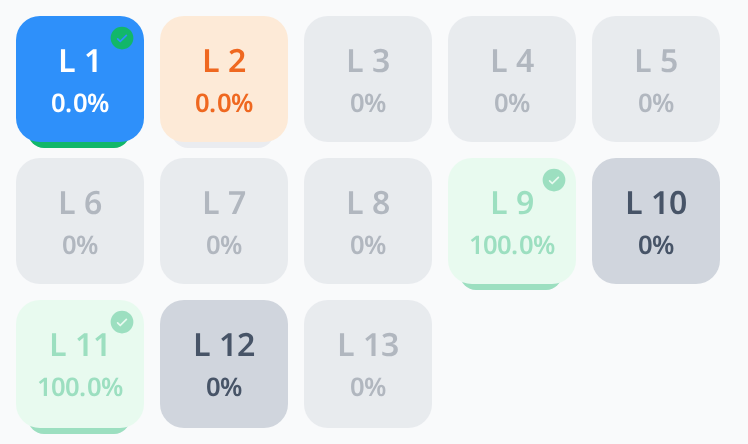
The Reading Tutorial is divided into multiple levels. Level 1 introduces letters with the simplest pronunciations, gradually progressing to higher levels that include letters that are more complex or trickier to pronounce.
Each letter is introduced step by step, allowing you to first master the pronunciation of all the letters in Level 1 before moving on to more advanced sets in the following levels.
Within each level, the words are grouped into rules, and each rule introduces new letters or sounds. Every word has an audio button: click it to hear the correct pronunciation. The counter next to each rule (for example 0 / 2) shows how many of its words you have listened to. The next rule opens once you have listened to all words of the current one.
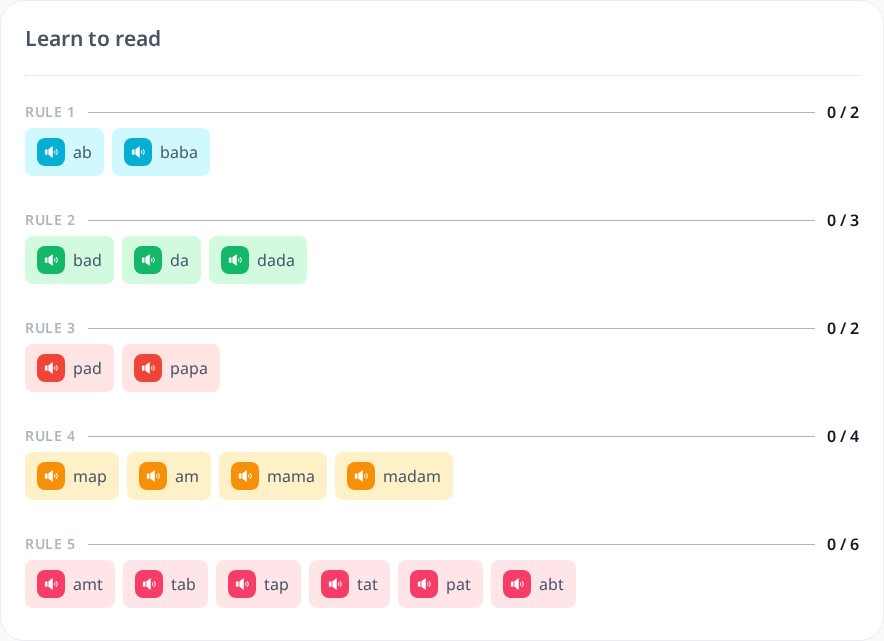
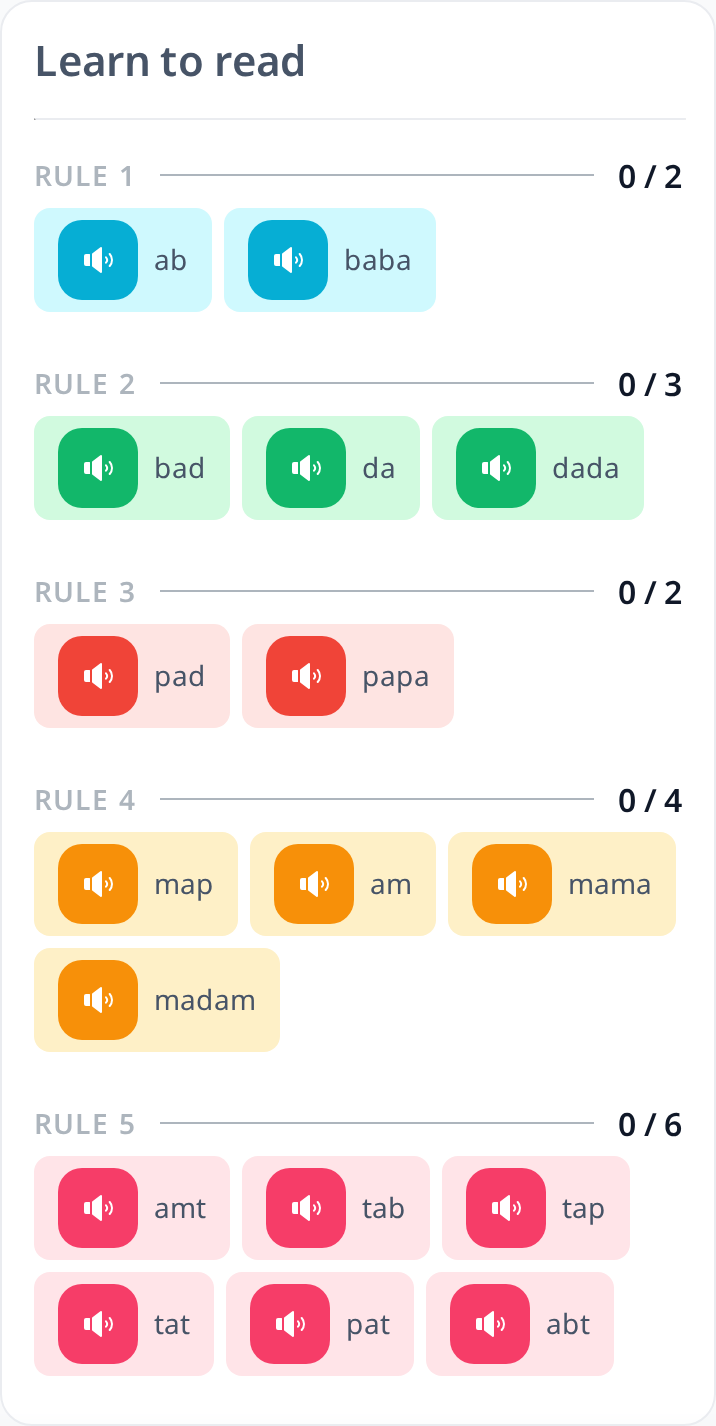
In the Reading Tutorial, you will first learn how words and their individual letters should be pronounced by listening to audio recordings. Simply click the speaker icon next to each word to hear the correct pronunciation.
Once you feel confident in your understanding of how the letters are pronounced, you can move on to the practice section to reinforce your learning. The practice opens after you have listened to all the words of the level. If your keyboard can’t type some letters of the language, use the Keyboard button.
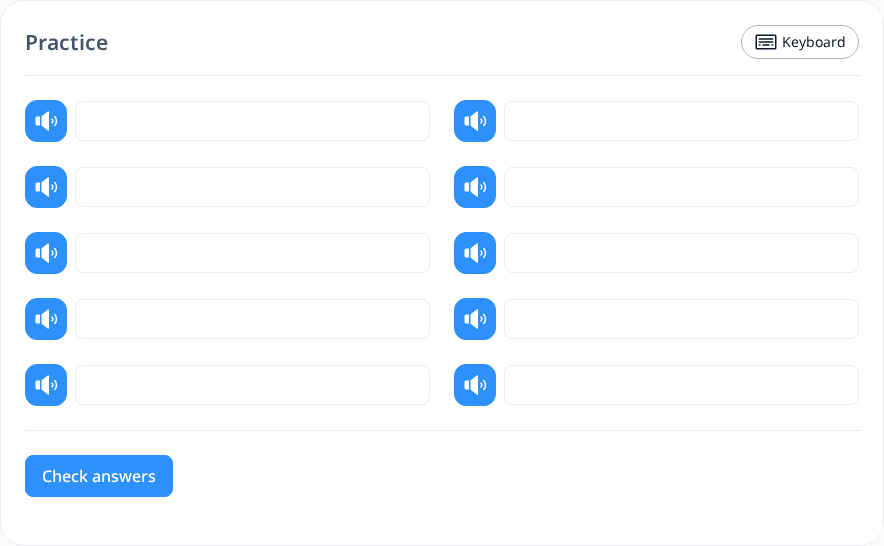
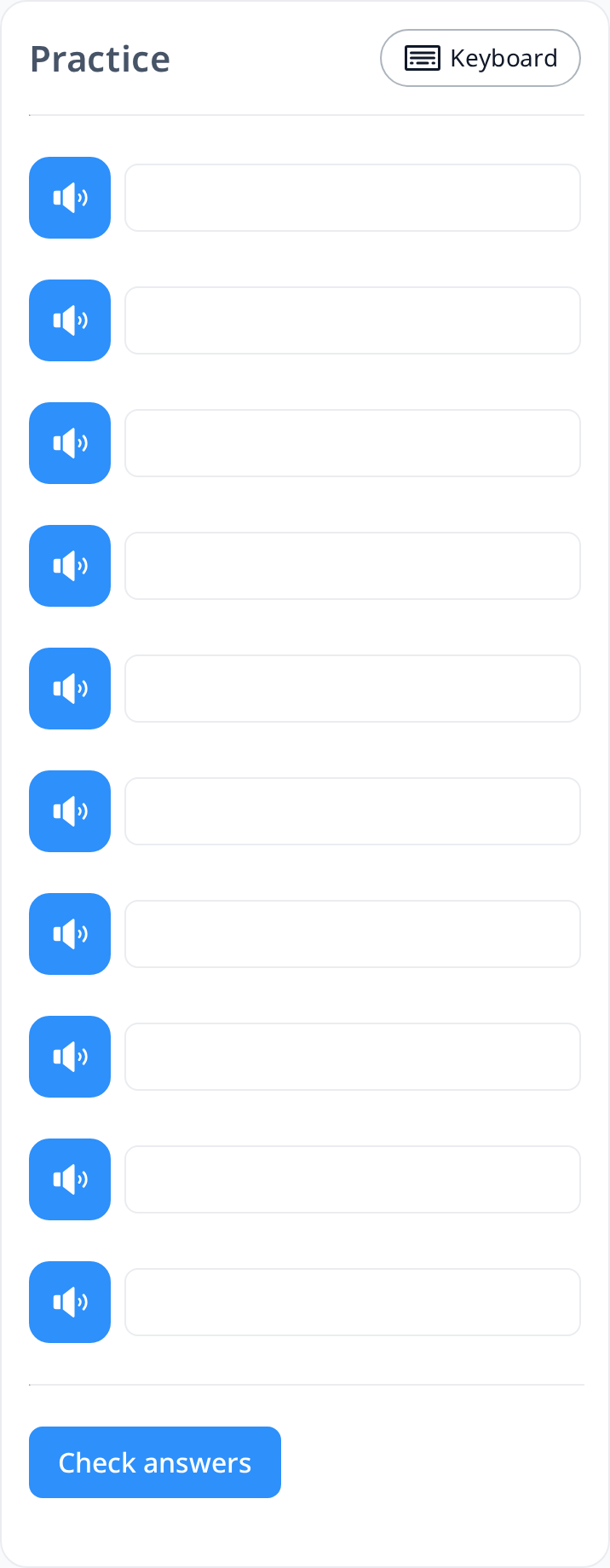
In this section, you will listen to an audio recording and then type the corresponding word into the provided text box. Once you have filled in all the boxes, you can check your answers by clicking the "Check Answers" button.
Please note that the "Check Answers" button will only be available once all boxes are filled. If you're unsure about a word, simply enter your best guess.
- If your answer is correct, the box will turn green.
- If your answer is incorrect, the box will turn red.
However, the correct answers will not be displayed. If you get a word wrong, you can try again until you get it right.
You can also track your progress through the percentage displayed for each level. If your completion rate is less than 100%, it means that there are still some incorrect answers in the practice section that need to be corrected.