Test Feedback Interaction
After you answer a question in a test, the system will provide feedback based on your response. If your answer is incorrect, the correct answer will appear in a green box below the question. However, if you have unchecked the "Autoskip Correct" option in the test settings, the correct answer will always be displayed in the green box, regardless of whether your answer was right or wrong.
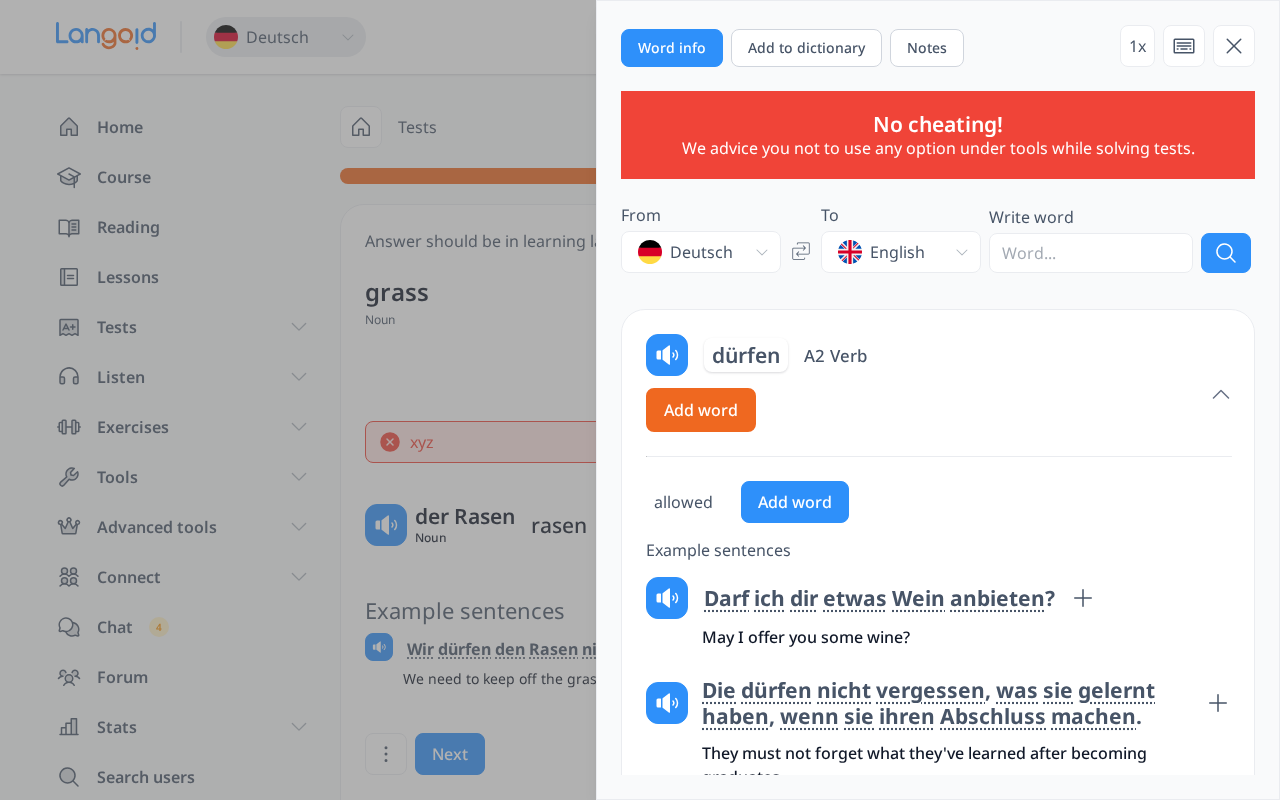
For most types of tests—except for custom tests like "My Words" and "My Sentences"—words in the sentences are clickable, allowing you to interact with them for additional learning.
- In Word Tests, all words in the example sentences are clickable.
- In Sentence Tests and Listening Tests, all the words inside the green box are clickable.
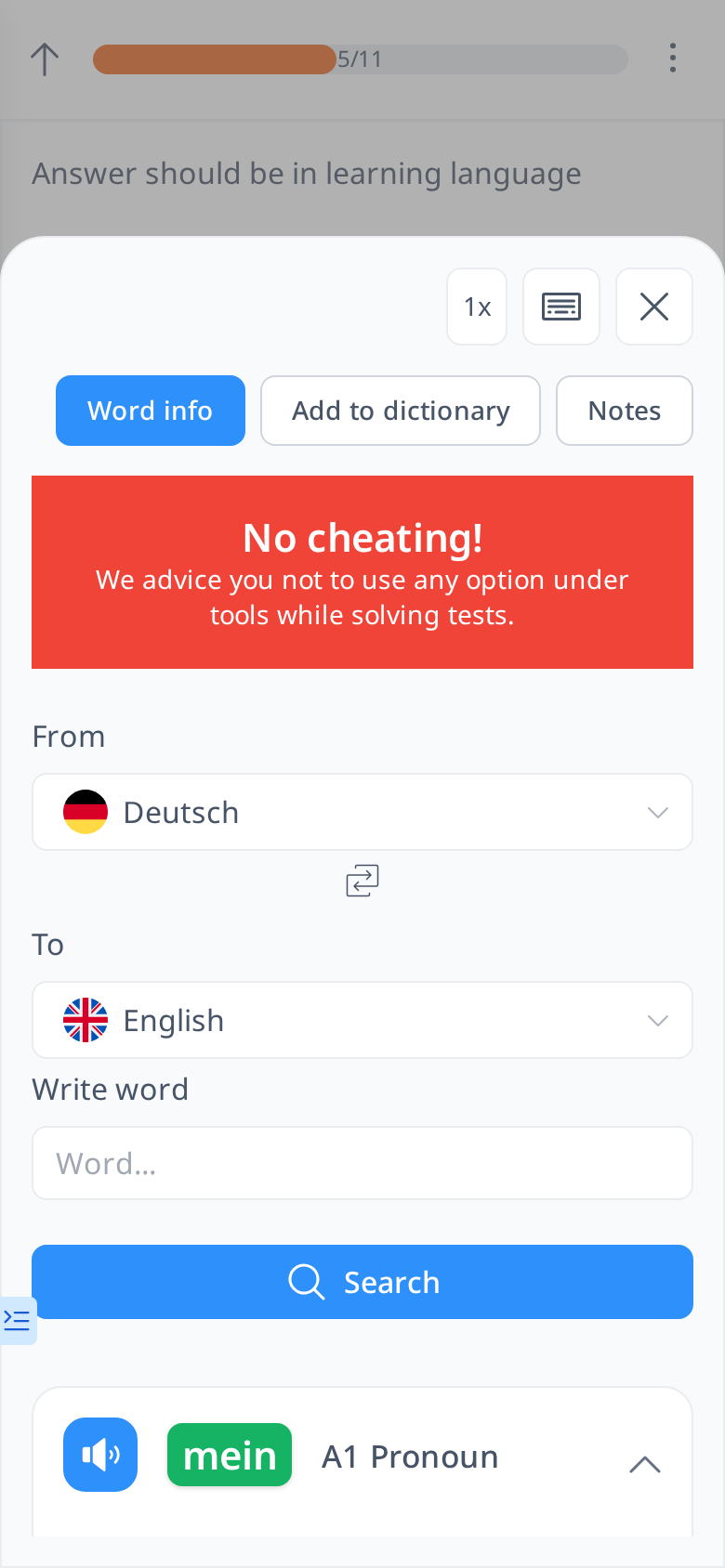
When you click on a word, the Word Info sidebar will open, providing detailed information about that word, such as its translation, word form, and additional example sentences to help deepen your understanding.