Lesson Level Progress bar
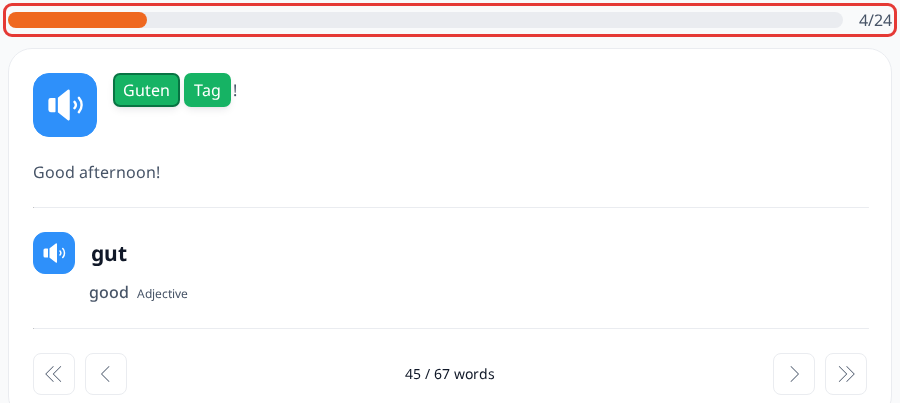
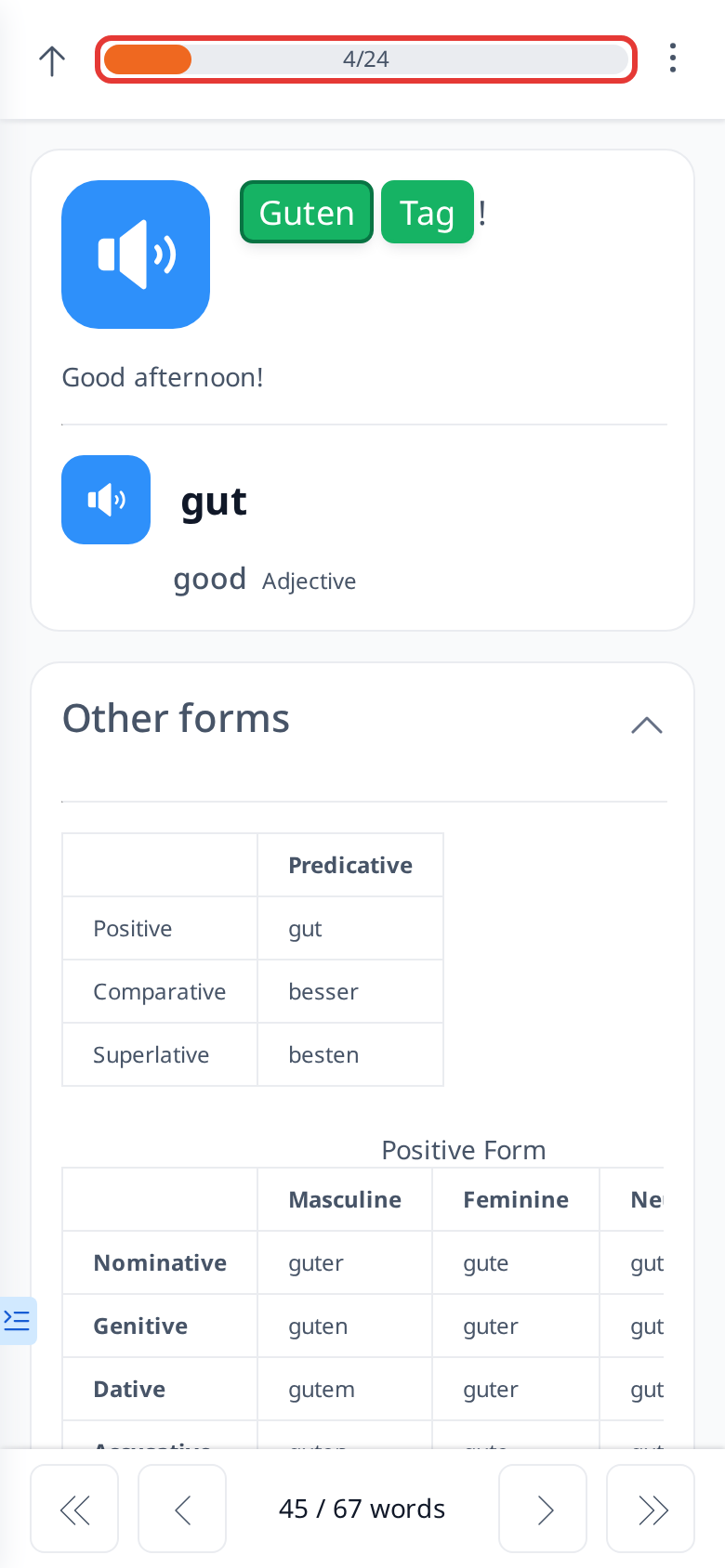
The Level Progress Bar is a tool that shows how far you’ve progressed in a specific lesson. For example, if a lesson has 27 sentences and you’ve completed half of them, the progress bar will reflect this: half of the bar will be highlighted, and the other half will remain unhighlighted.
You can also use the progress bar to jump to different sentences. For instance, if you’re on the 13th sentence and want to skip to the 18th, clicking a spot between the 13th and 27th markers will take you to the 18th sentence.
Next to the progress bar, you’ll see exact numbers: the sentence you’re currently on and the total number of sentences in that lesson. For example, "11/27" means you’re on the 11th sentence out of 27 total.